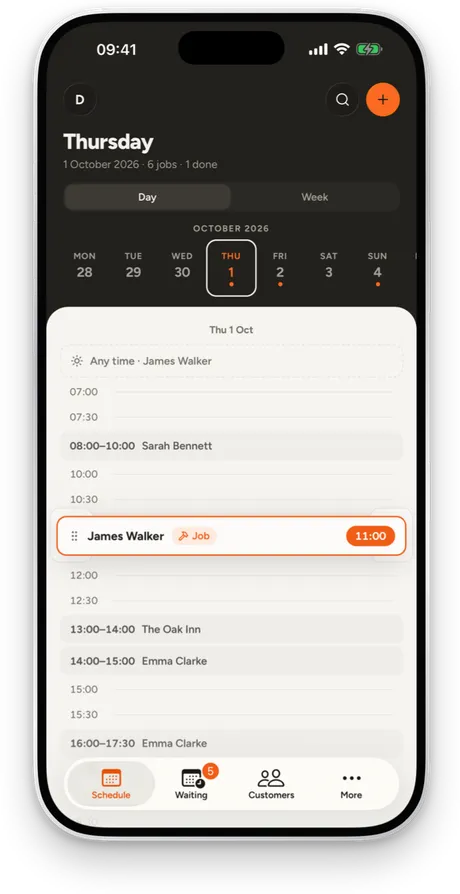
1320 × 2868
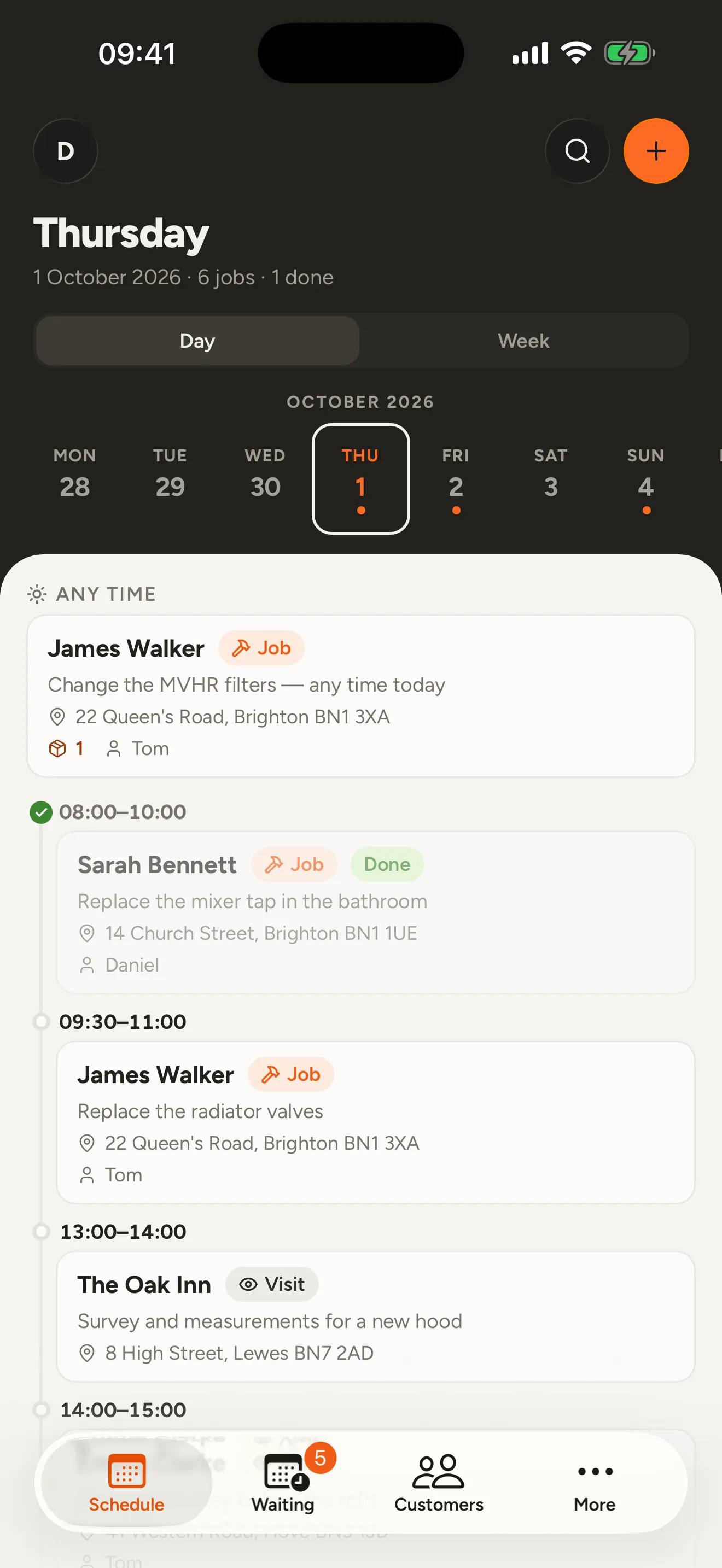
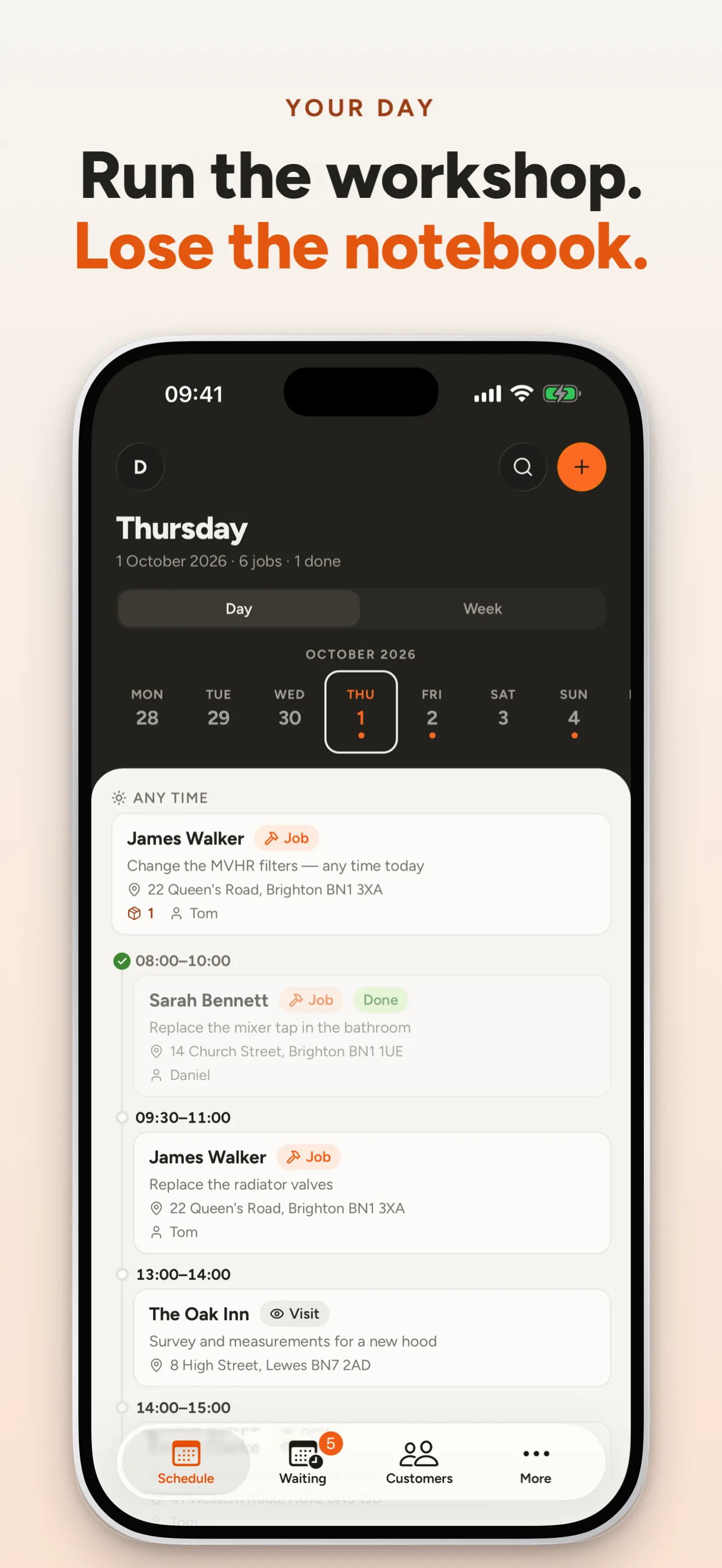
01-today.png
Stoot is a native Mac app for App Store and Google Play screenshots. Your coding agent captures real screens, writes the headlines and lays out every slide while you watch. Then you fine-tune by hand and export.
Free to try. macOS 15 or later. Use it with Claude Code or any MCP client, or entirely by hand.
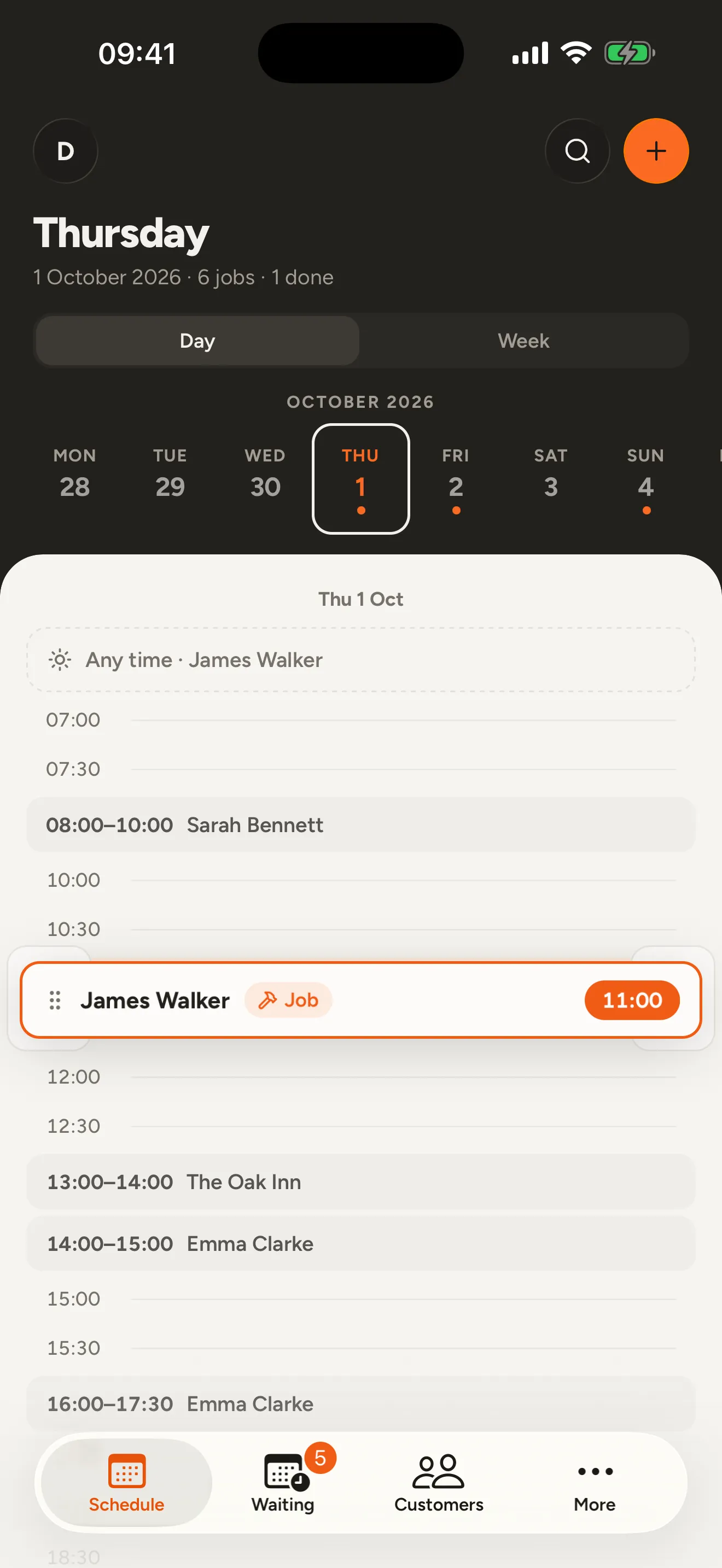
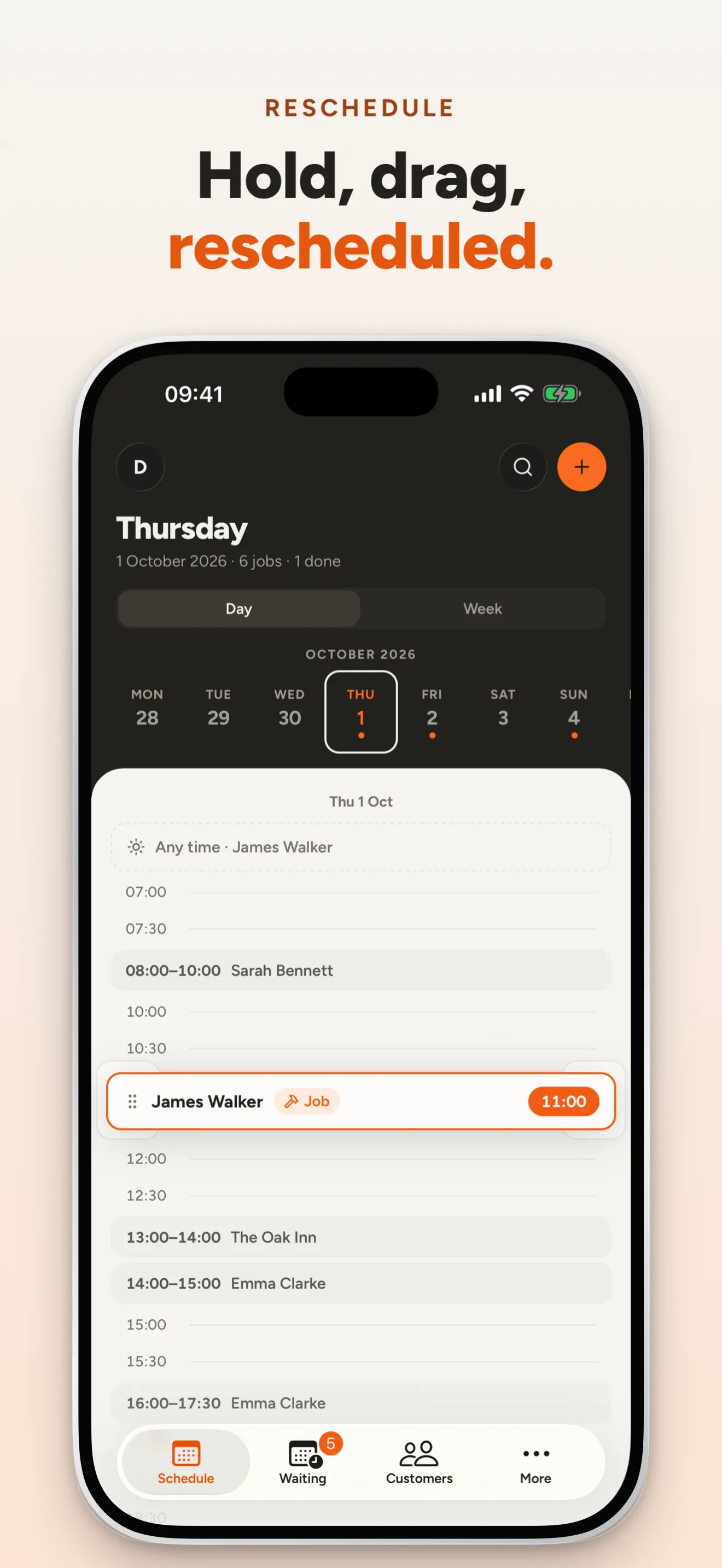
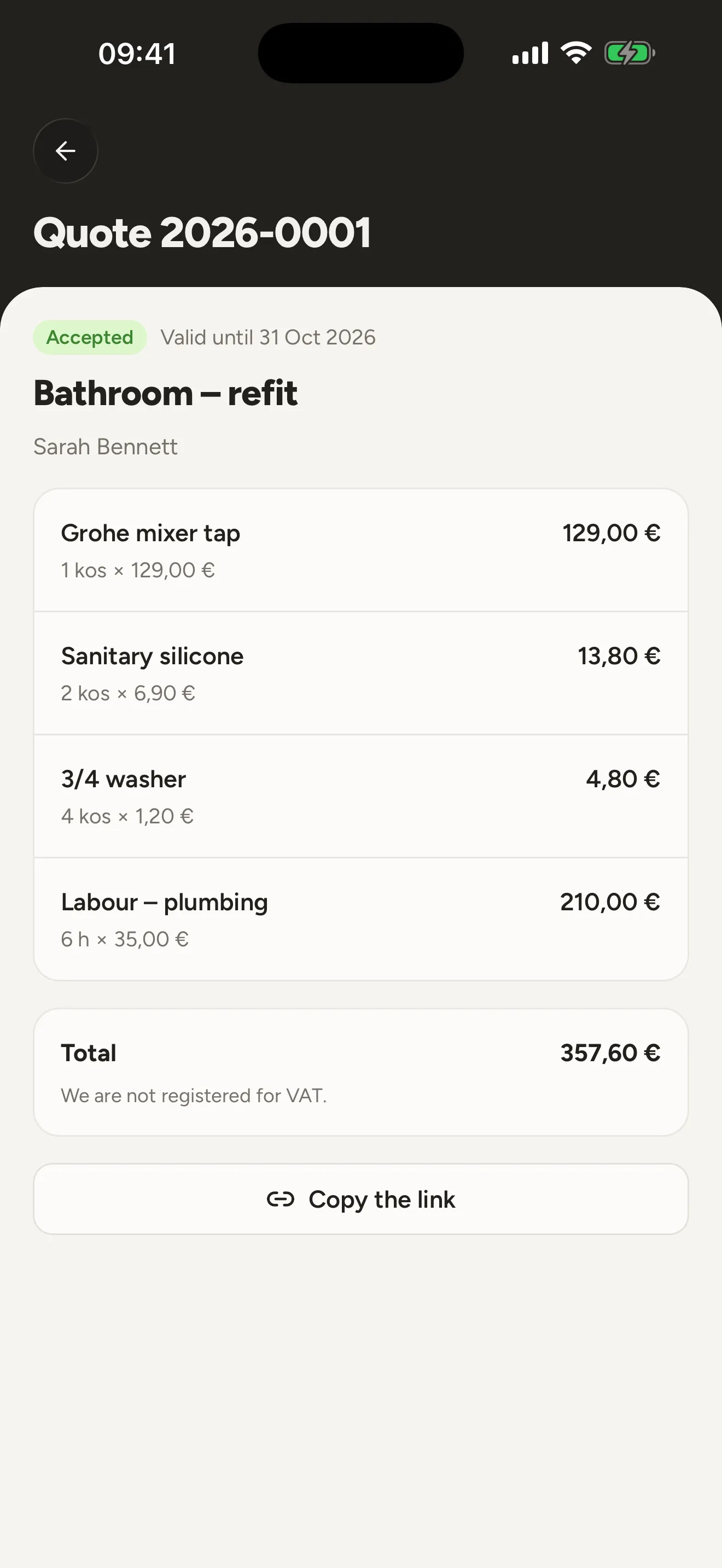
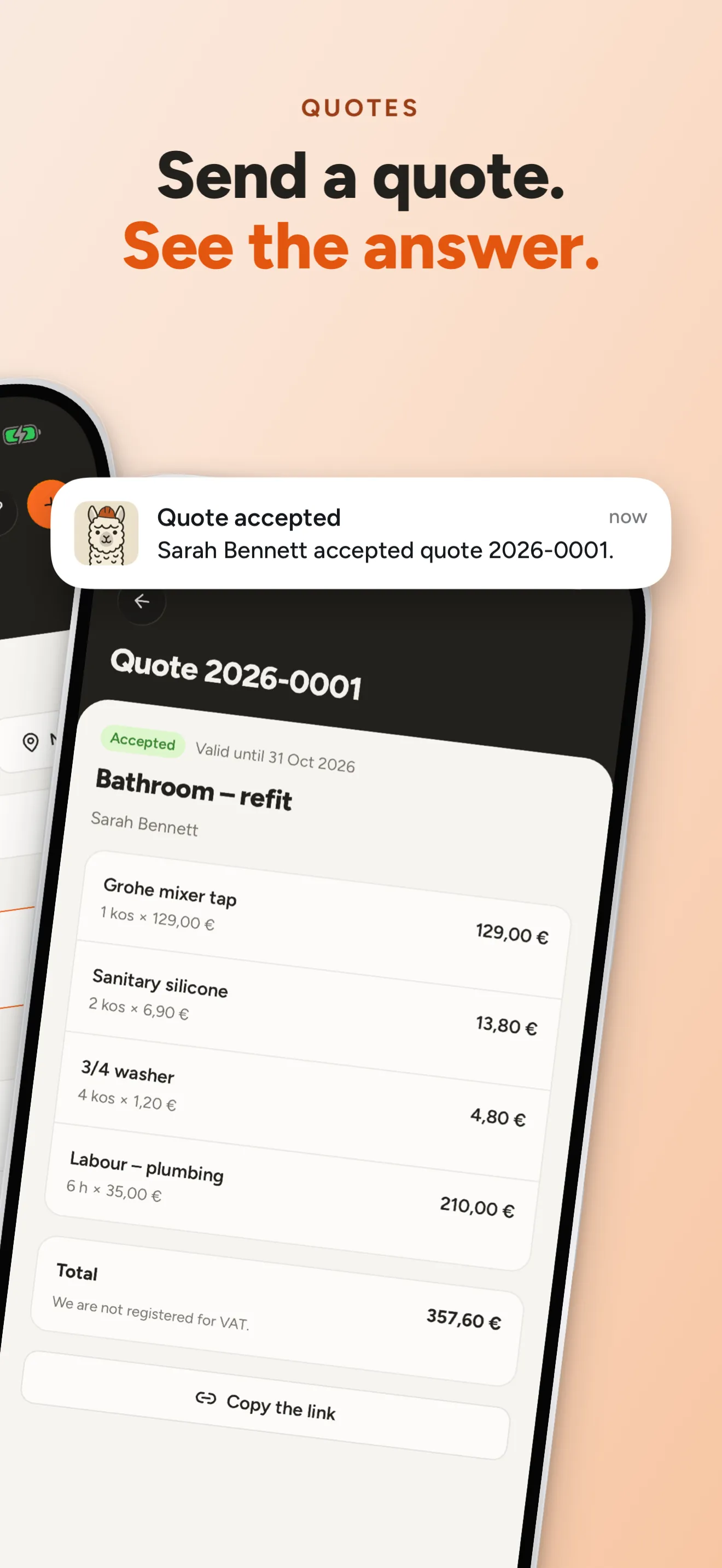
The agent is optional. Stoot is a complete screenshot editor on its own; connect an agent when you want it to do the first draft.
One click in Stoot installs the skill and connects Claude Code. Any other MCP client works too.
In your app's repo, ask for store screenshots. The agent reads your code, plans the story and adds a screenshot mode with realistic data.
It boots simulators and emulators, captures every screen in every language and designs the slides. Each edit shows up live in Stoot.
Drag, resize and retype anything. Export exact-size PNGs for both stores, in plain folders or fastlane layout.
Pick the devices and languages you ship. A Stoot project is a folder, so it can live in your app's repo.
Drop in captures from the simulator, a test device or anywhere else. Stoot fits each one into an exact device frame.
Start from ready-made components or a blank slide. Type headlines, add devices, icons and shapes, and join slides into spreads.
Store rules are checked as you go. Export exact-size PNGs for both stores, in plain folders or fastlane layout.
Write each headline once per language. Stoot lays out every slide for every device and keeps per-size tweaks, so each storefront gets a set that reads right.
Switch the storefront to see this listing in Spanish and German:

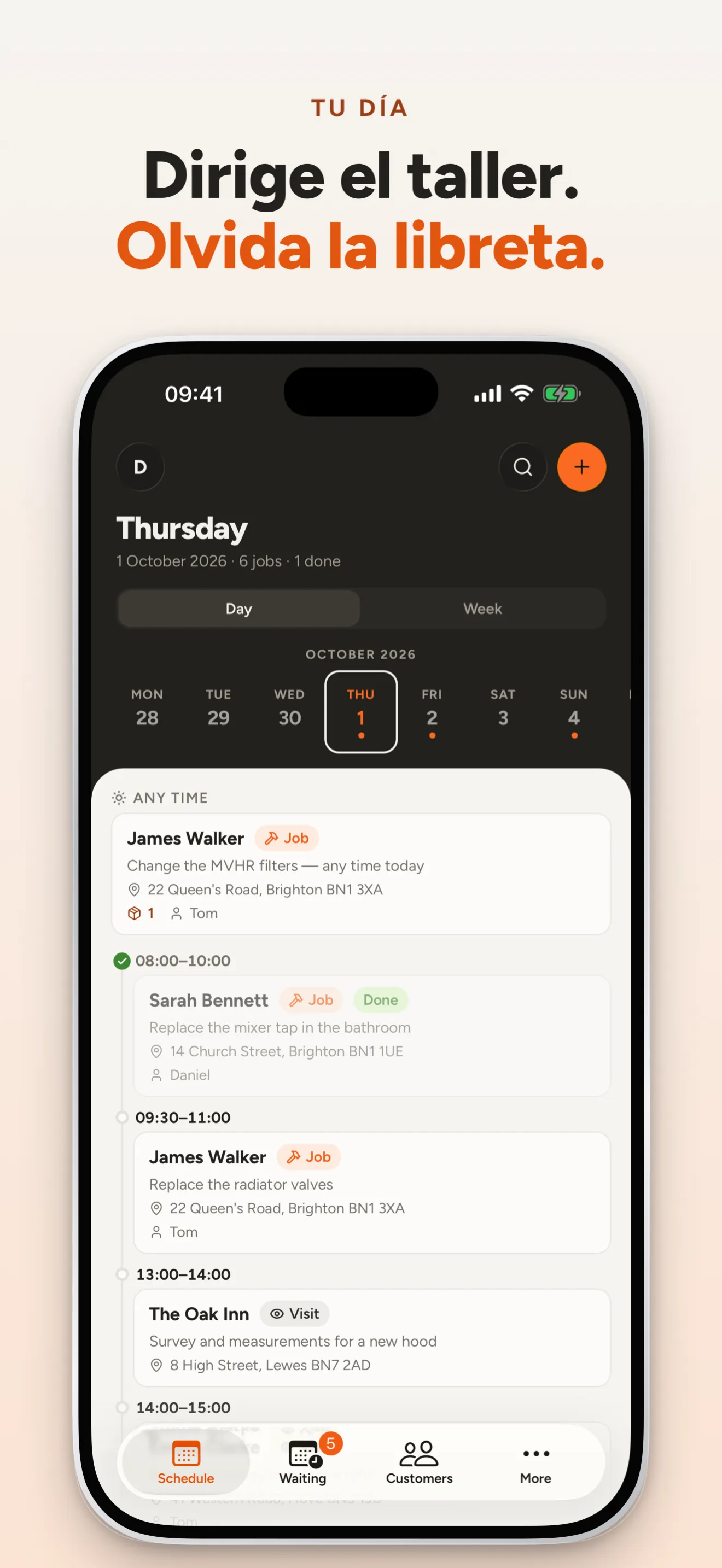
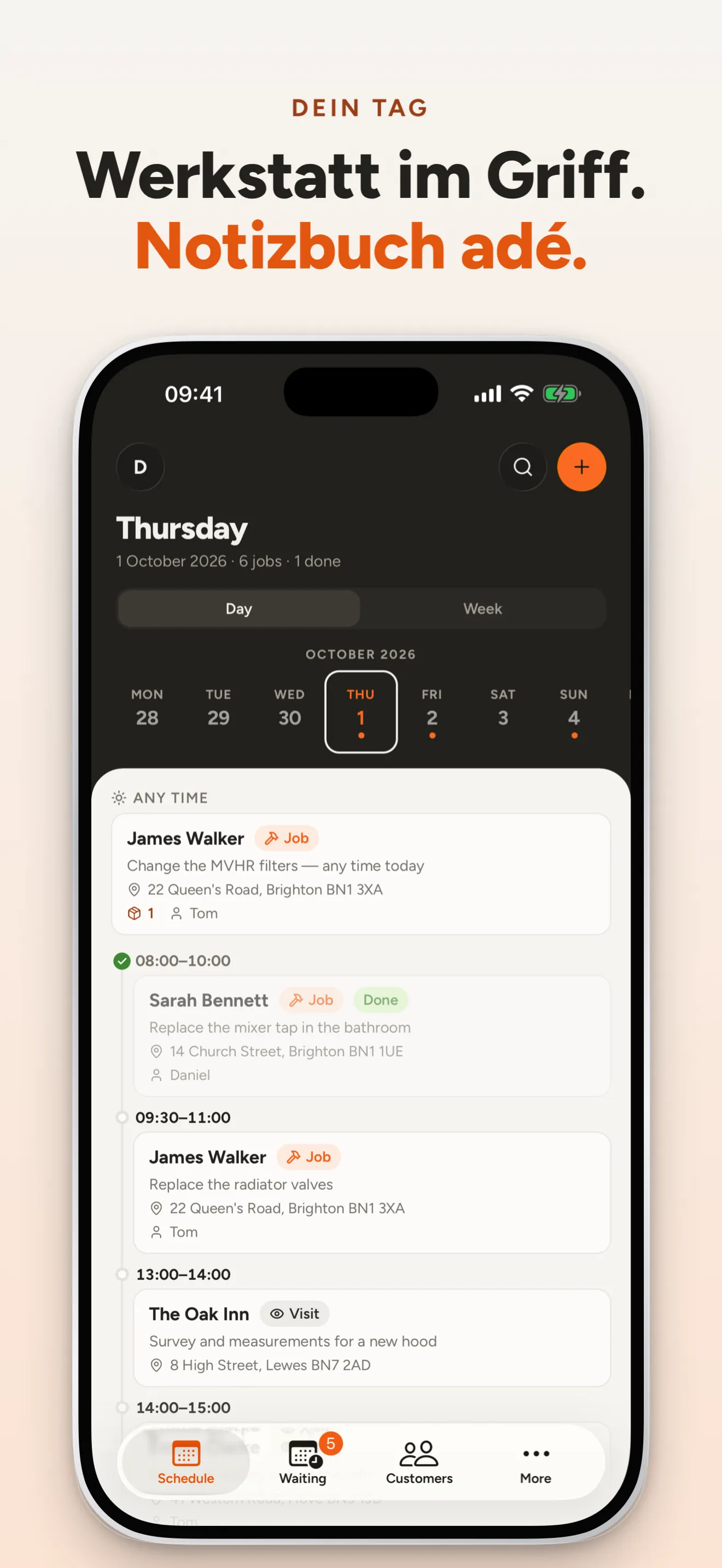
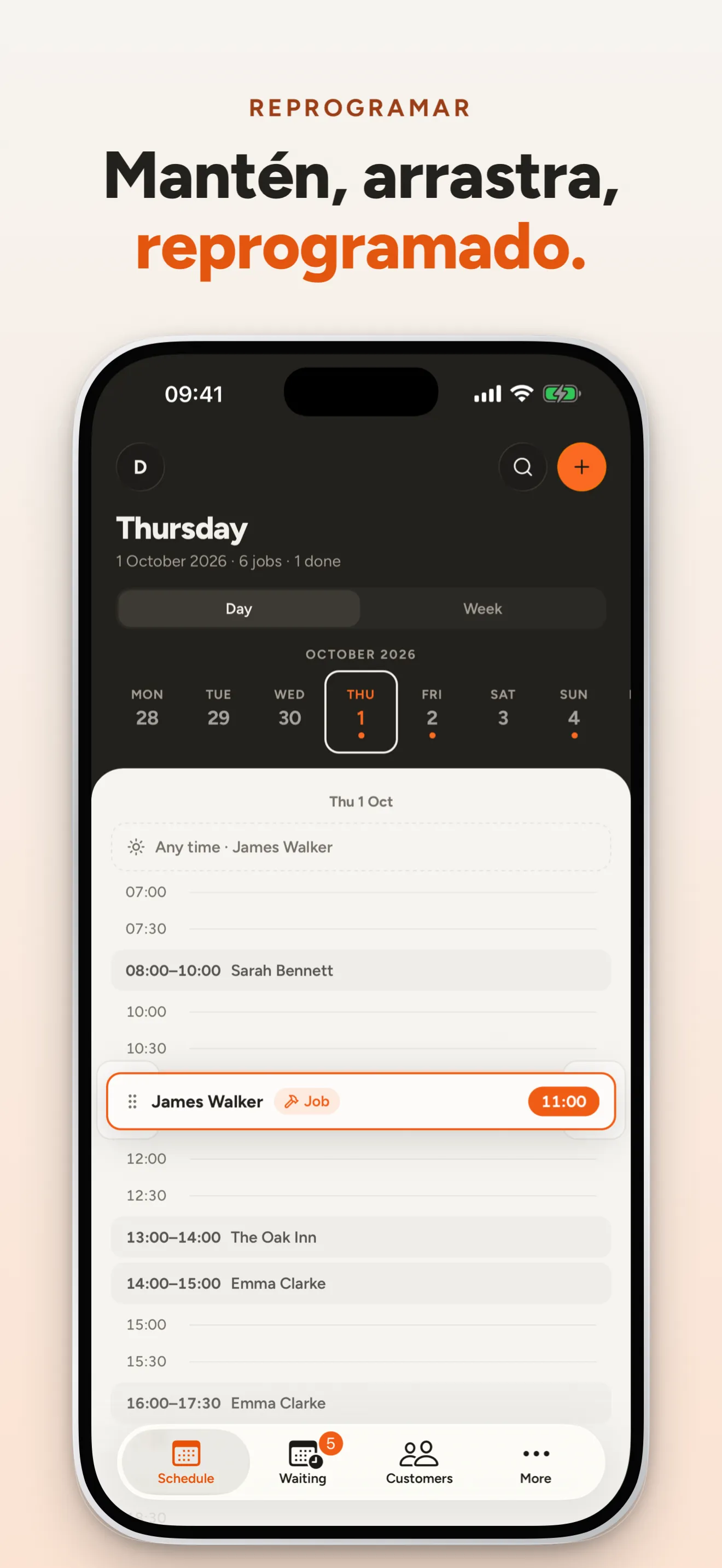
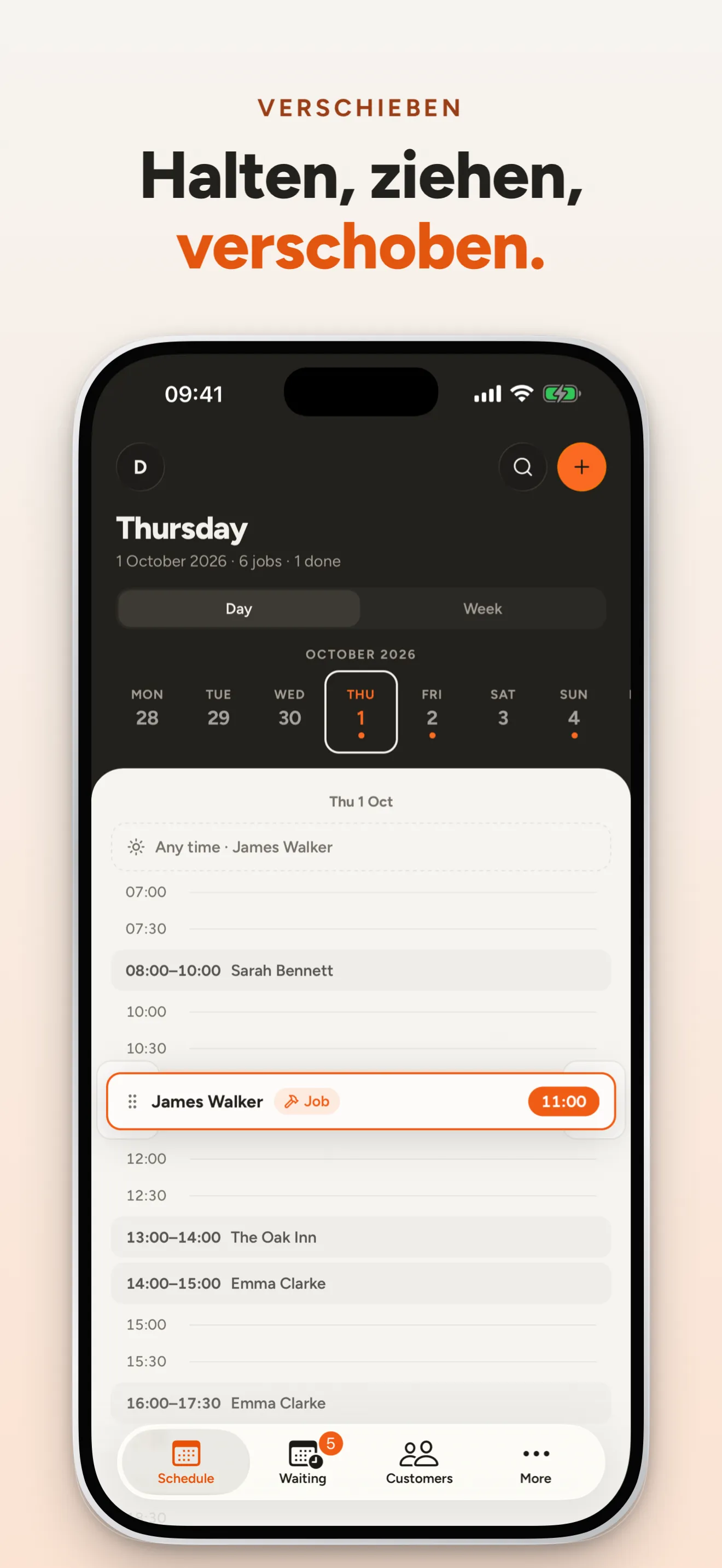
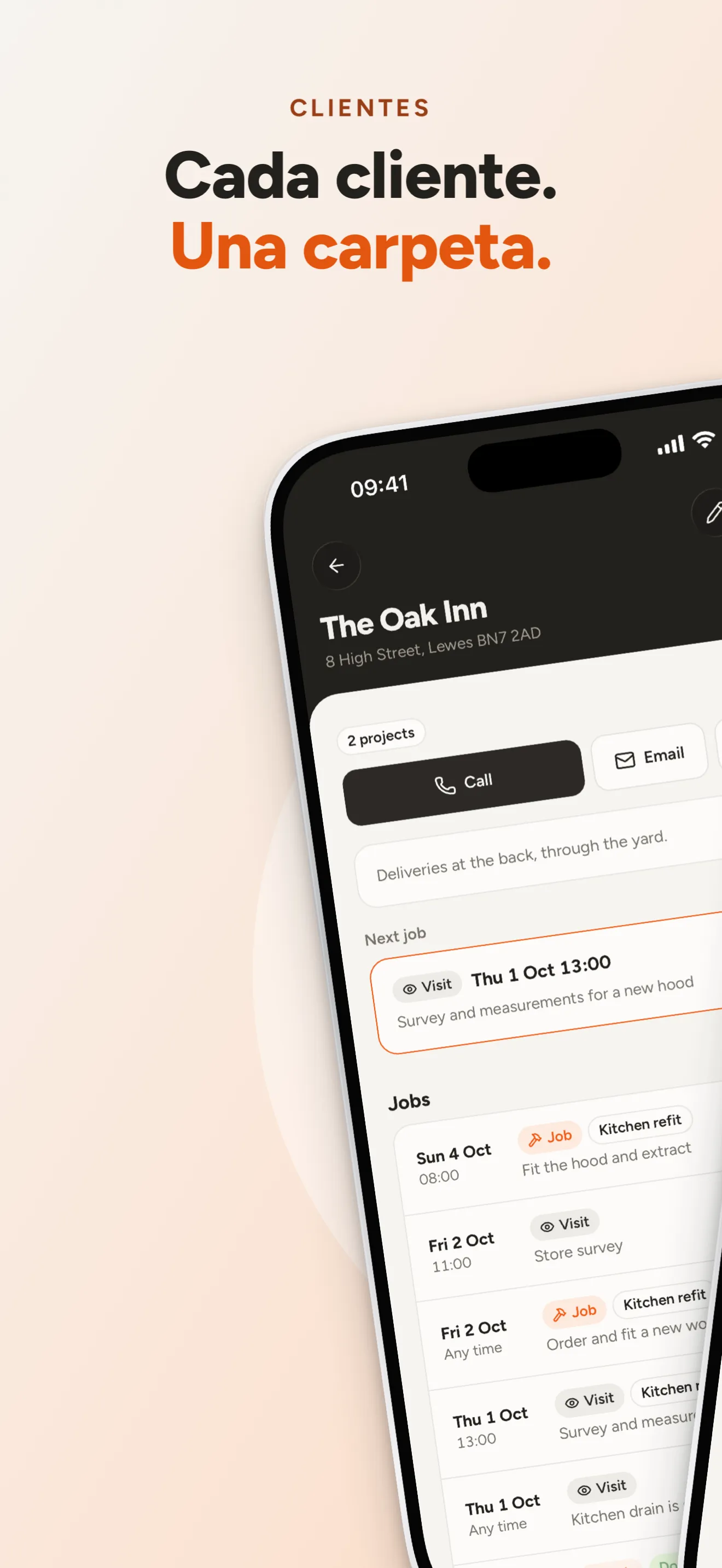
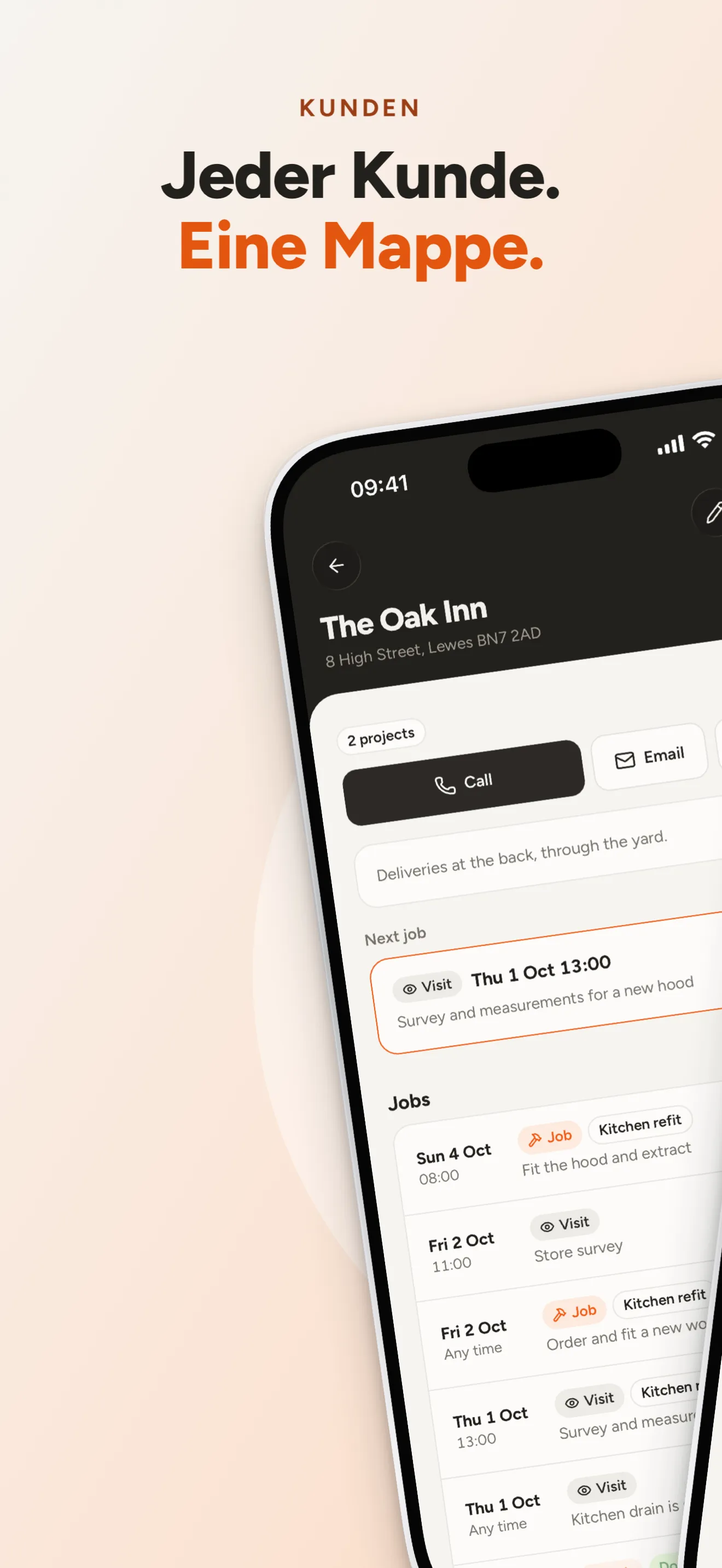
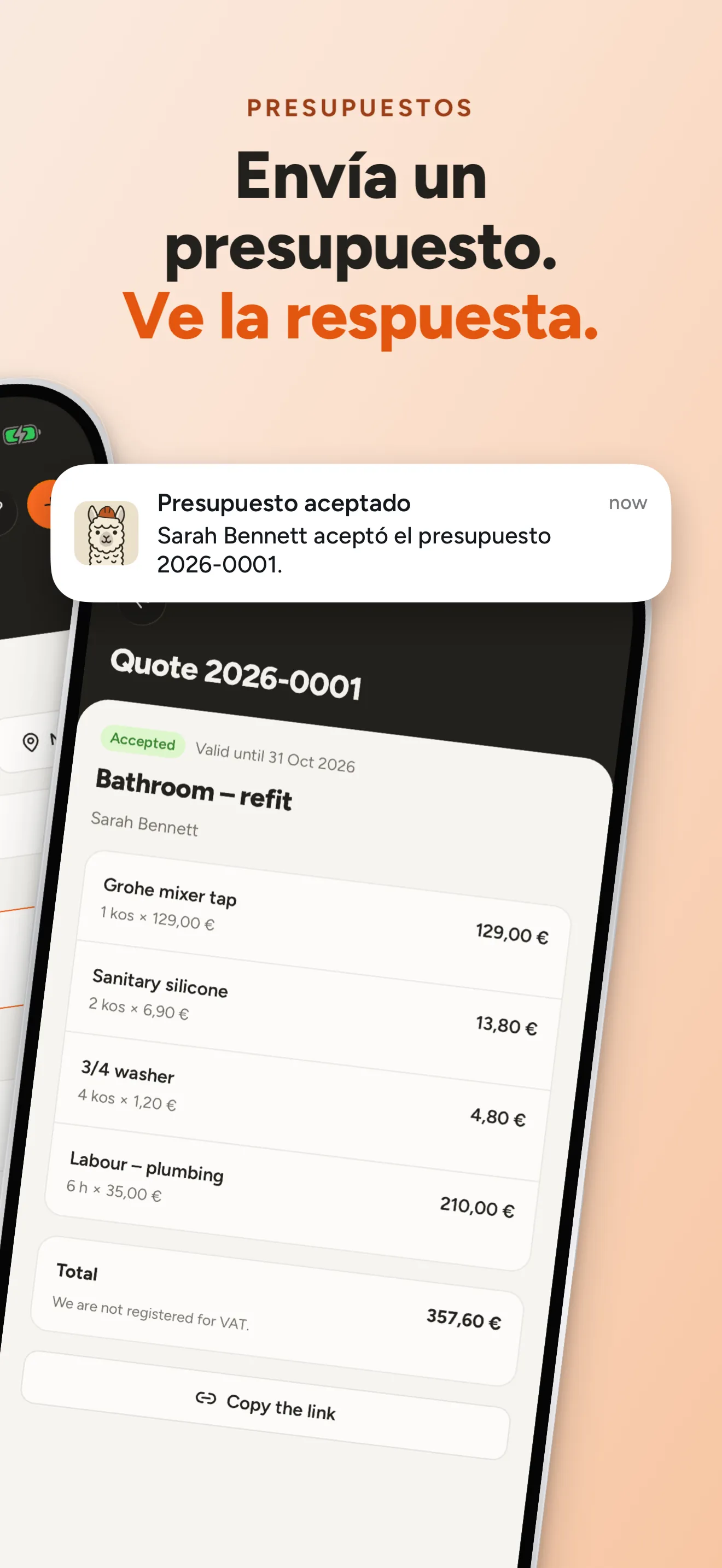
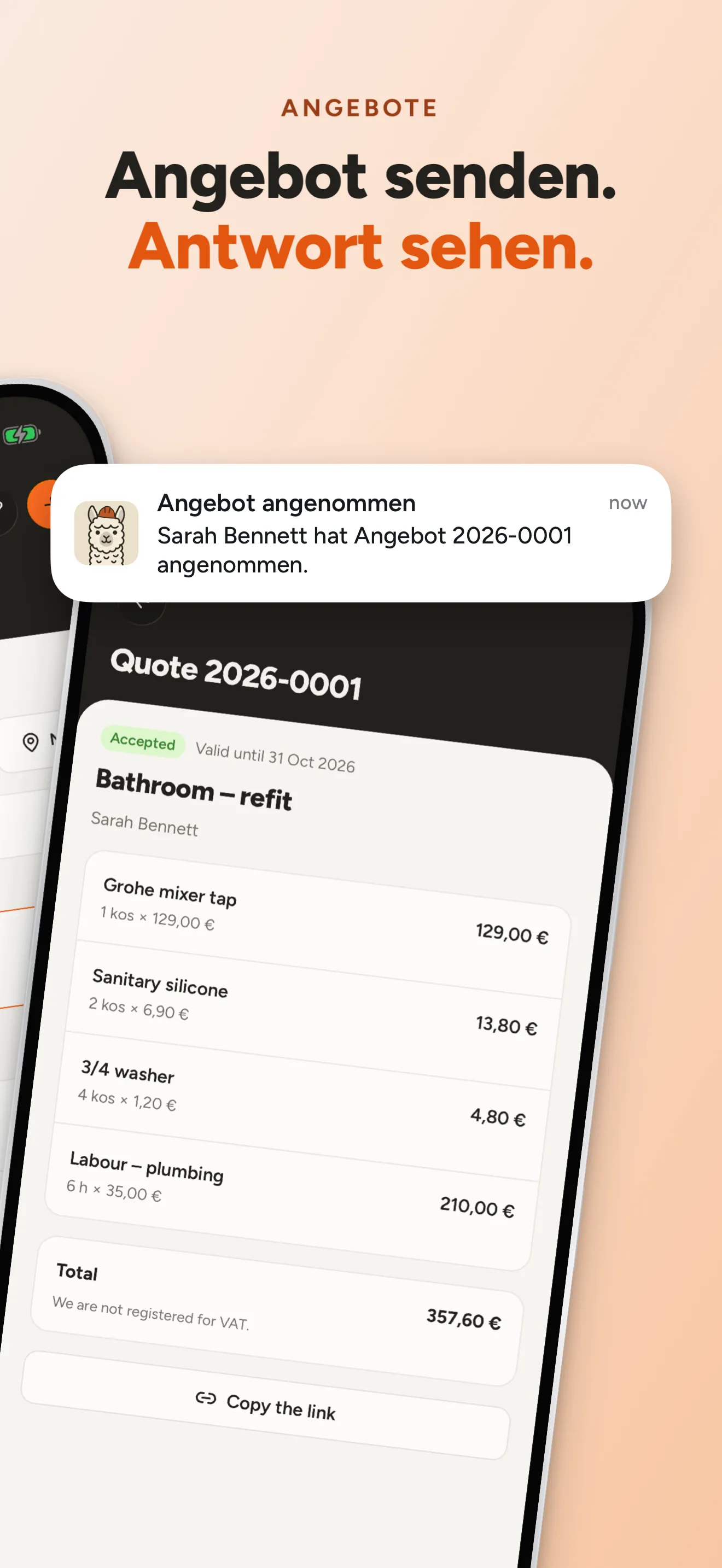
One set of pieces, four ways to lay them out. Switch the layout on any slide and the headline, the device and everything else follow, in every size and language.
Your agent doesn't reach for a template. It reads your app's world and designs from it, then keeps every direction as a variant of one project: captures, translations and placements shared, only the differences stored. Ship one, or A/B test all three.
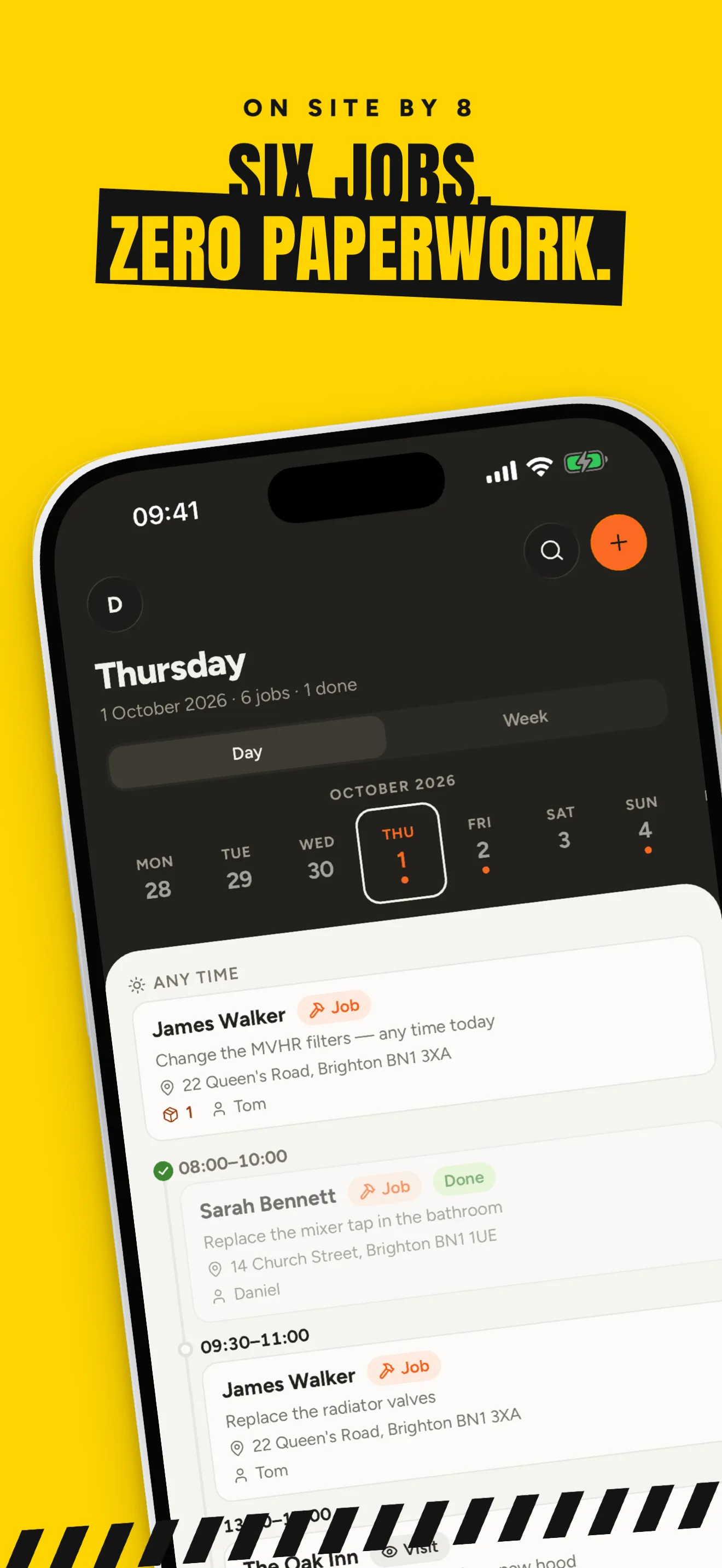
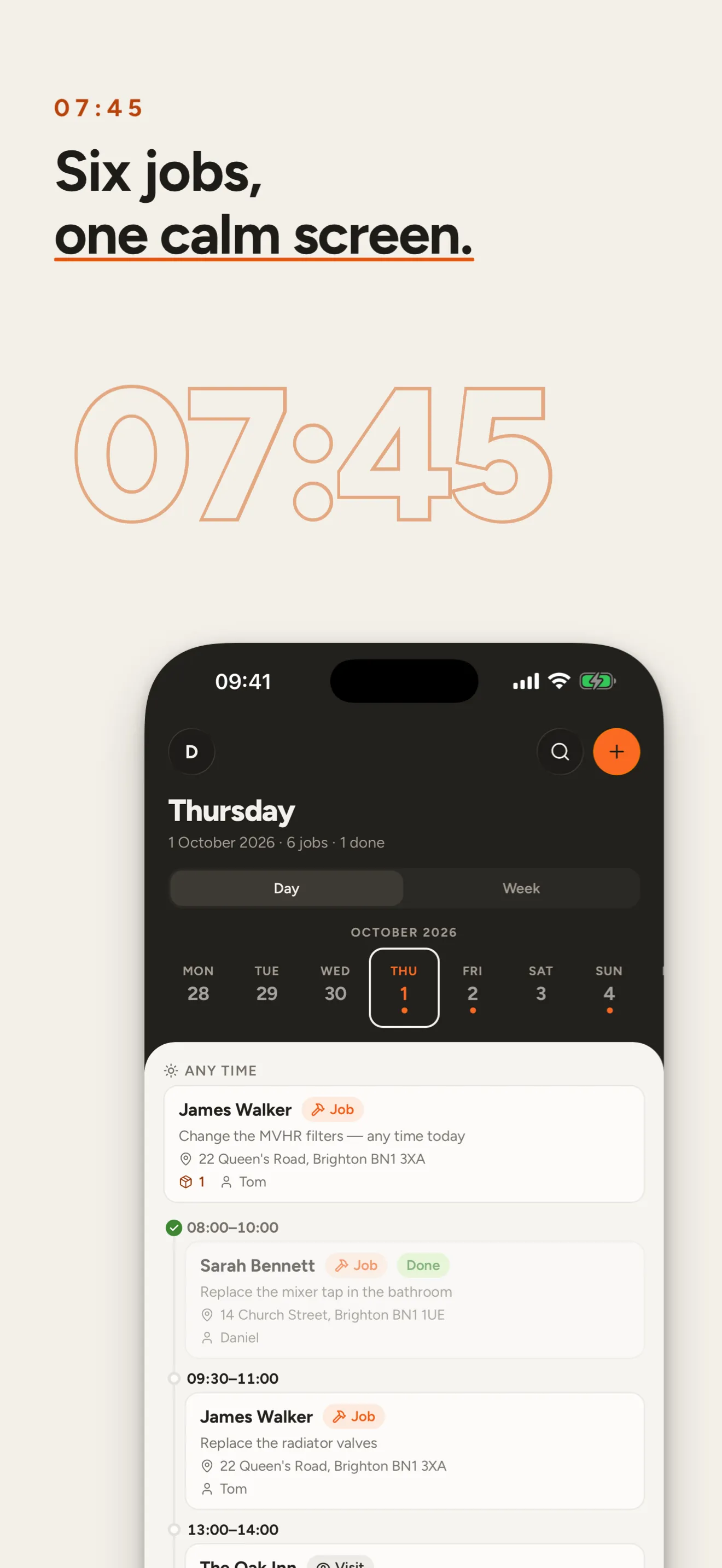
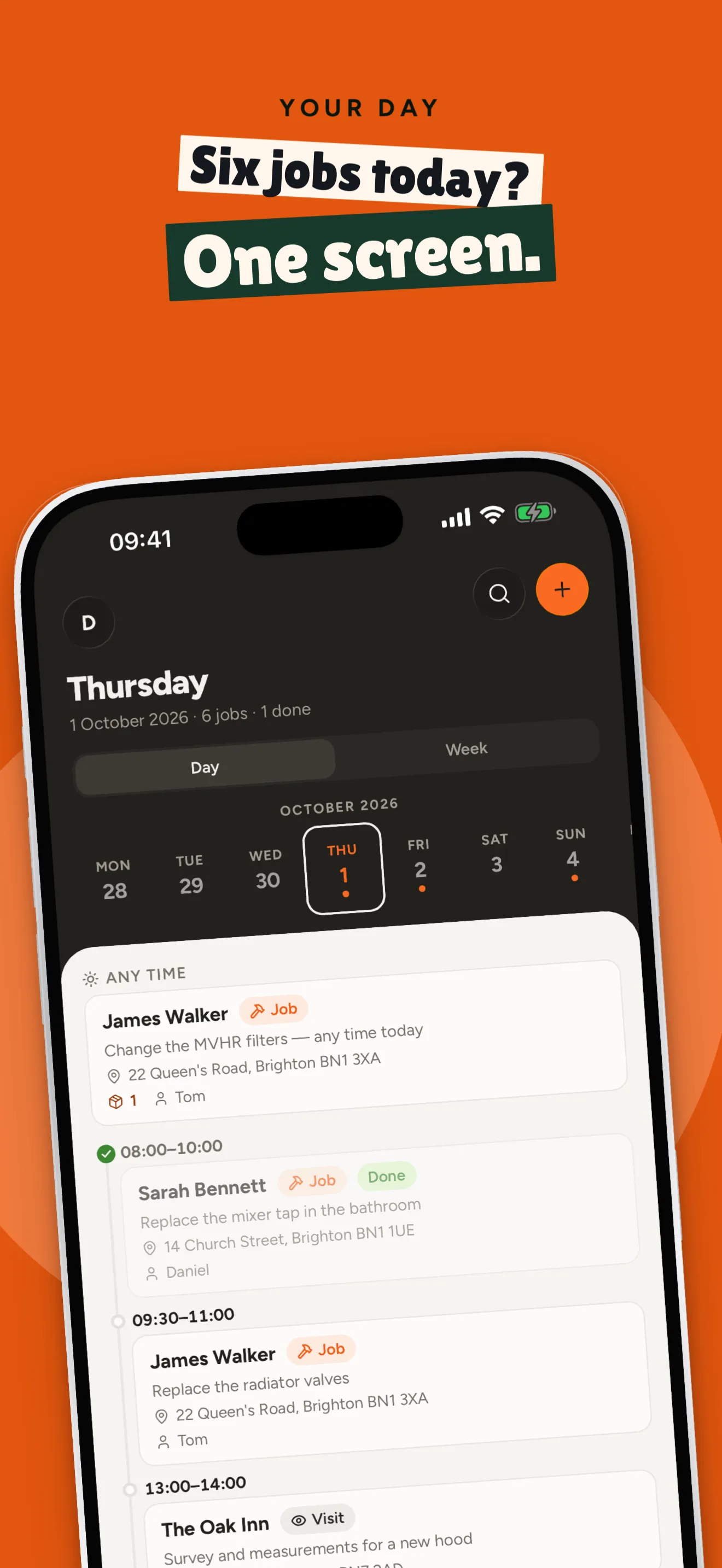
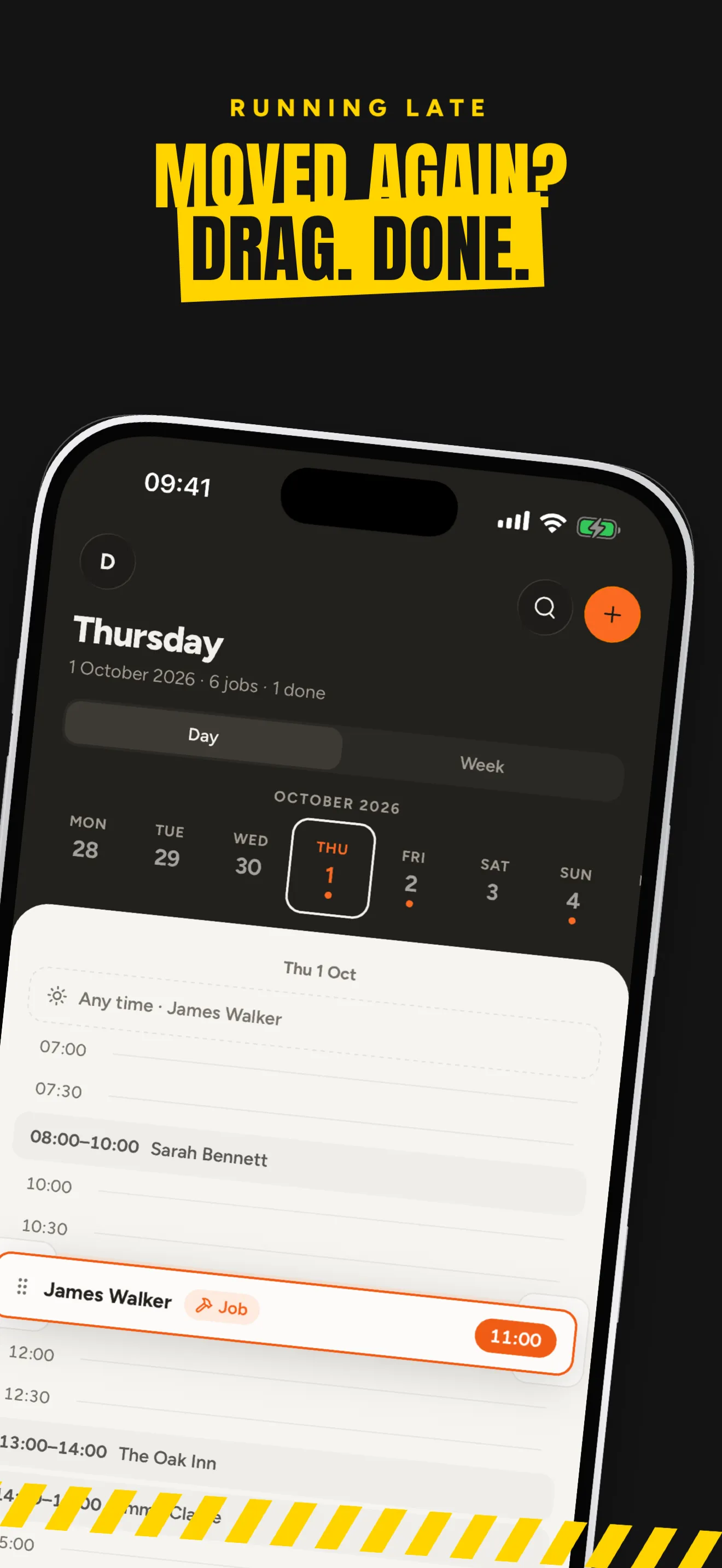
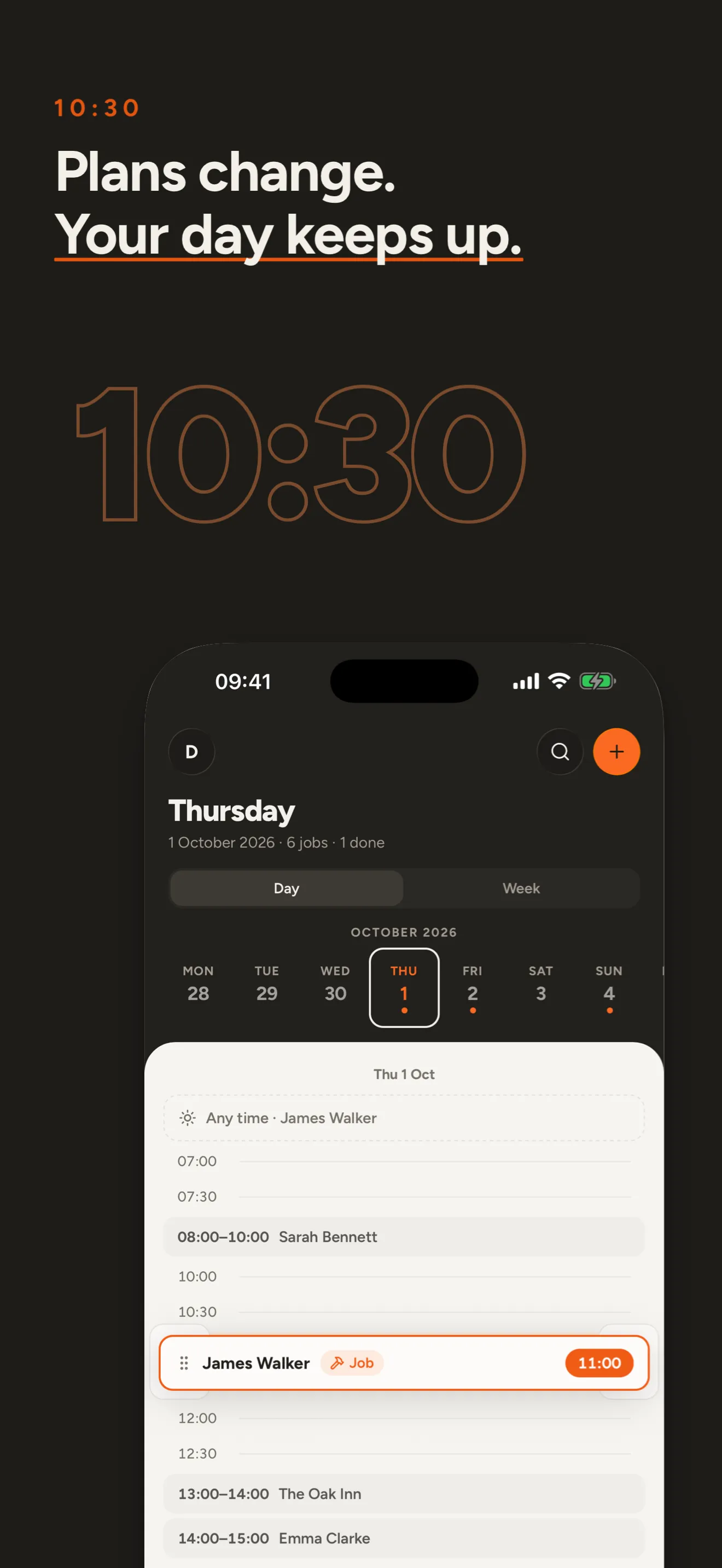
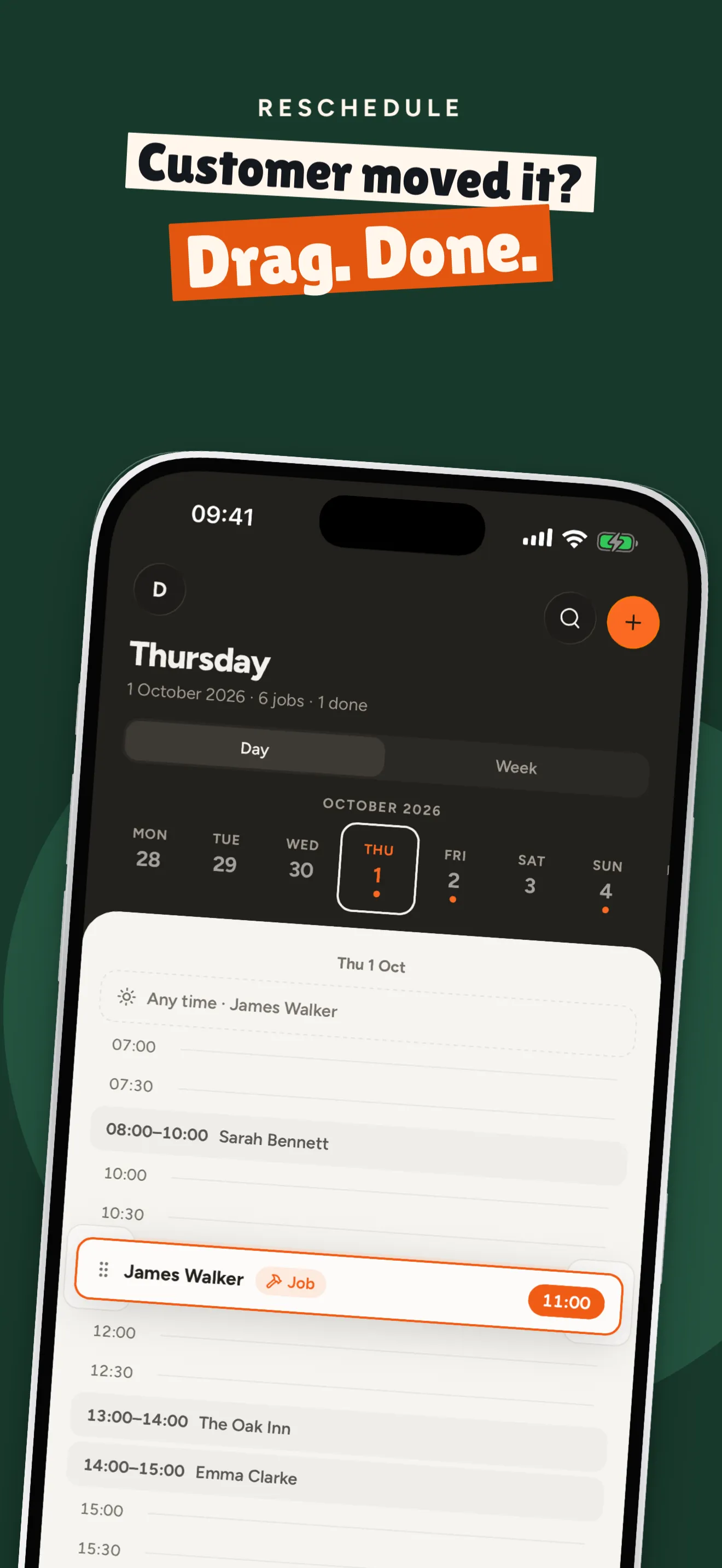
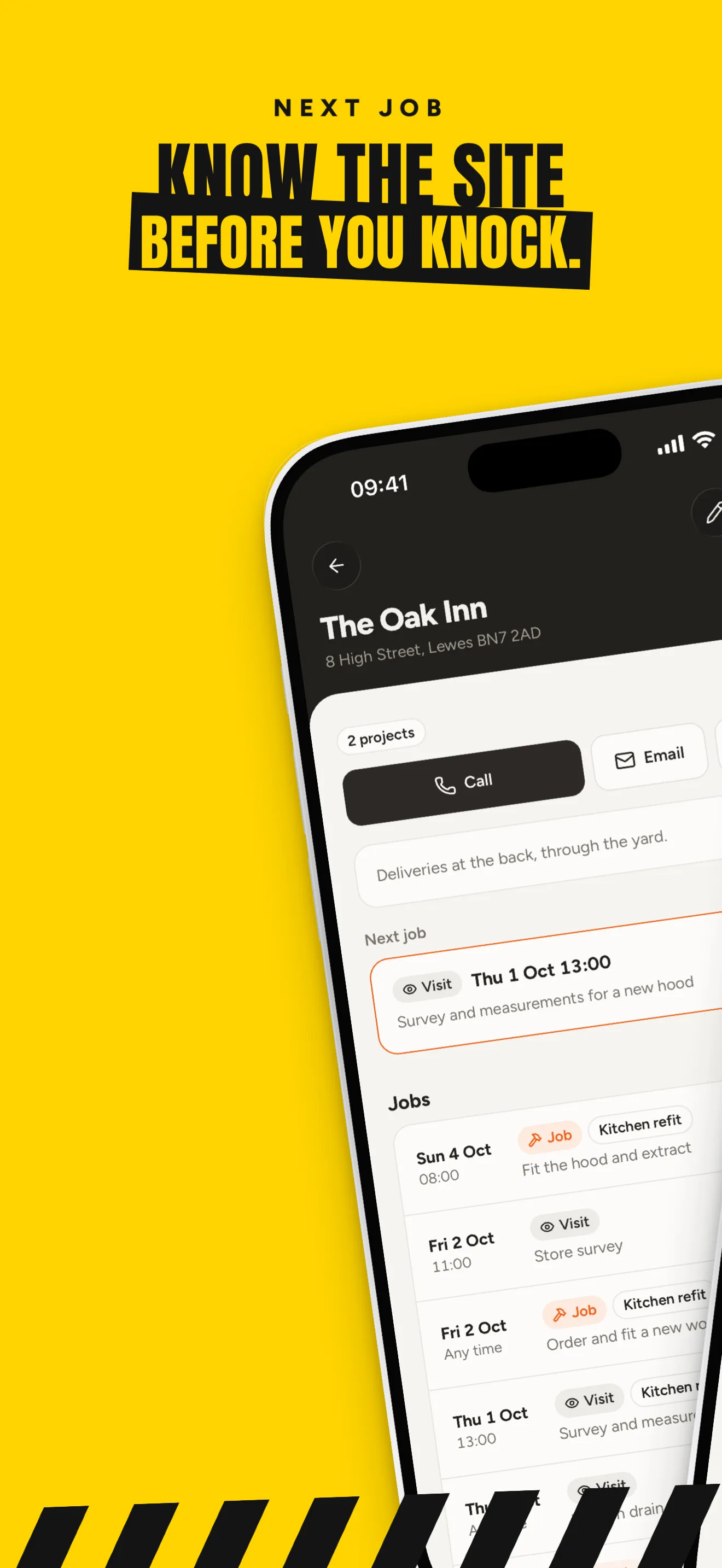
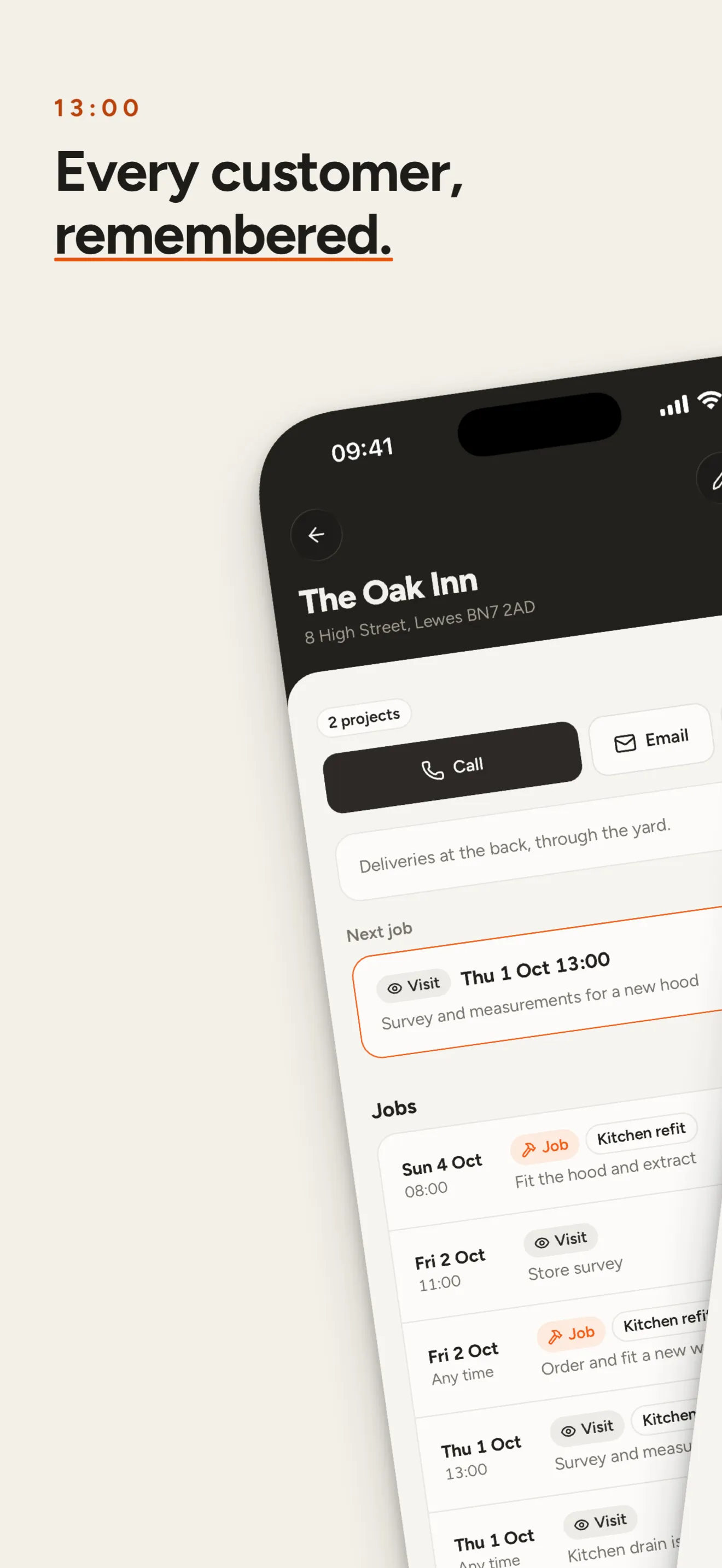
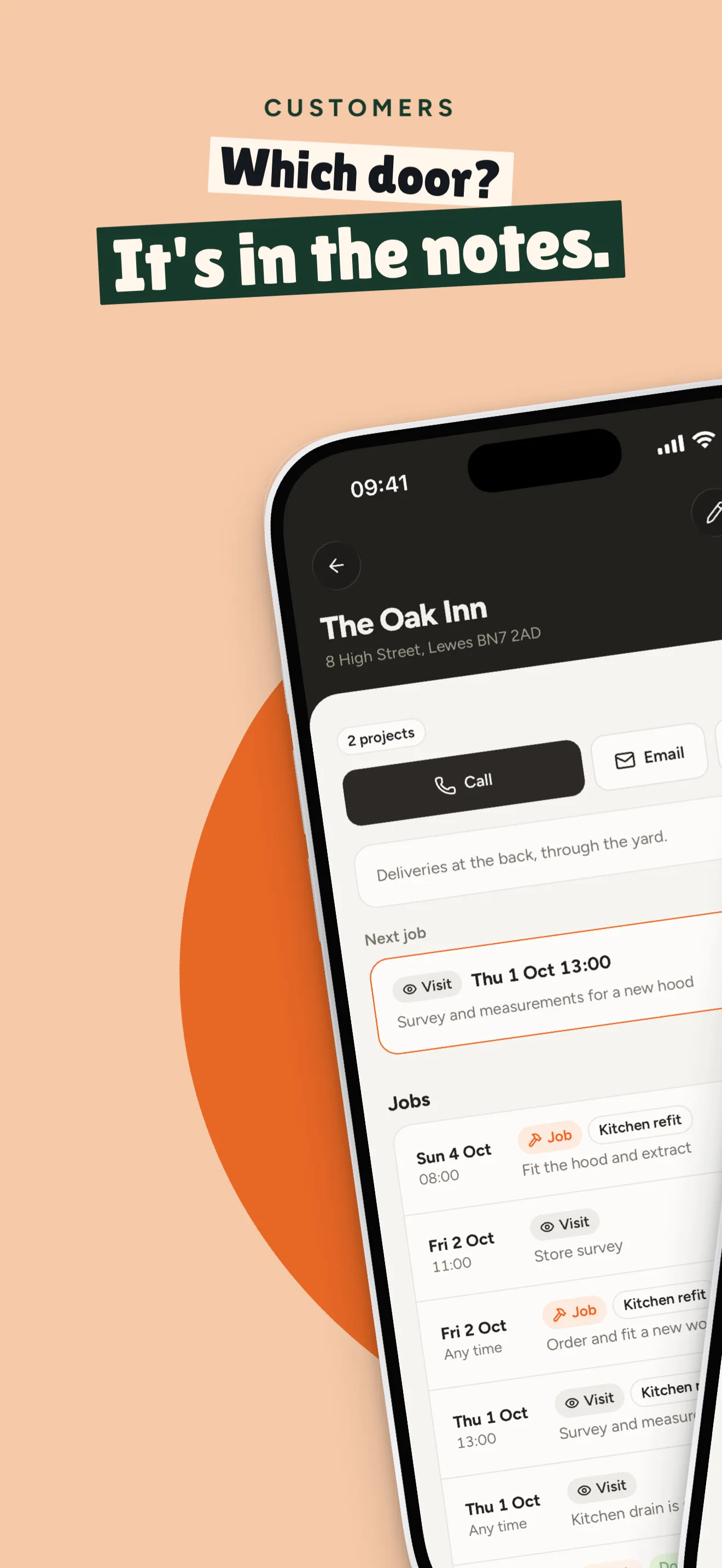
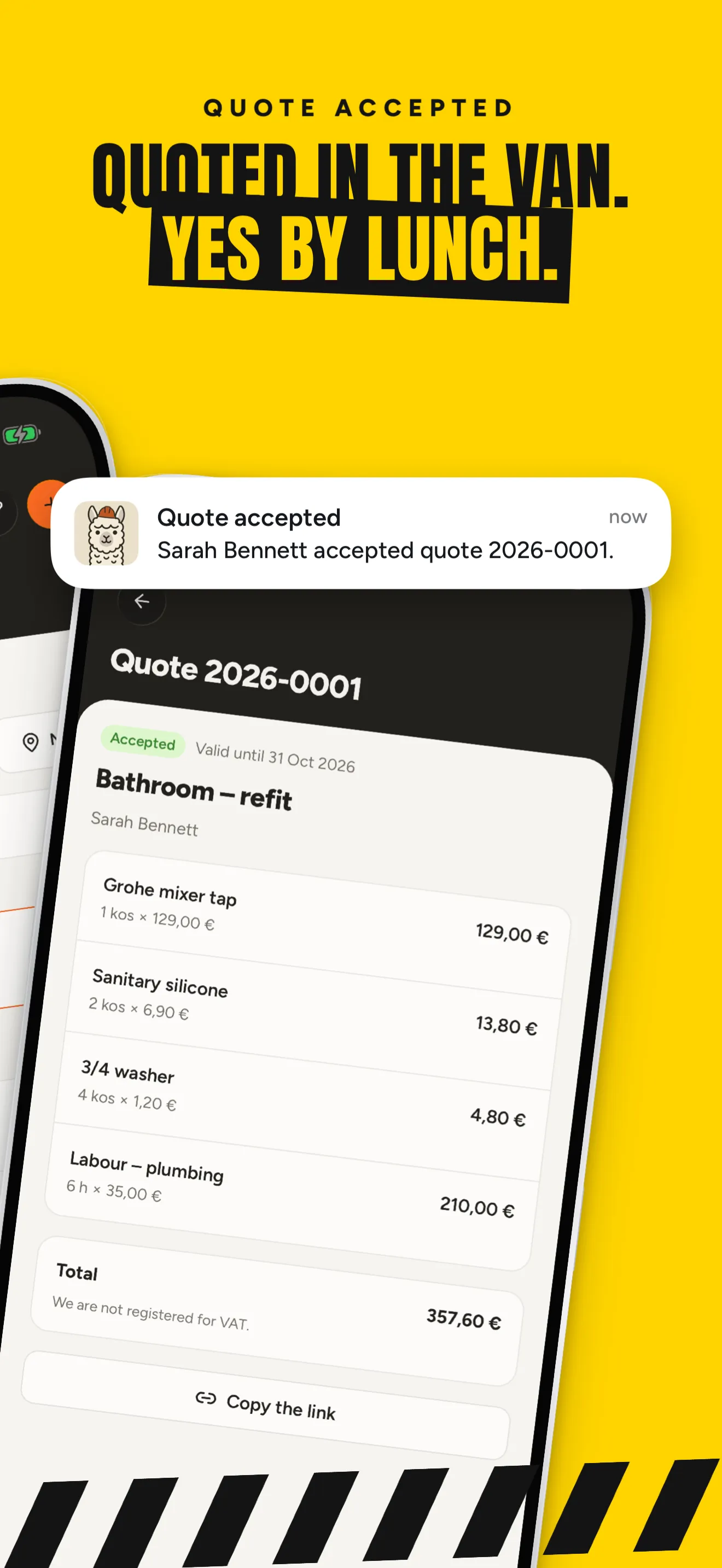
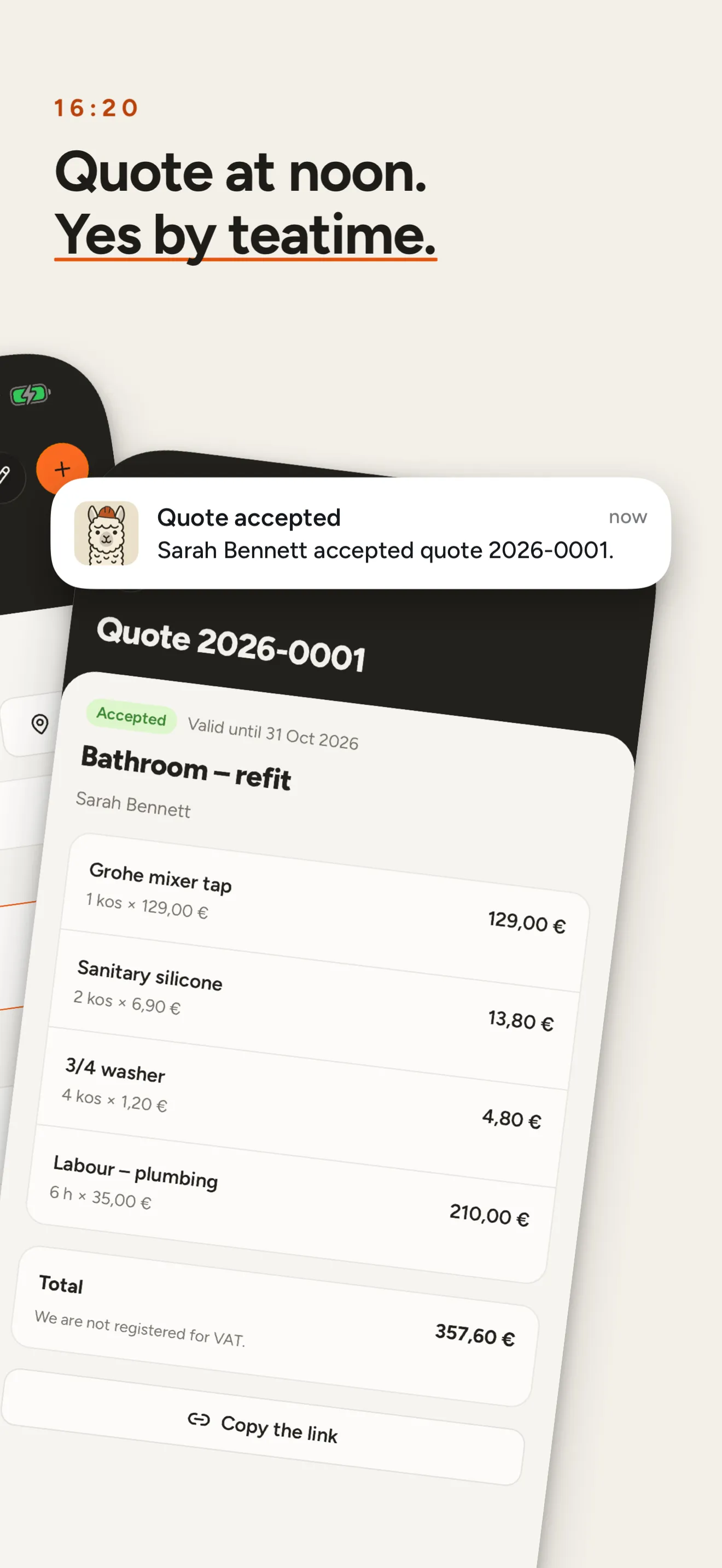
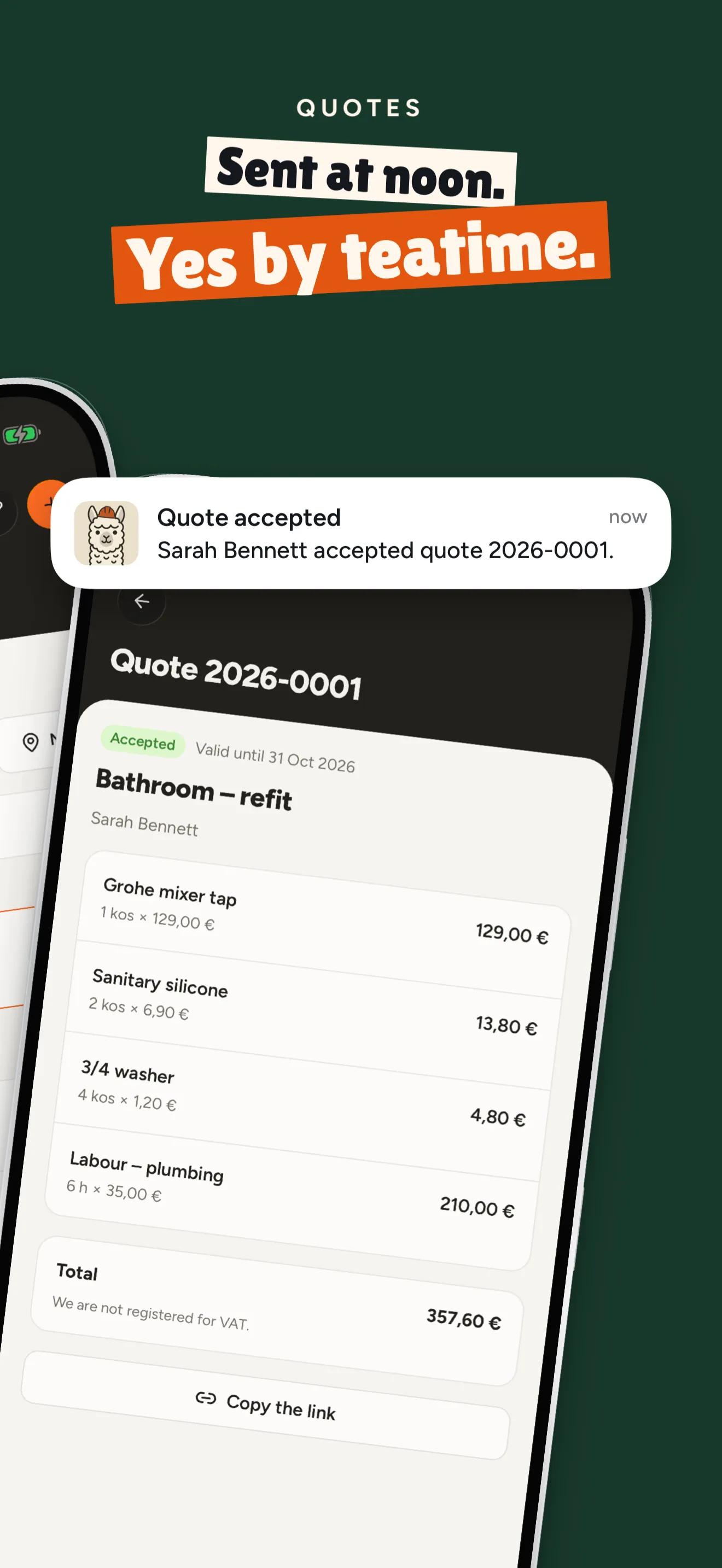
Real renders of one project with three variants: stoot render --variant site. Each variant also exports to Google Play and every language.
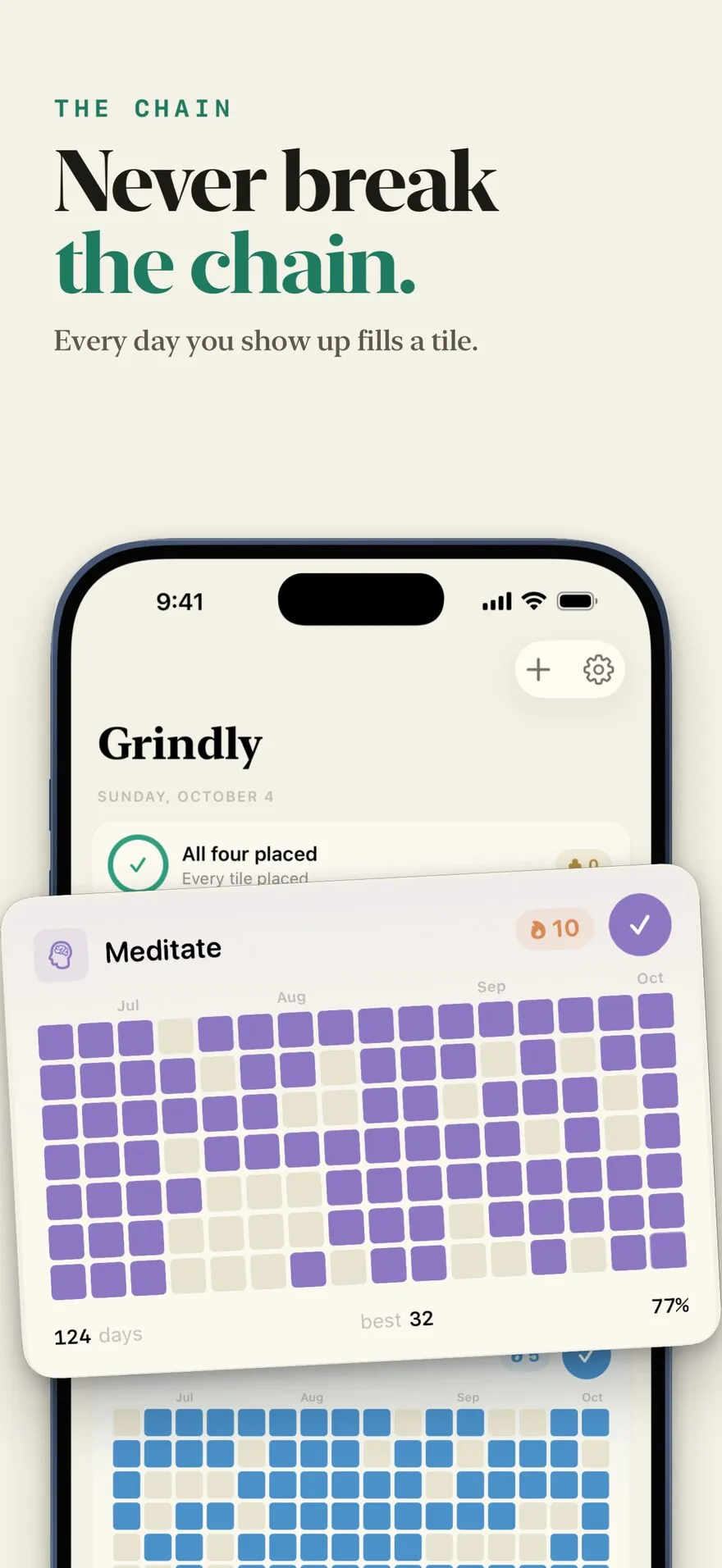
We gave a fresh agent the Grindly repo and one paragraph of instructions. It found the app's fonts and its demo-data mode, captured real screens in light and dark, wrote one story from the app's own words, then designed three directions and told us which to ship and why.
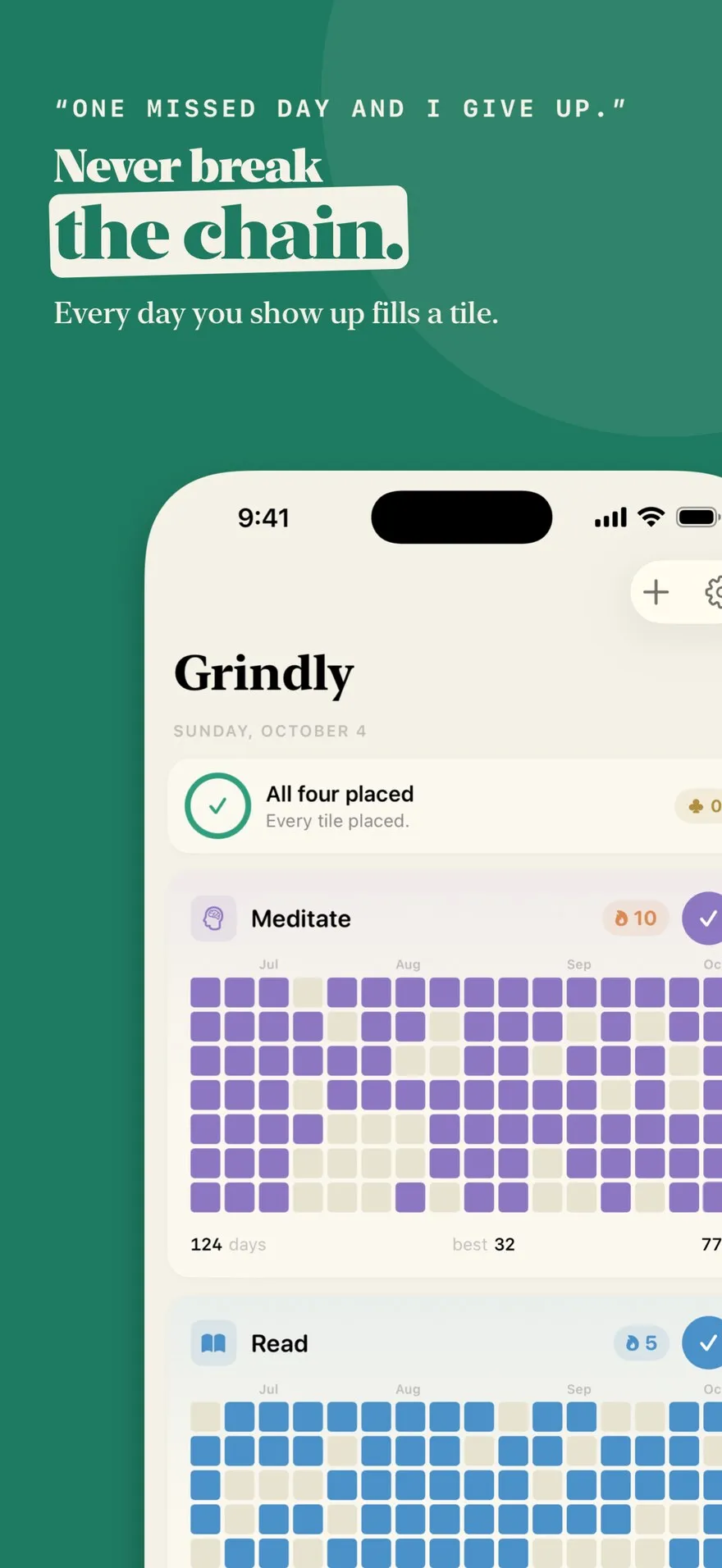
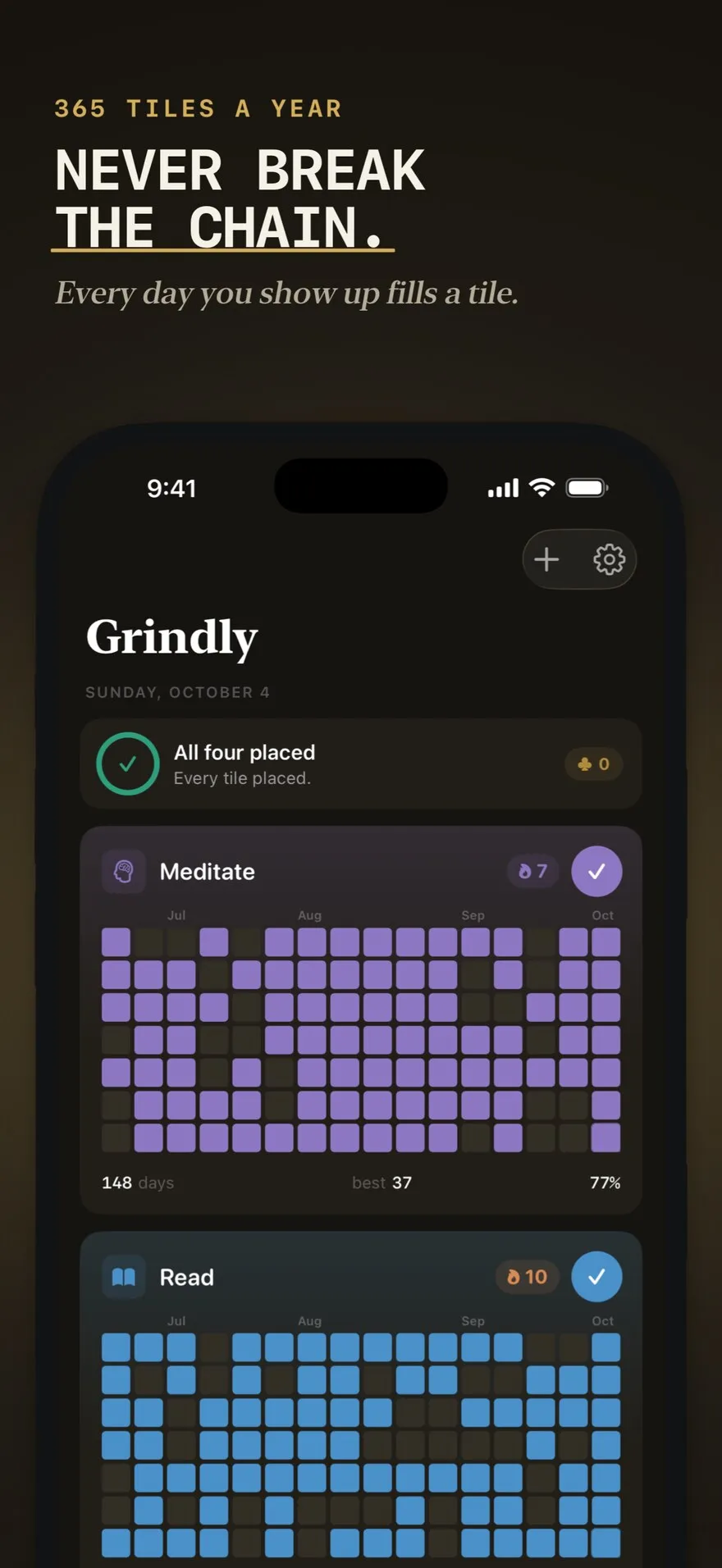
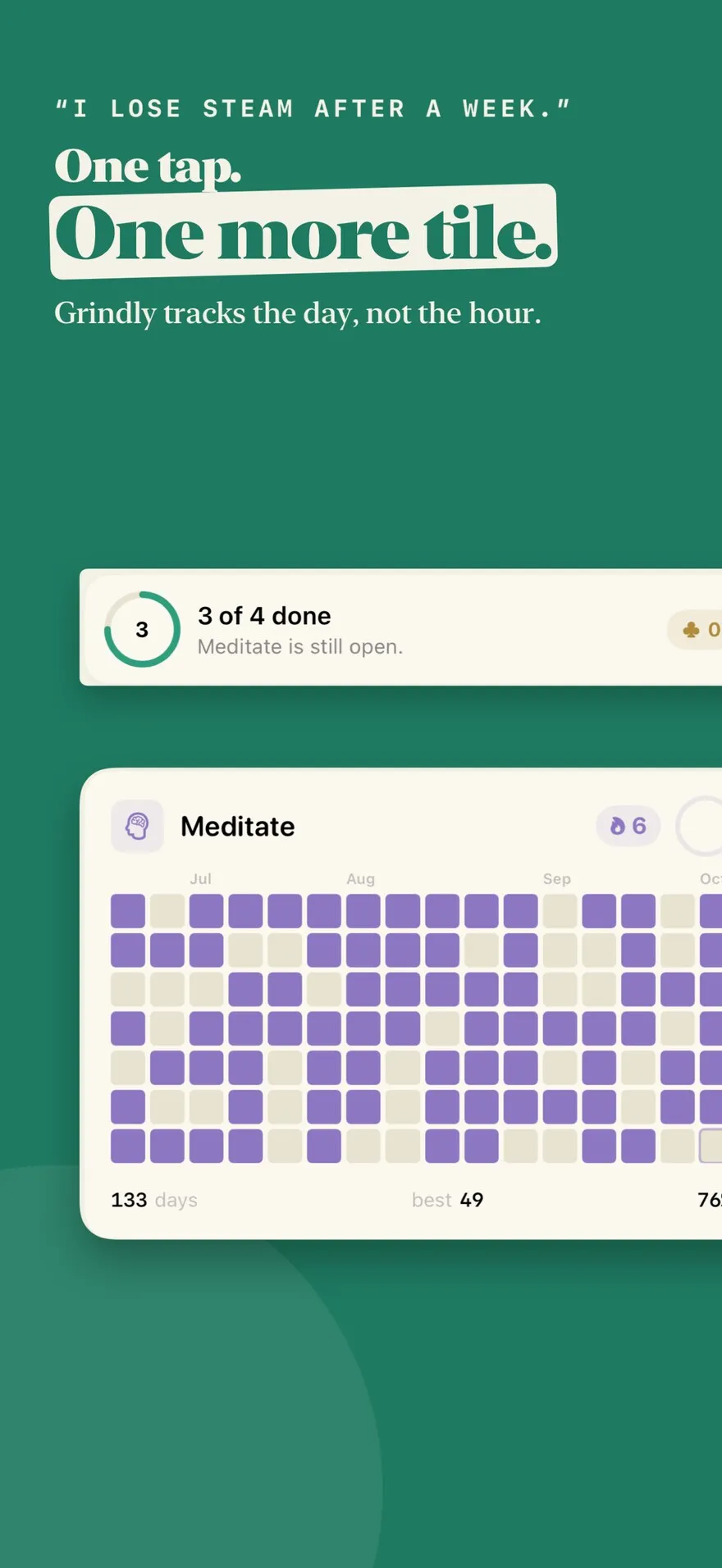
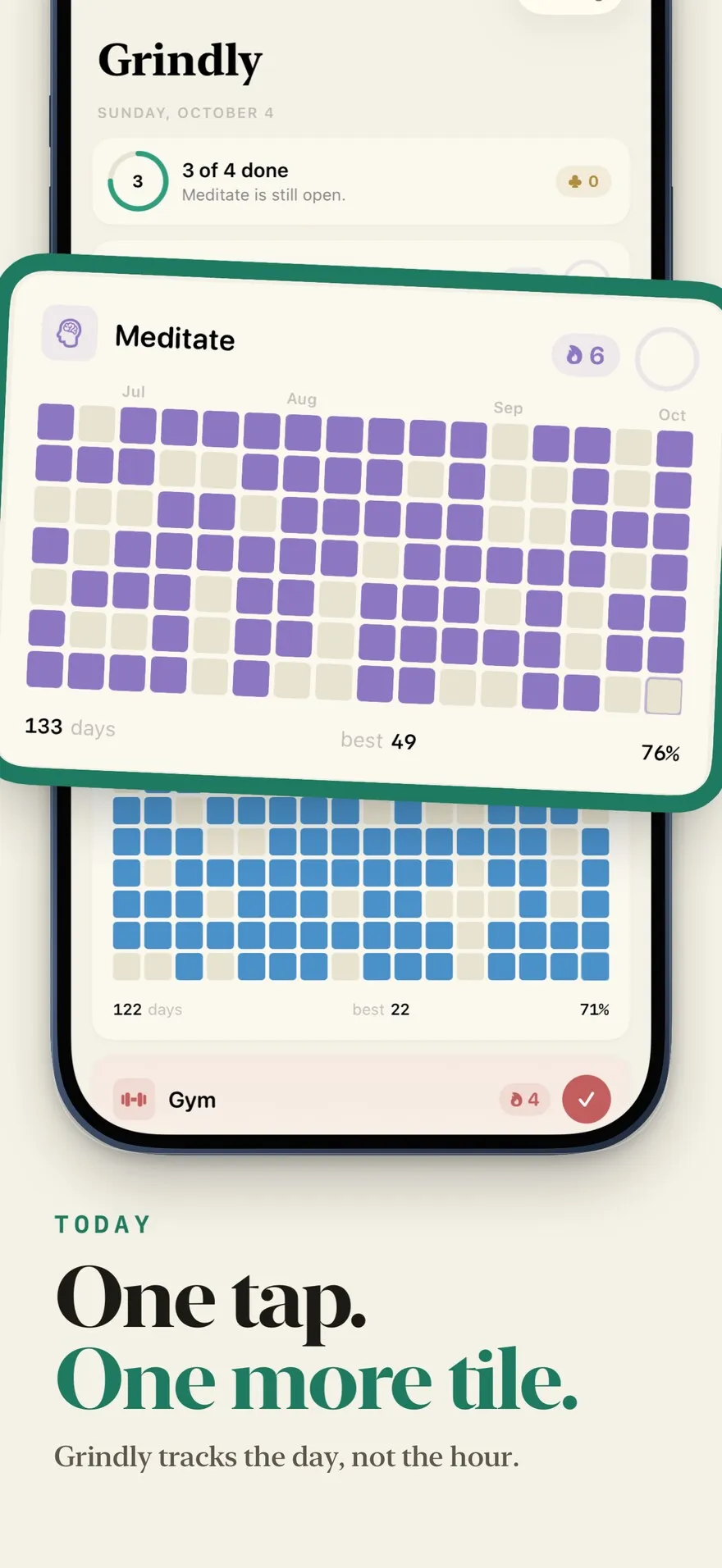
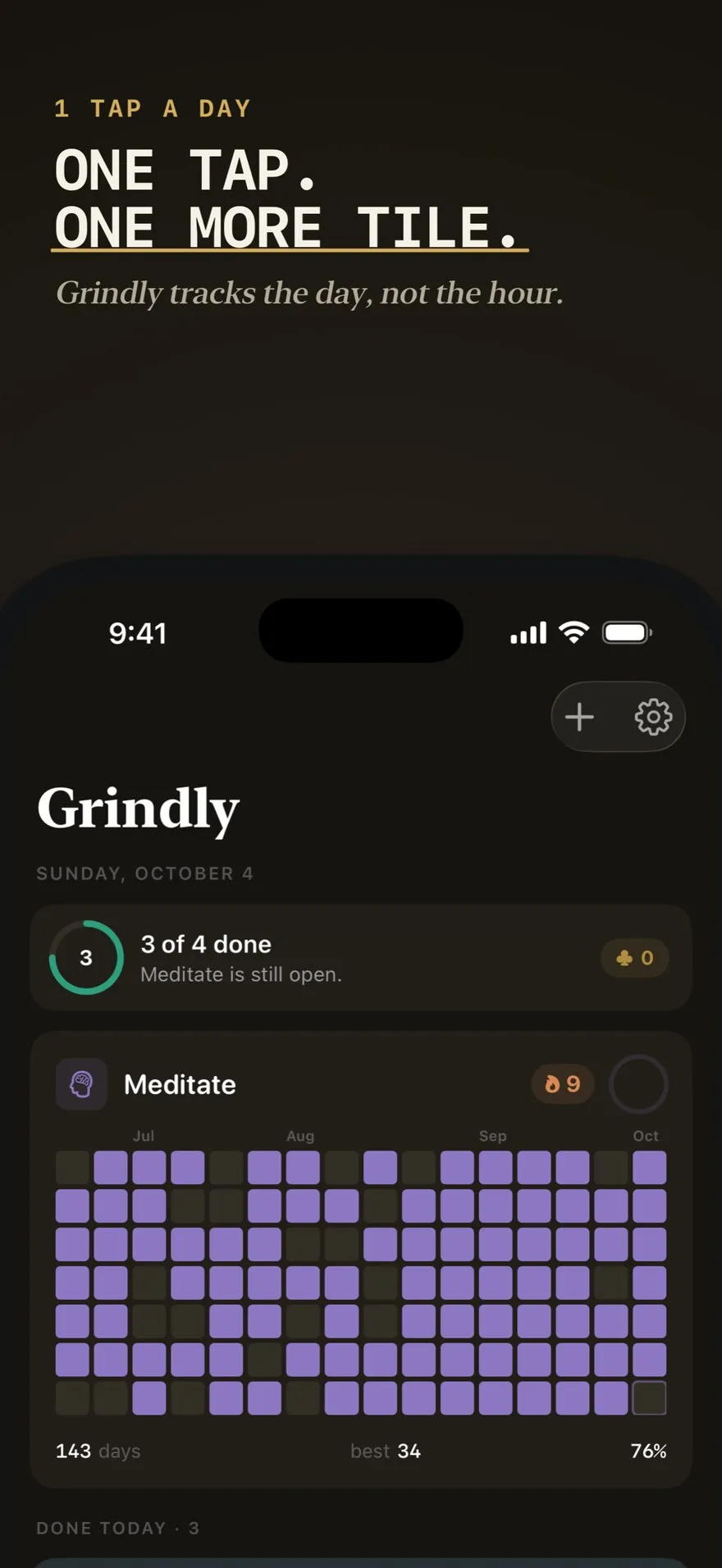
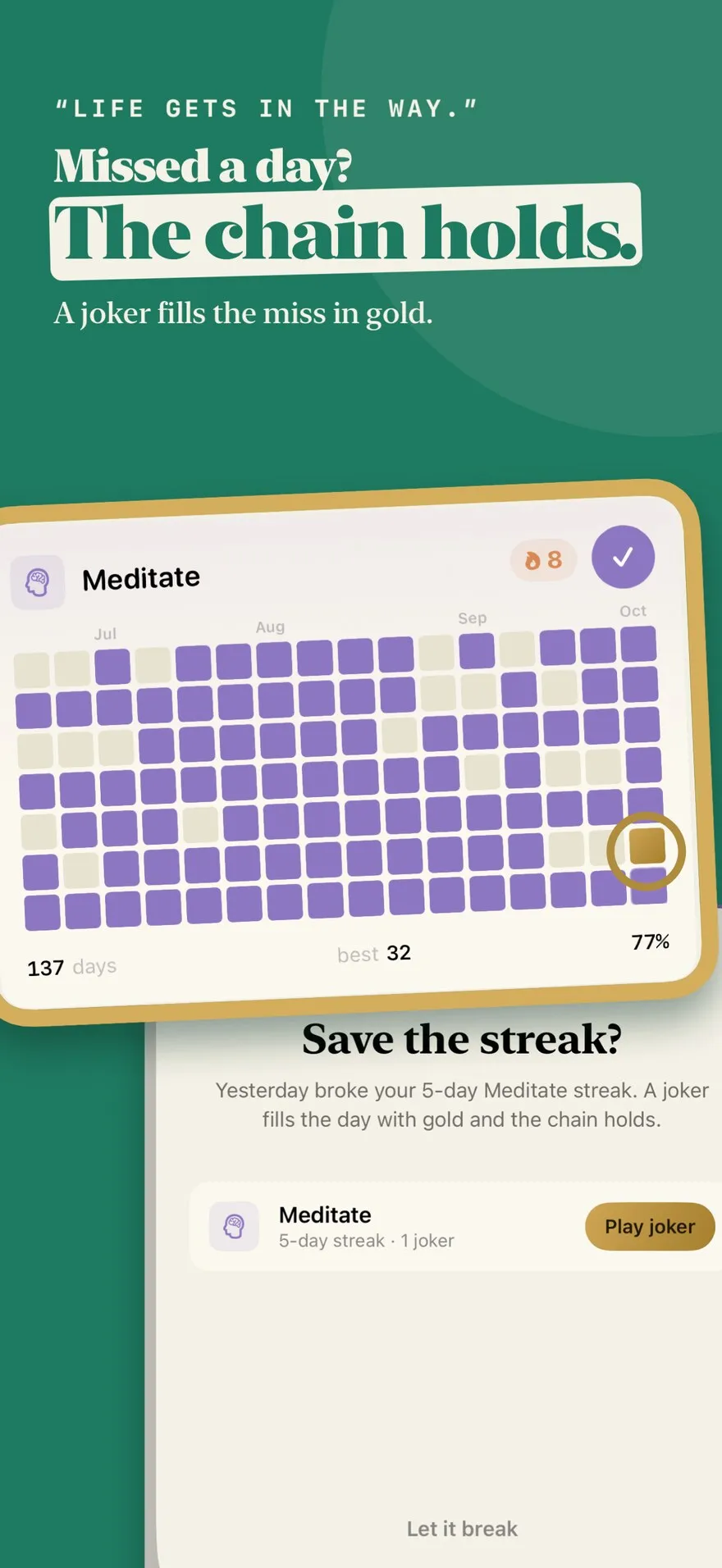
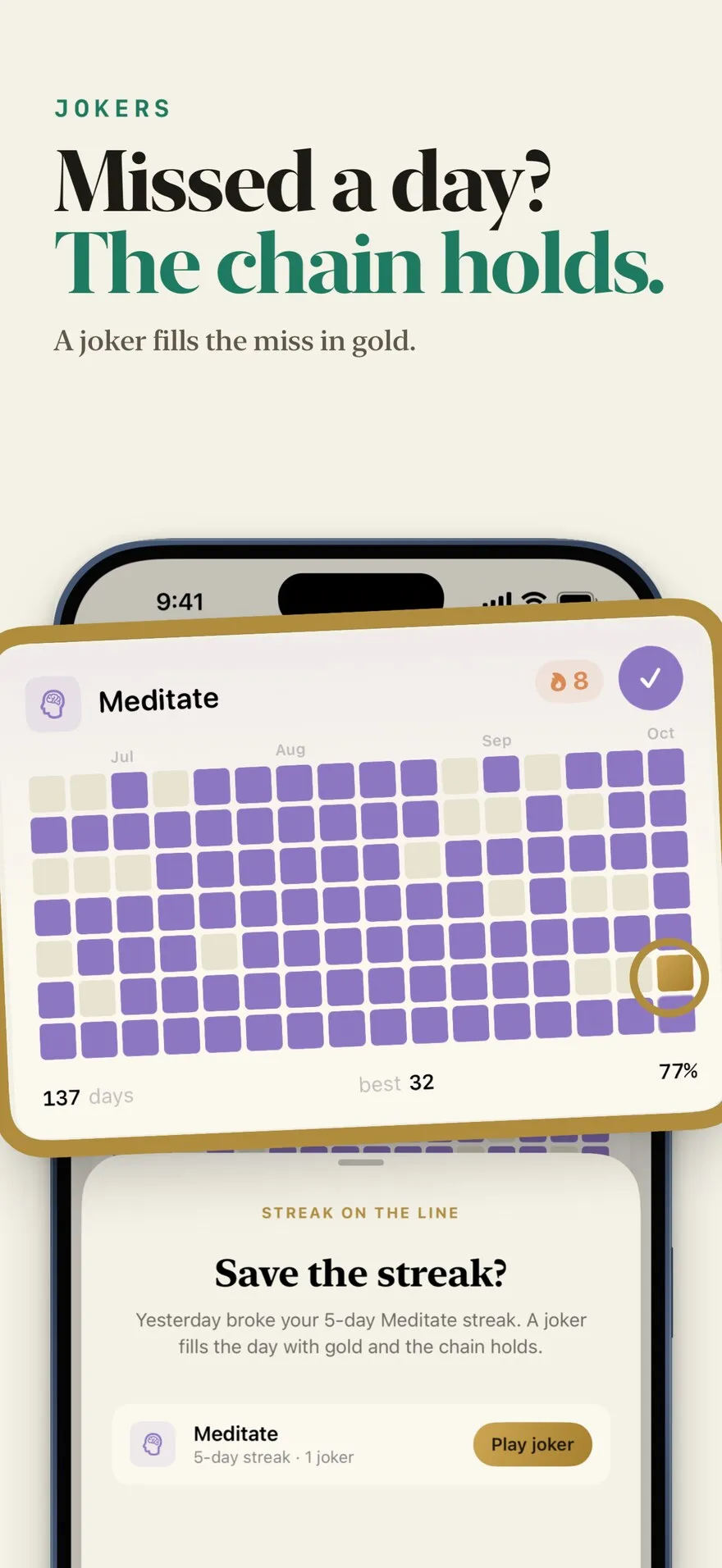
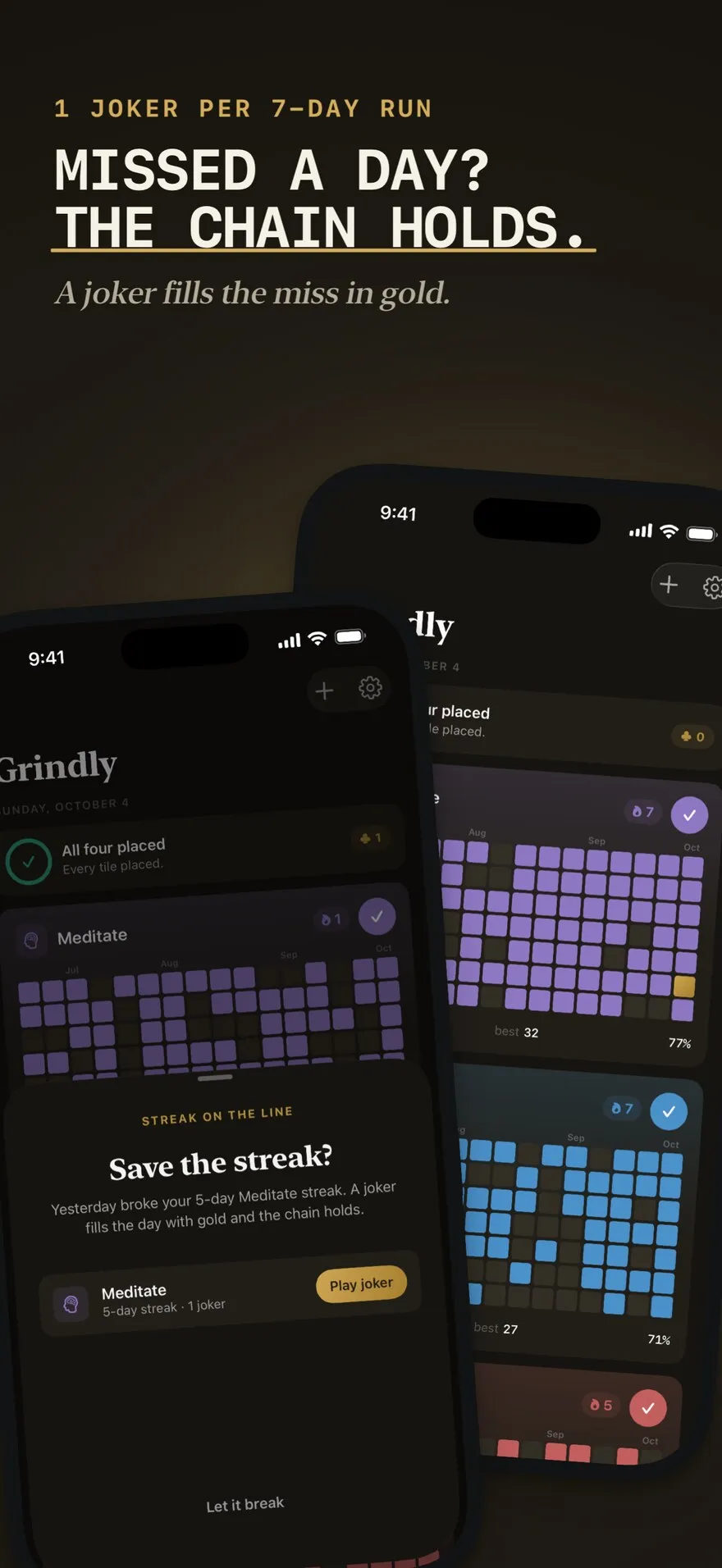
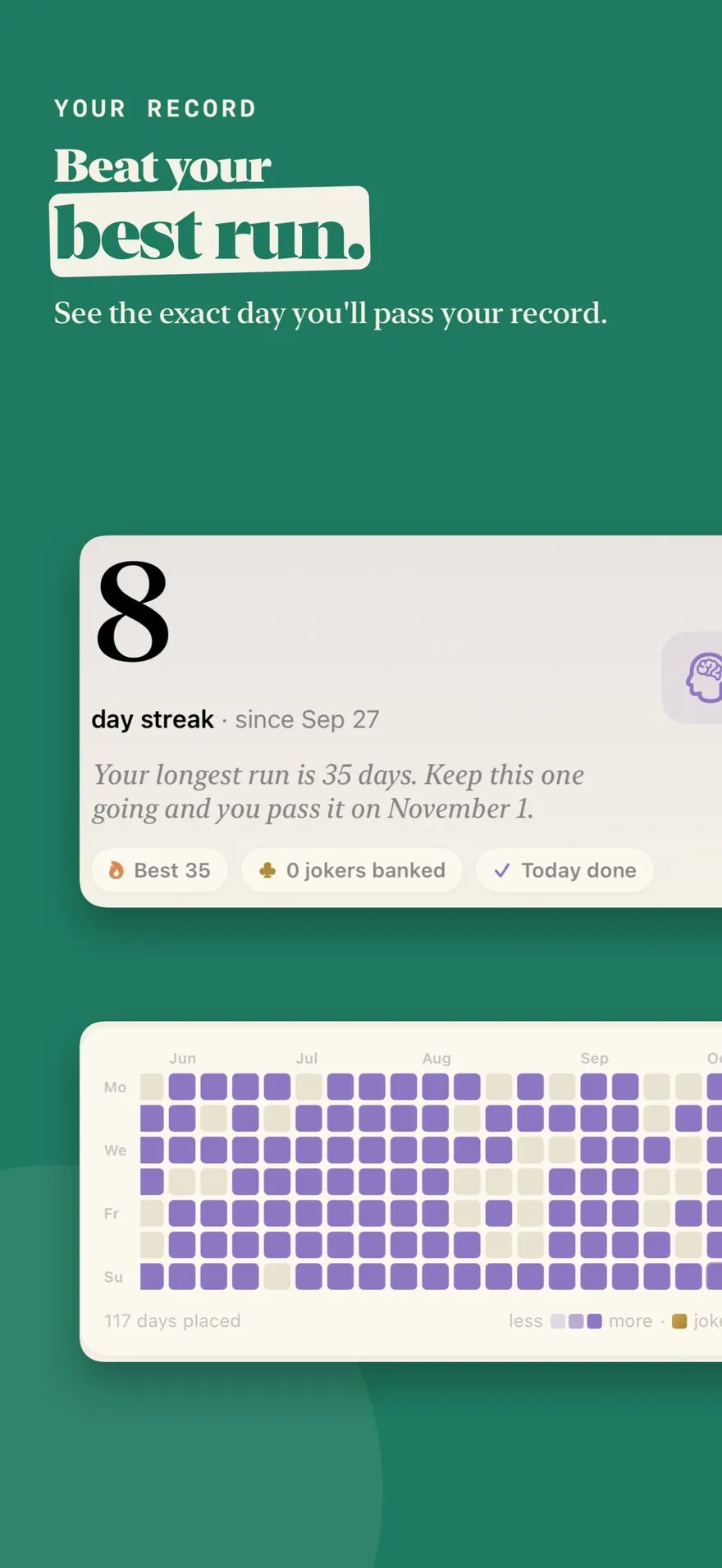
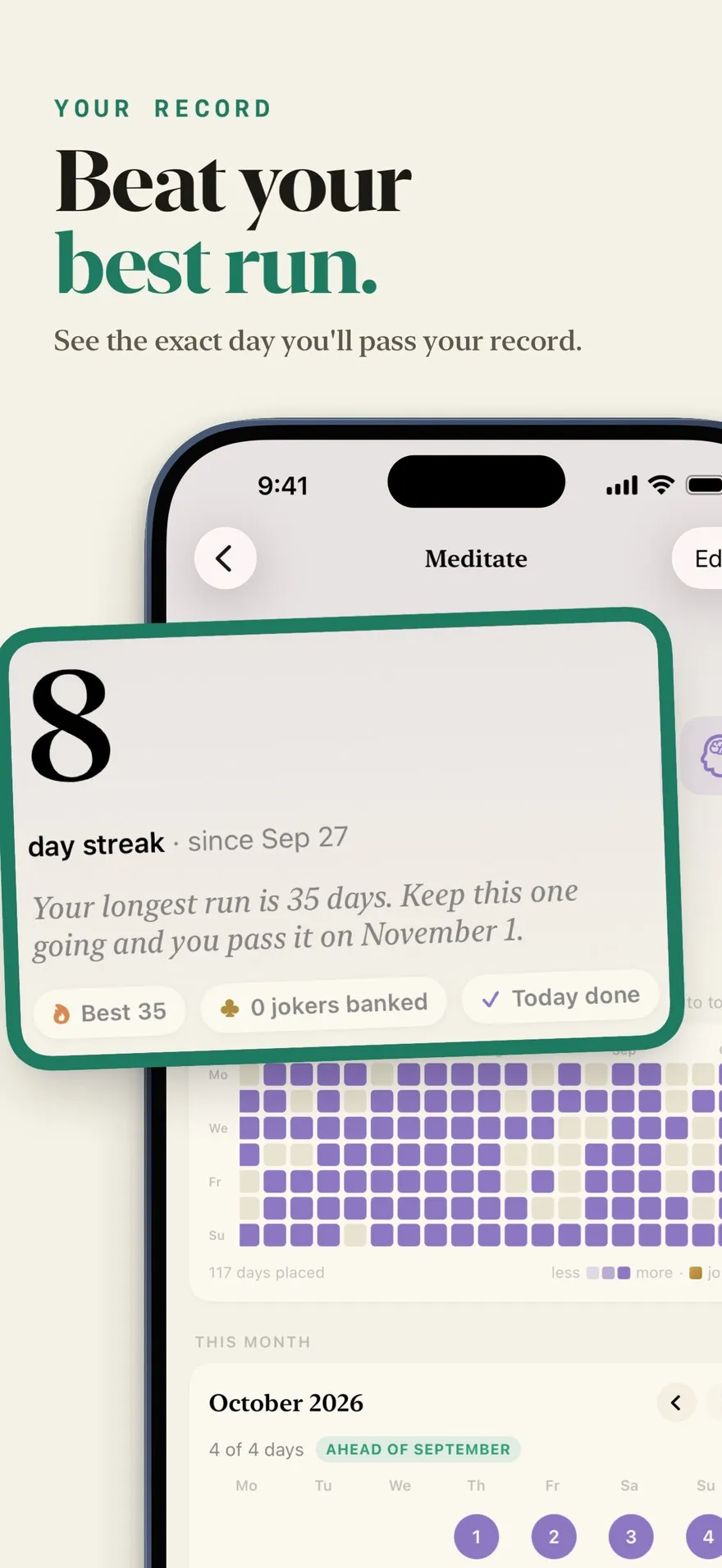
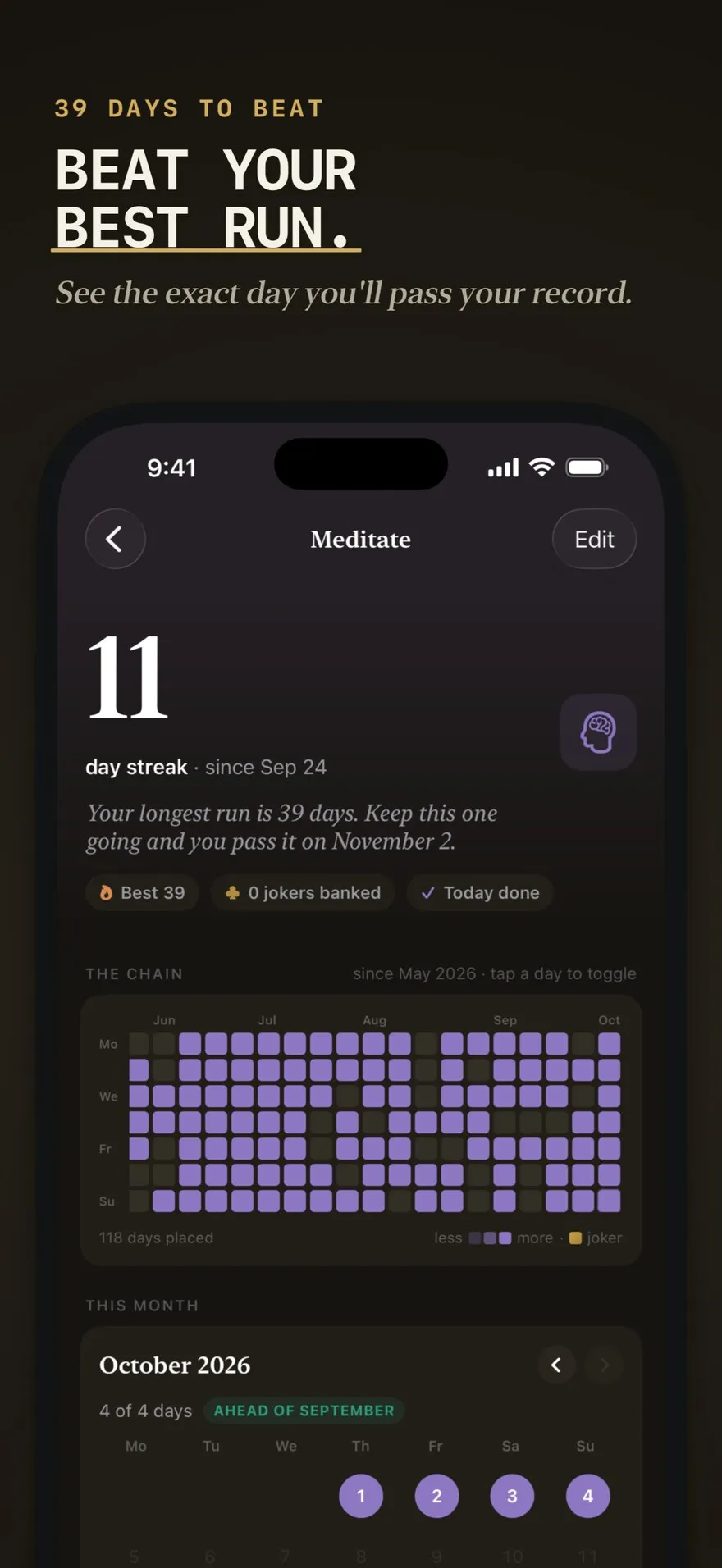
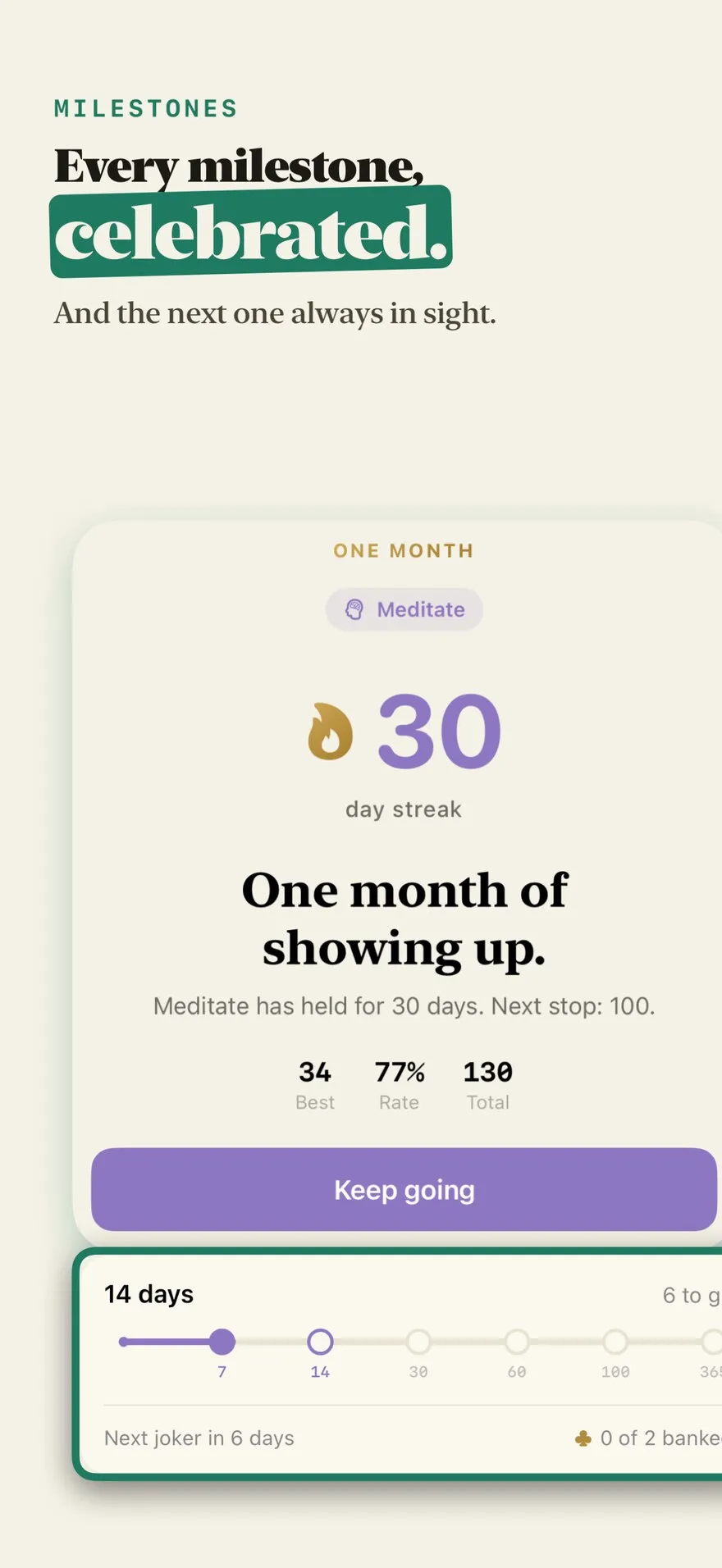
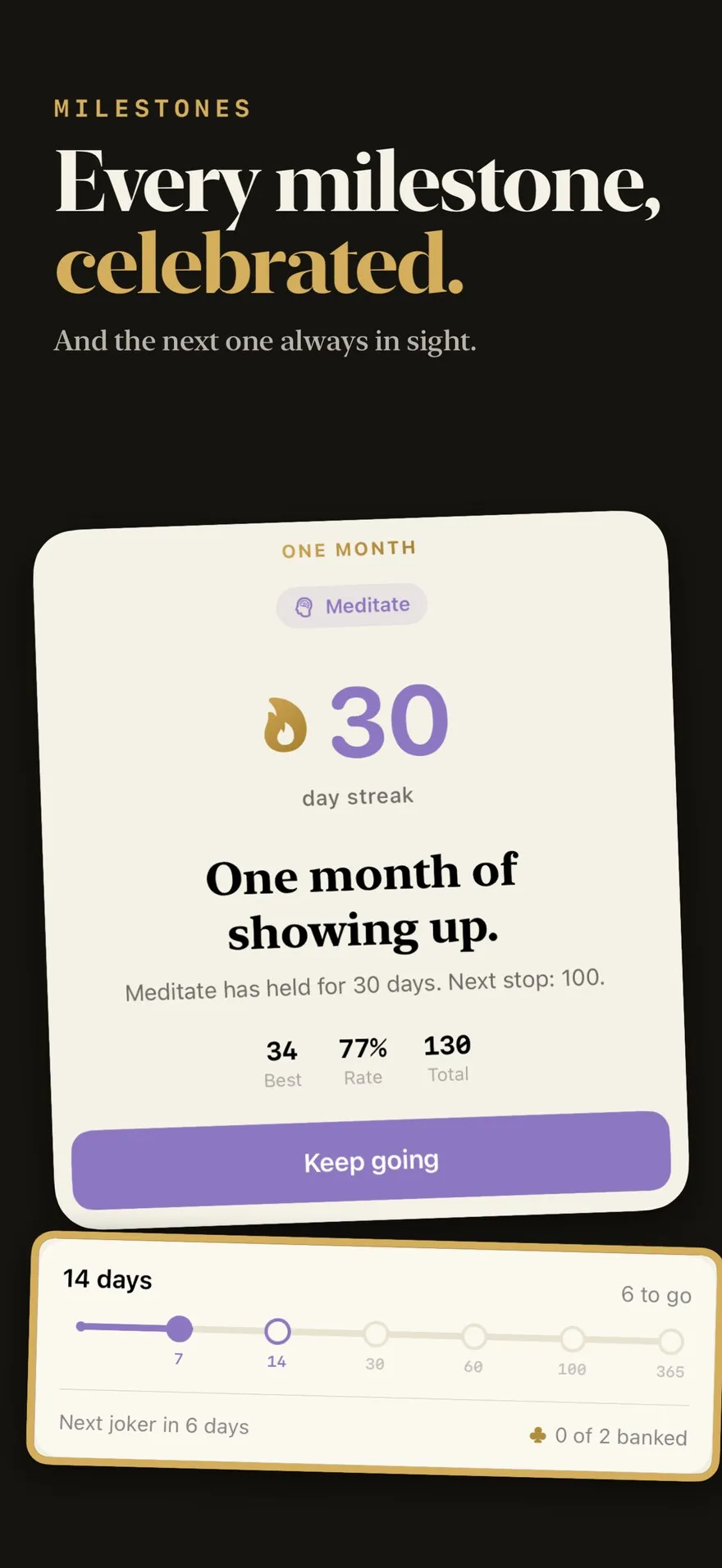
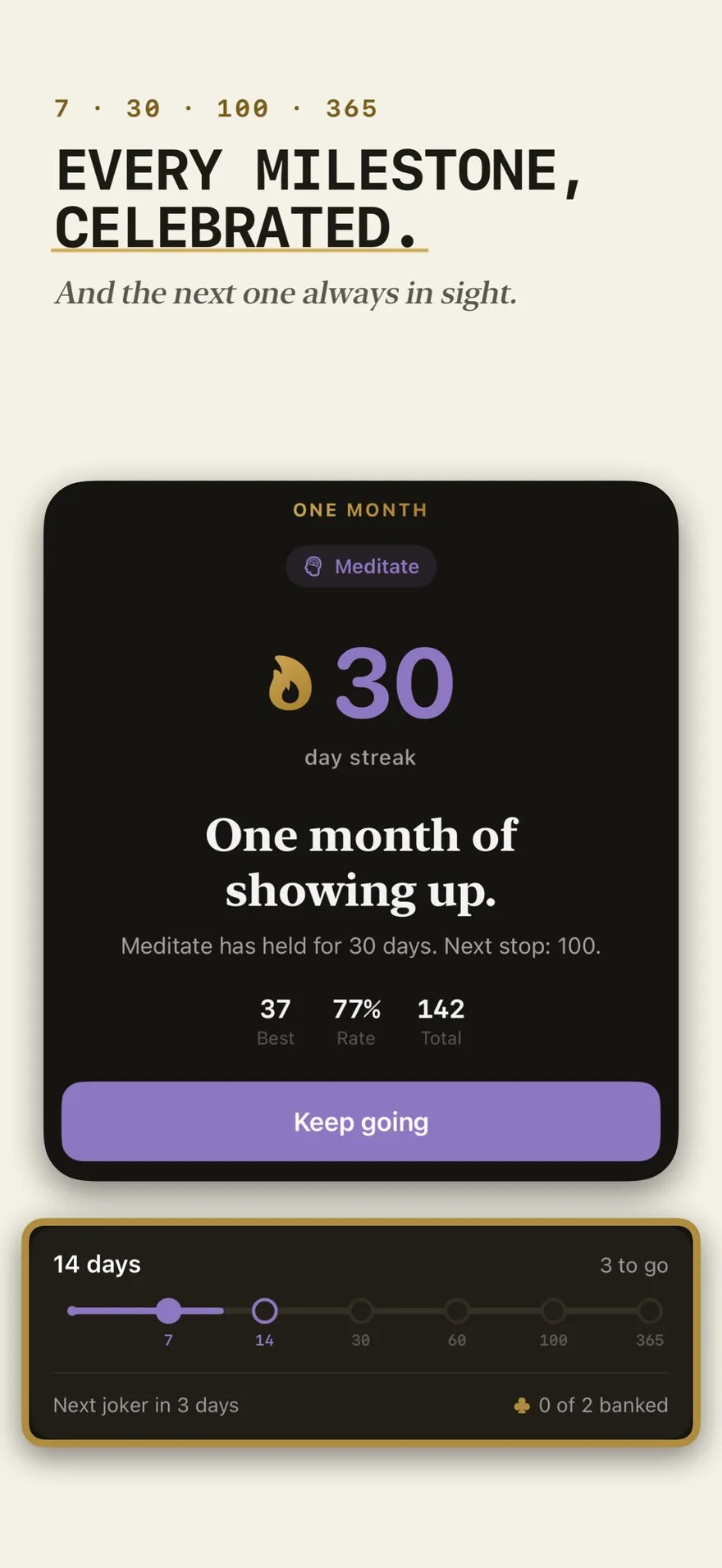
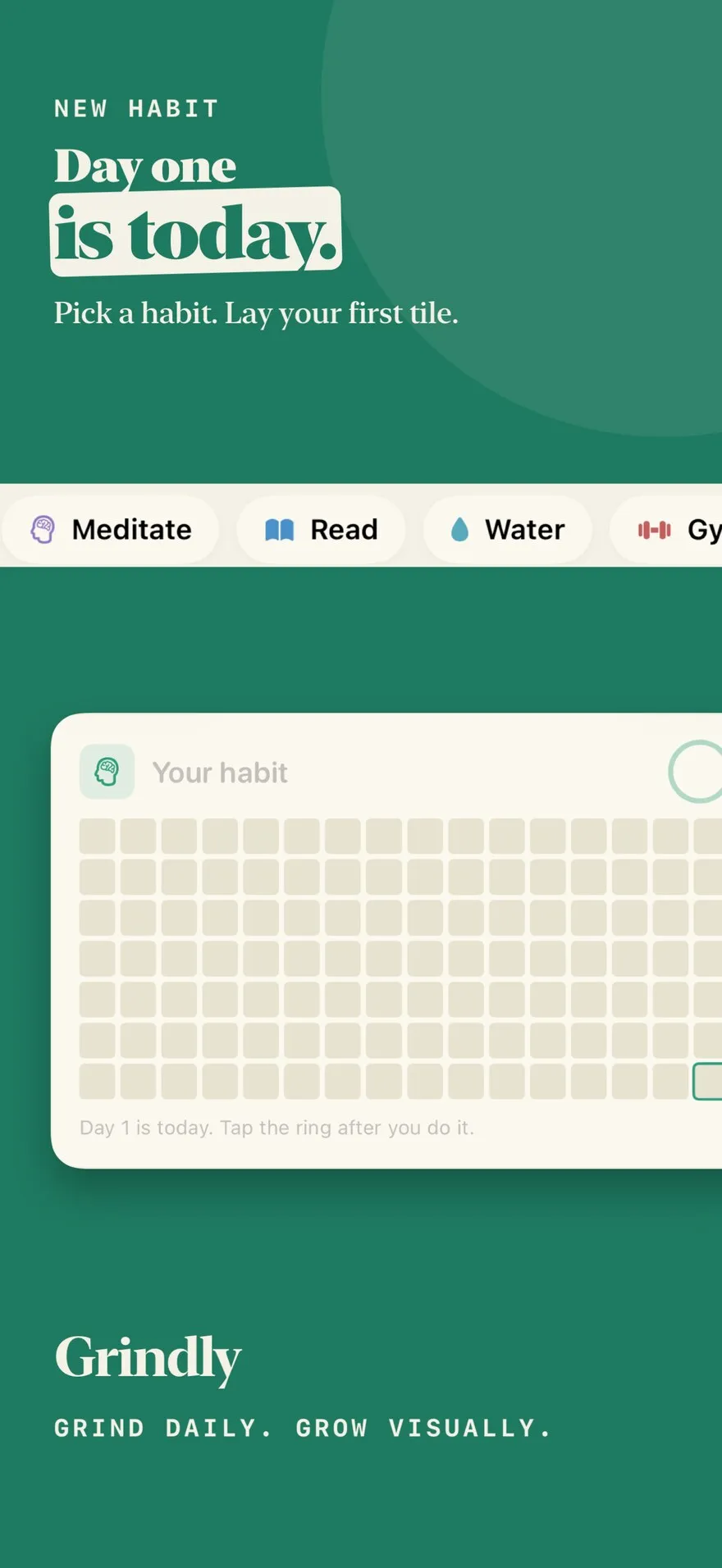
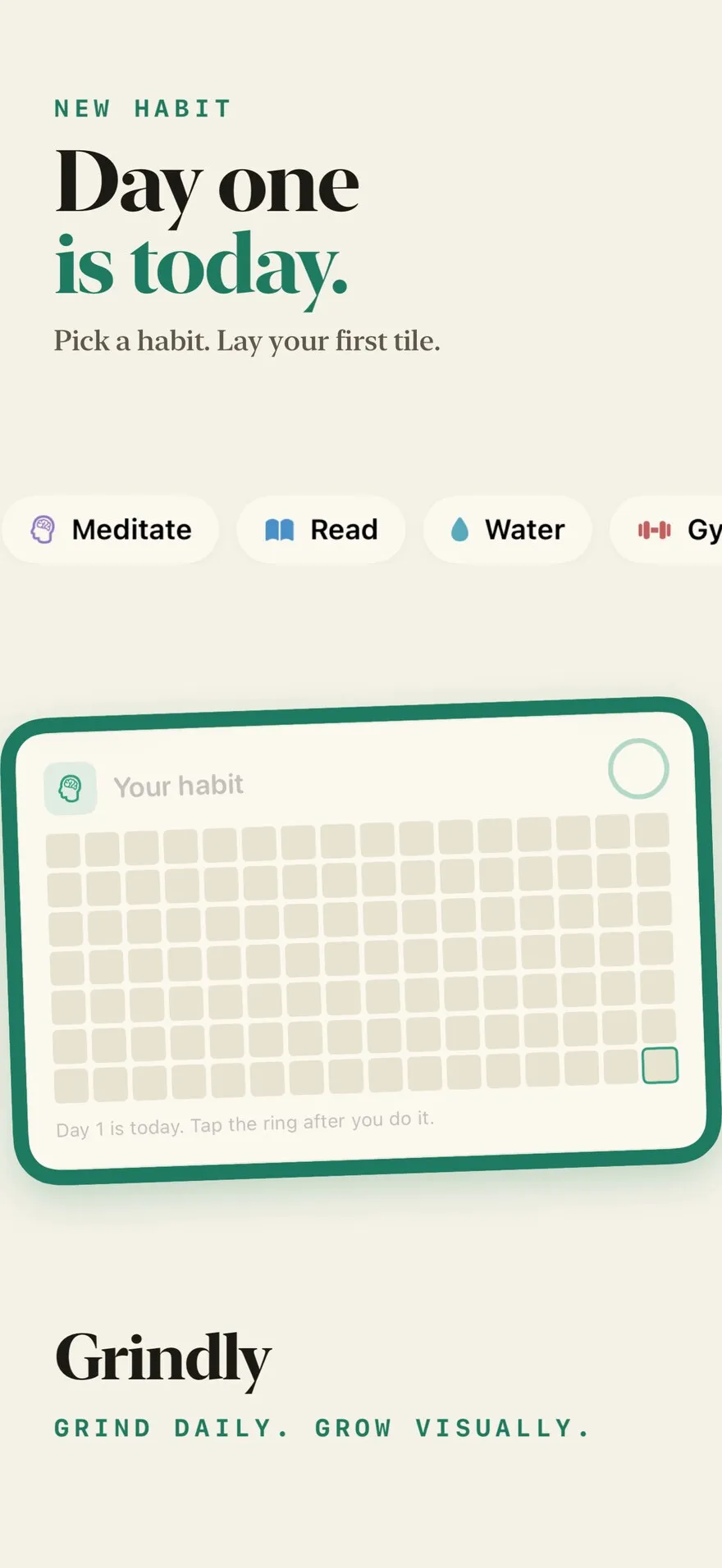
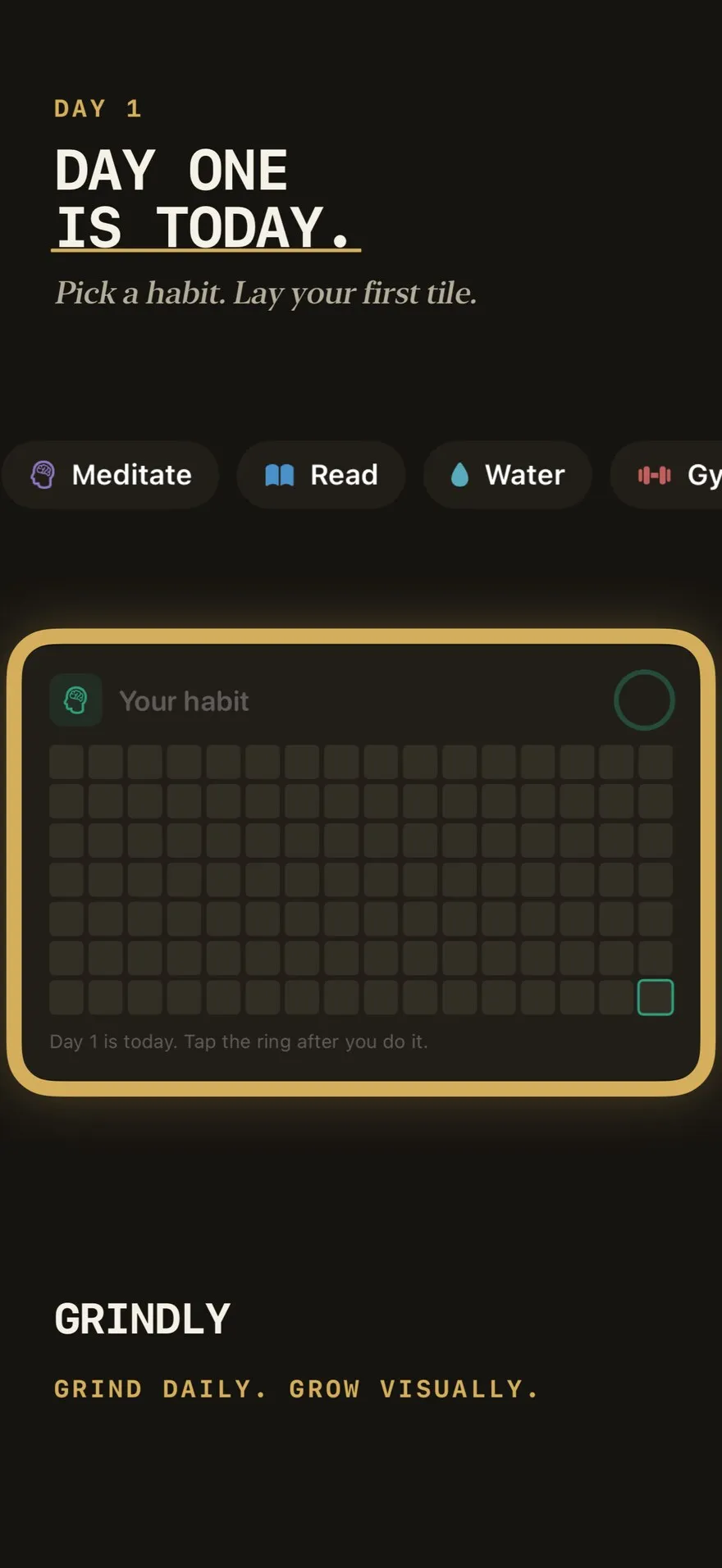
“A solid jade column stands out among the white and black habit-tracker listings … Its first three slides answer the three real reasons people quit, in their own words.”From the agent's write-up
“The closest to the app as it really looks, and the proof is the easiest to read.”From the agent's write-up
“Dark, numeric and restrained. It reads like a ledger, not a lifestyle app.”From the agent's write-up
Background, both phones, the headline and the notification are separate layers, even the phone that runs in from the screenshot next door. Your agent moves one without disturbing the rest, and in the editor you can grab any of them by hand.
These are the real layers of Workshop Planner's fourth screenshot, from stoot render --layers. Scroll to take it apart.
 Background
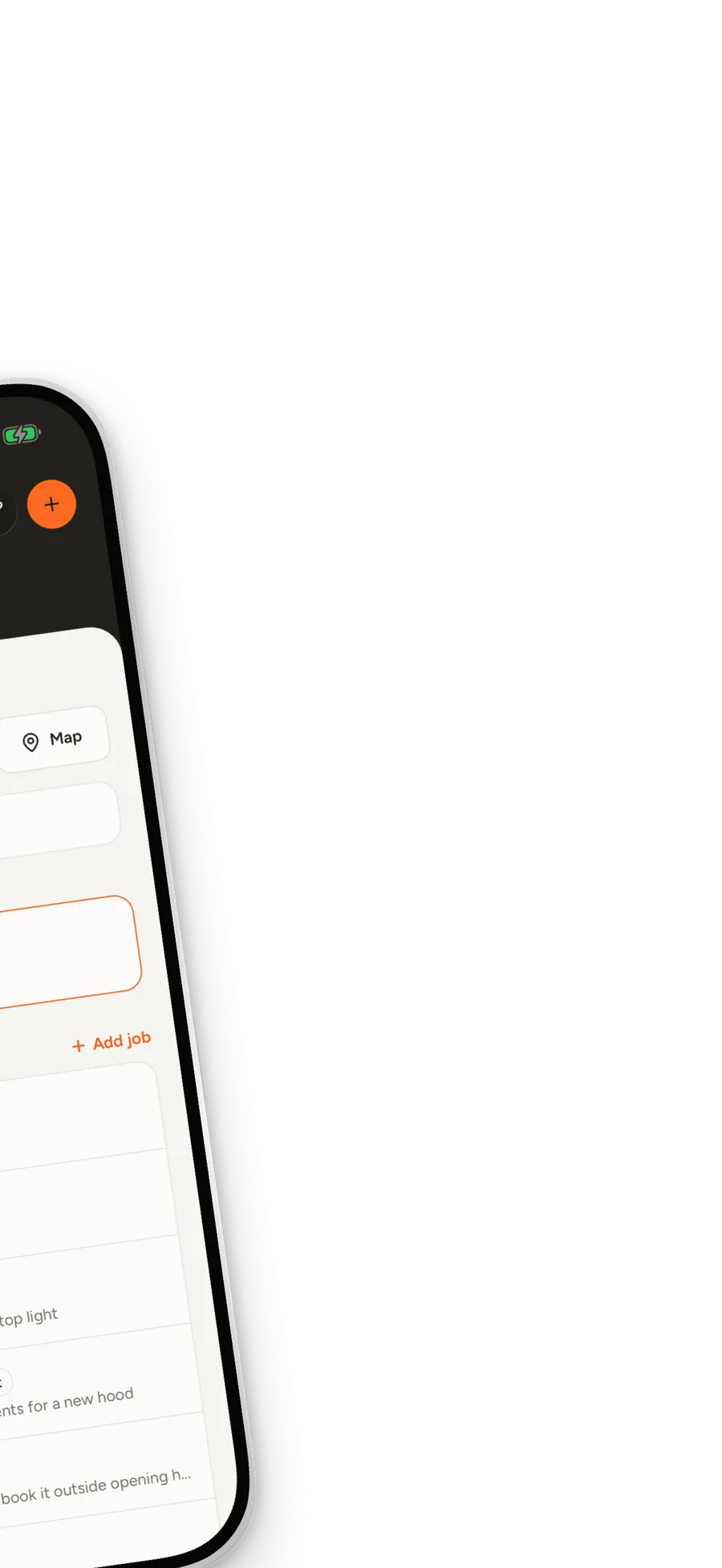 Spread phone
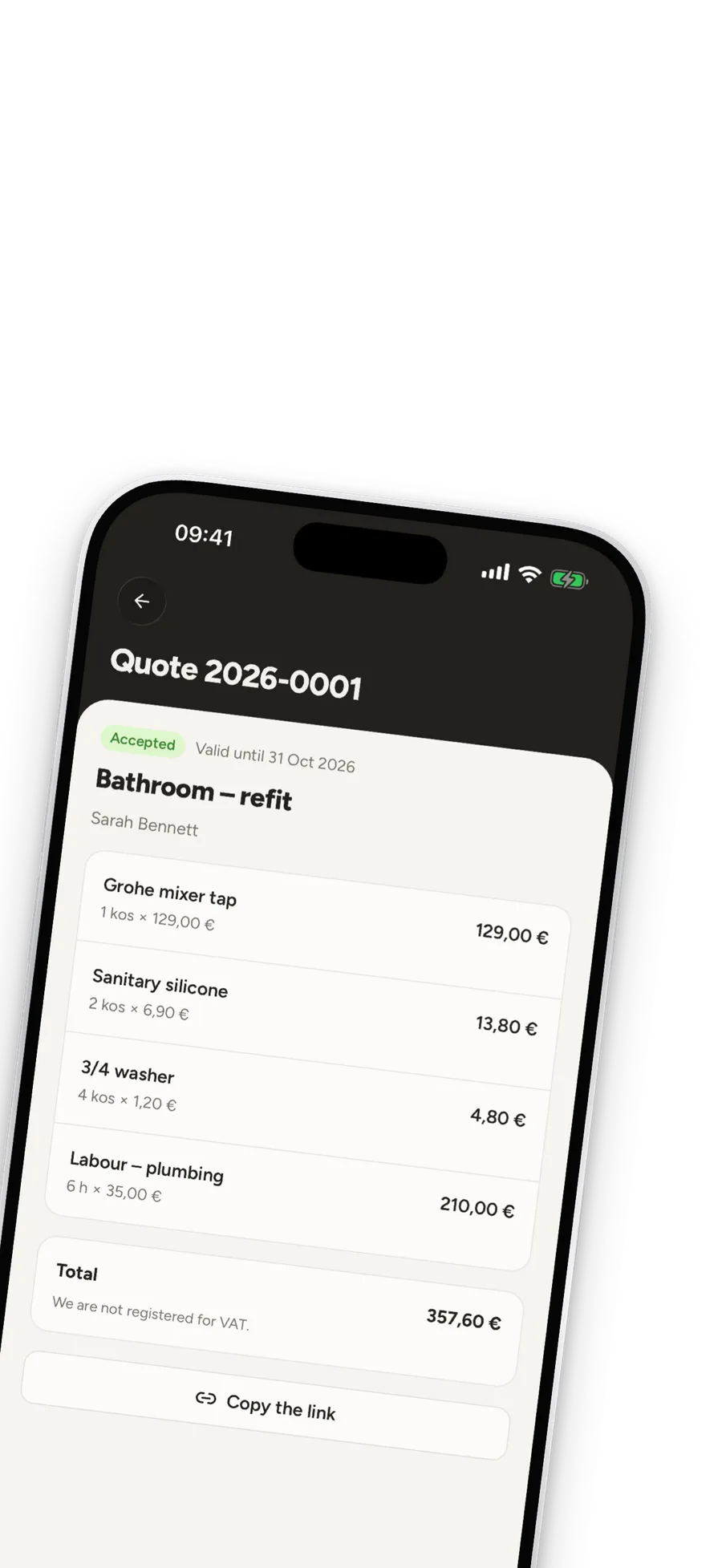 Device
 Headline
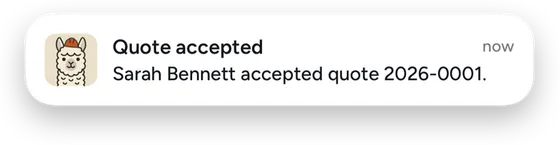
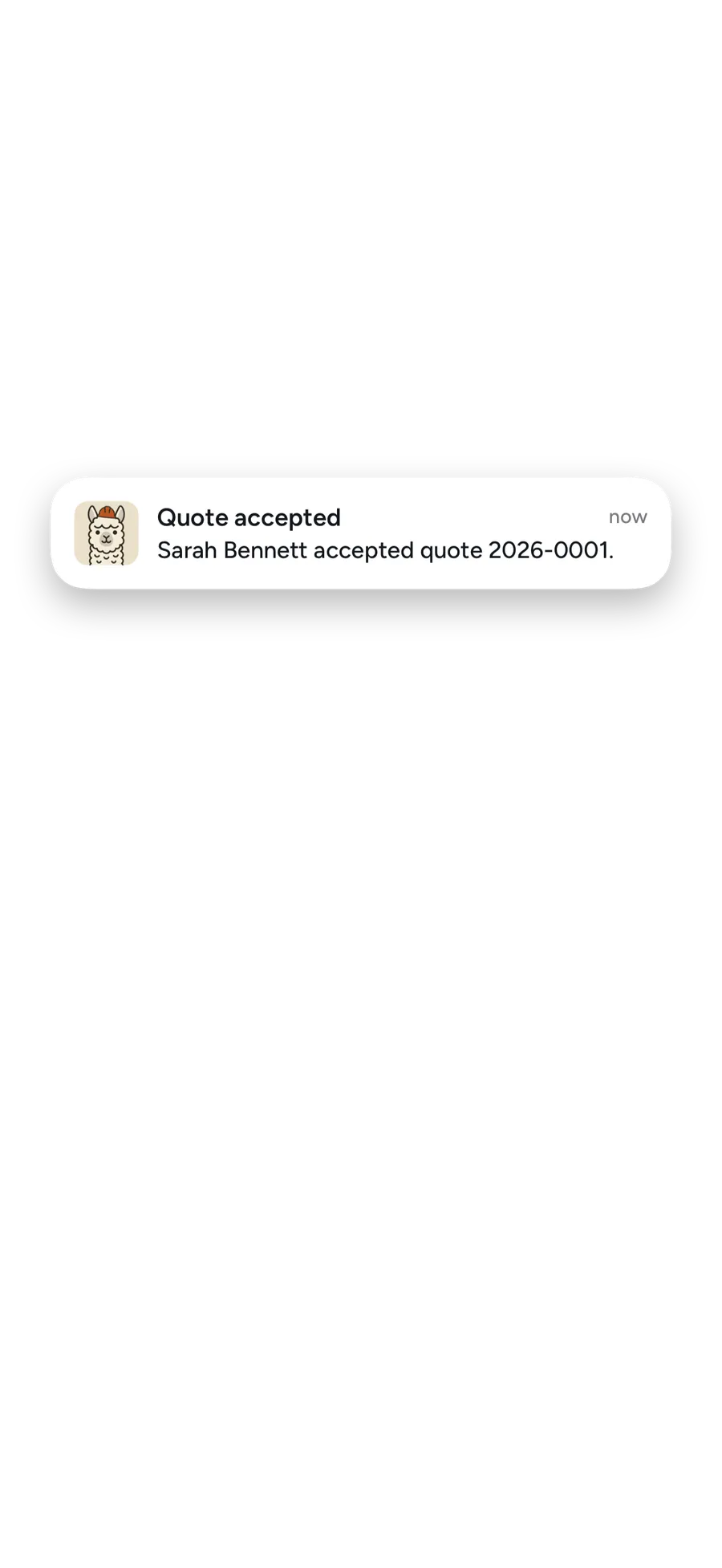 Notification
Join slides into a spread and put a phone right on the seam. Stoot exports each screenshot as its own slice at the exact store size, and warns you when text would be cut in two.
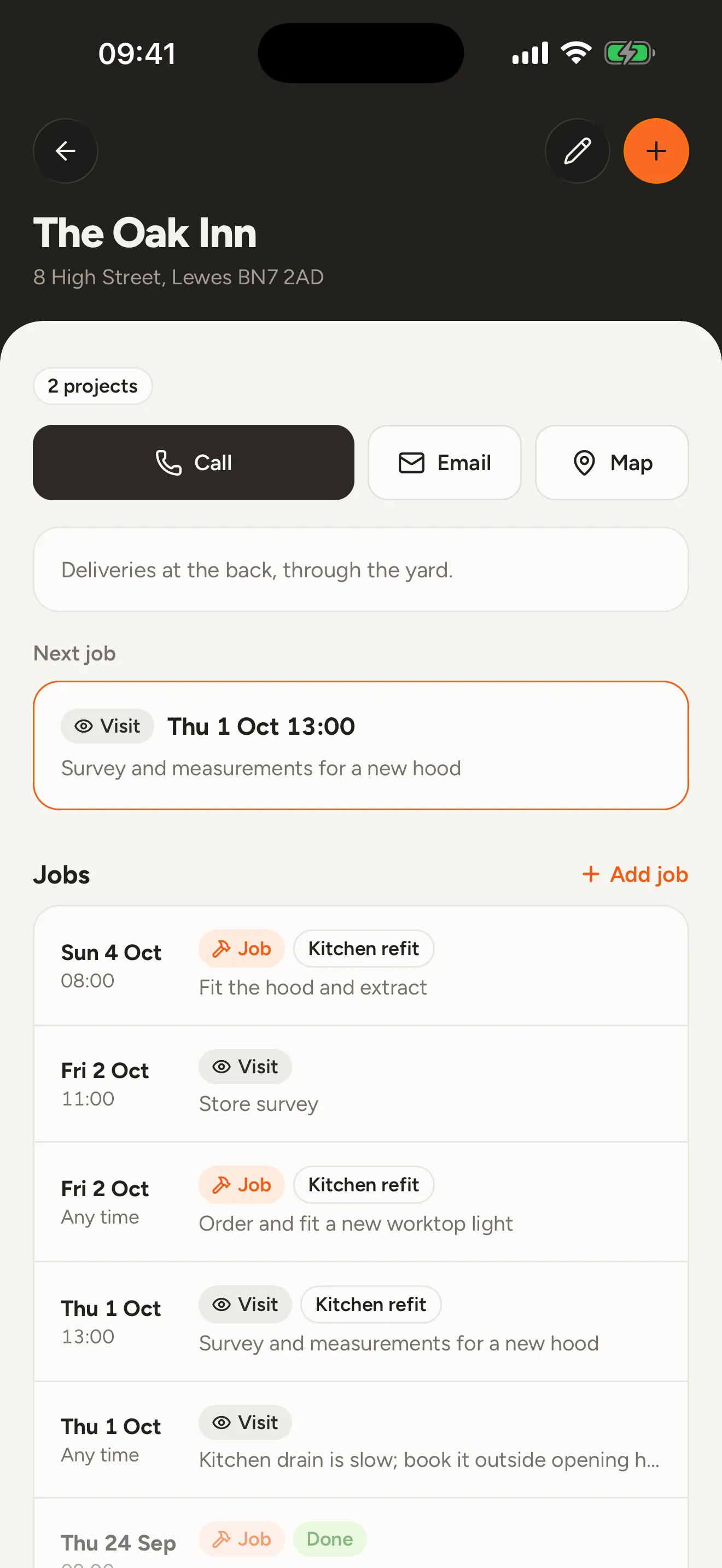
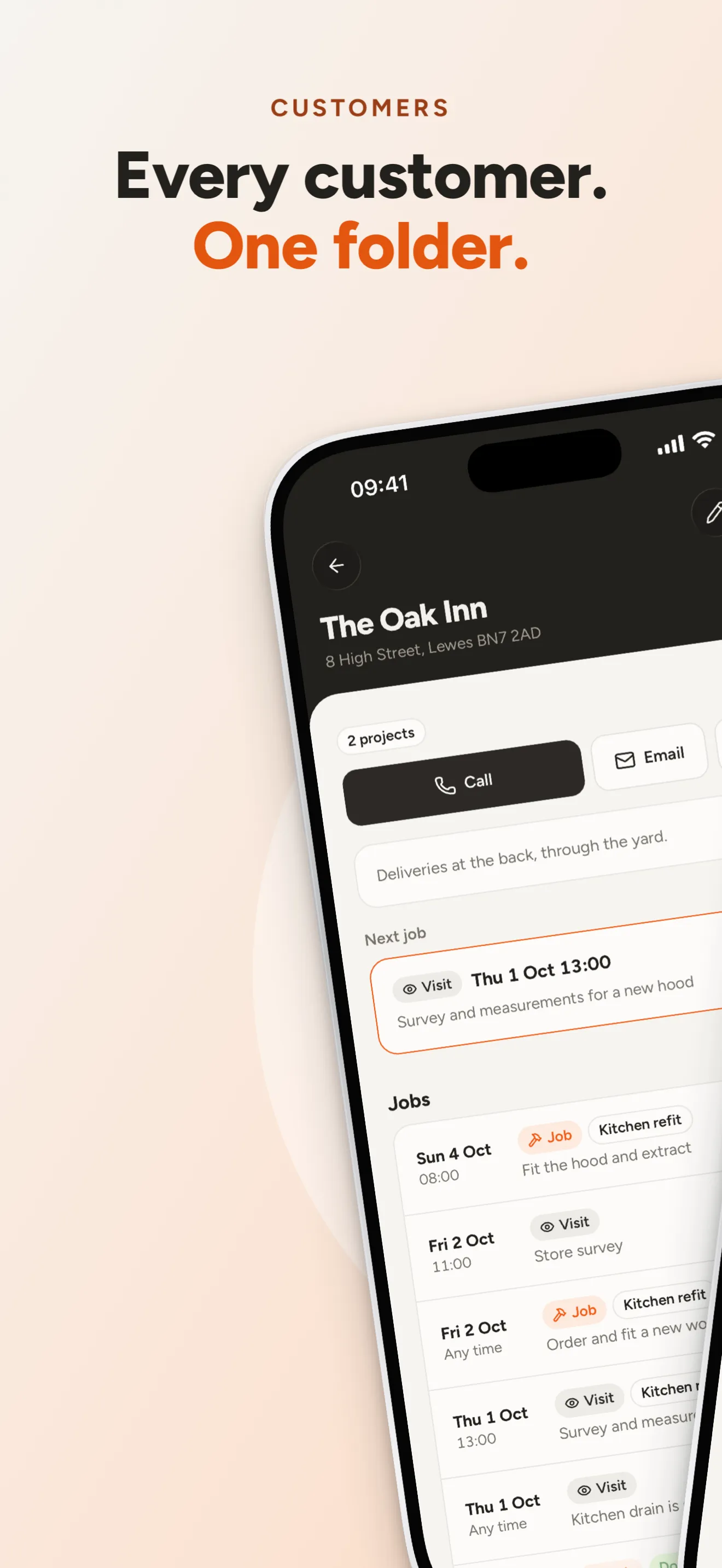
03-customers.png 1320 × 2868
04-quotes.png 1320 × 2868
The same project renders for Play: captures from any Android emulator with a clean status bar, in a brand-free Android frame. No Apple hardware in your Play listing, no SF Symbols, and the 2:1 rule checked for you.
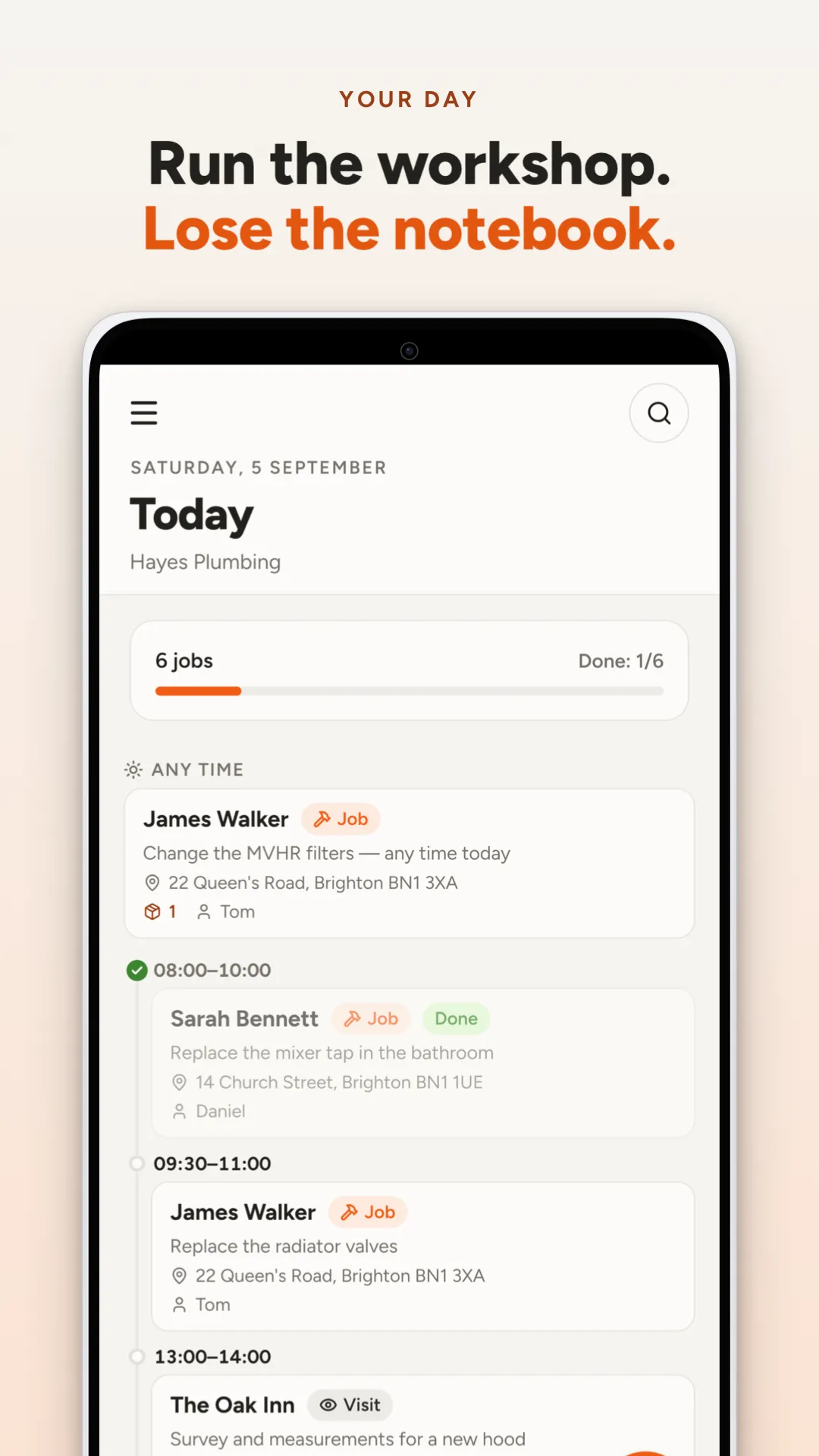
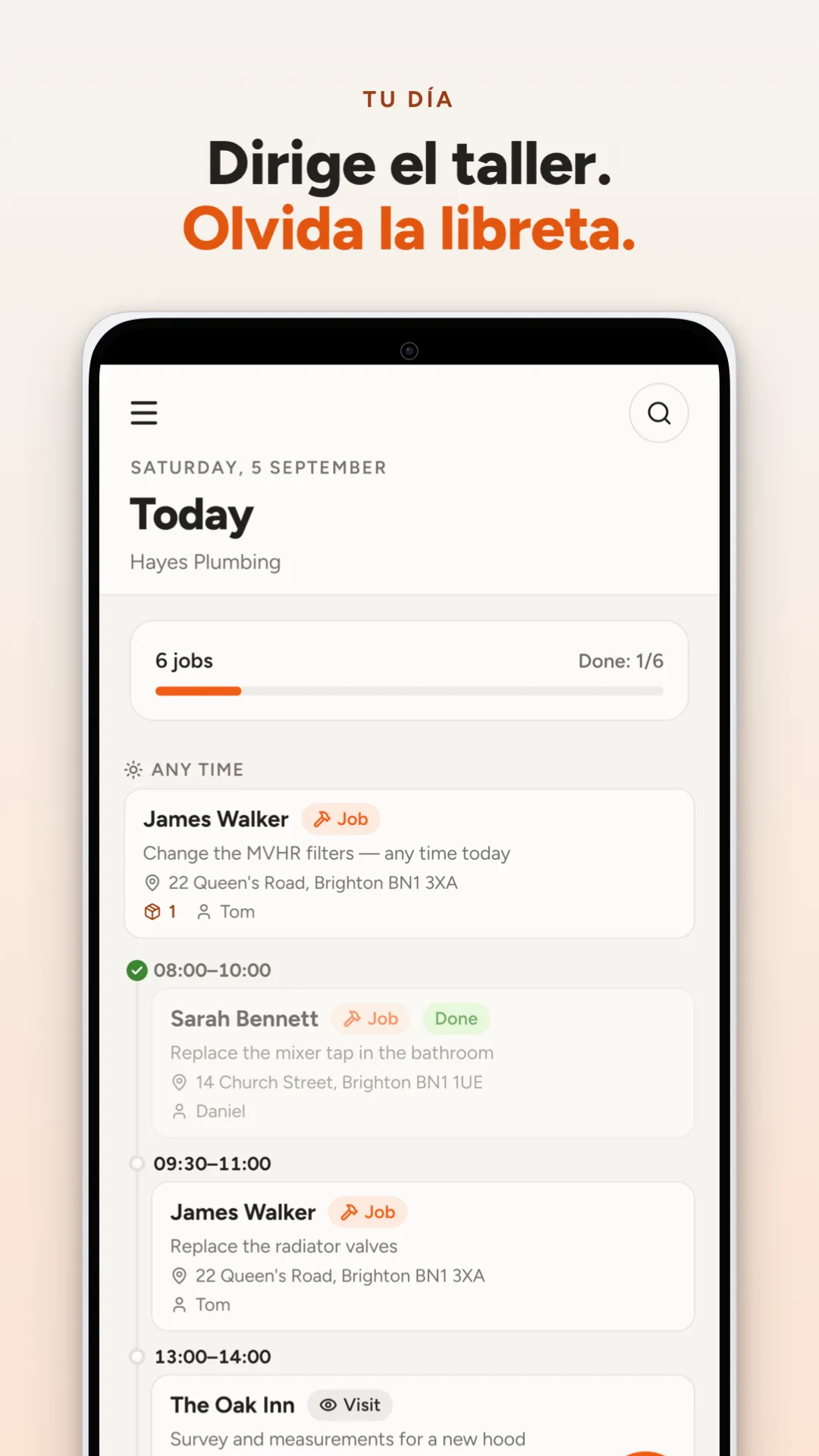
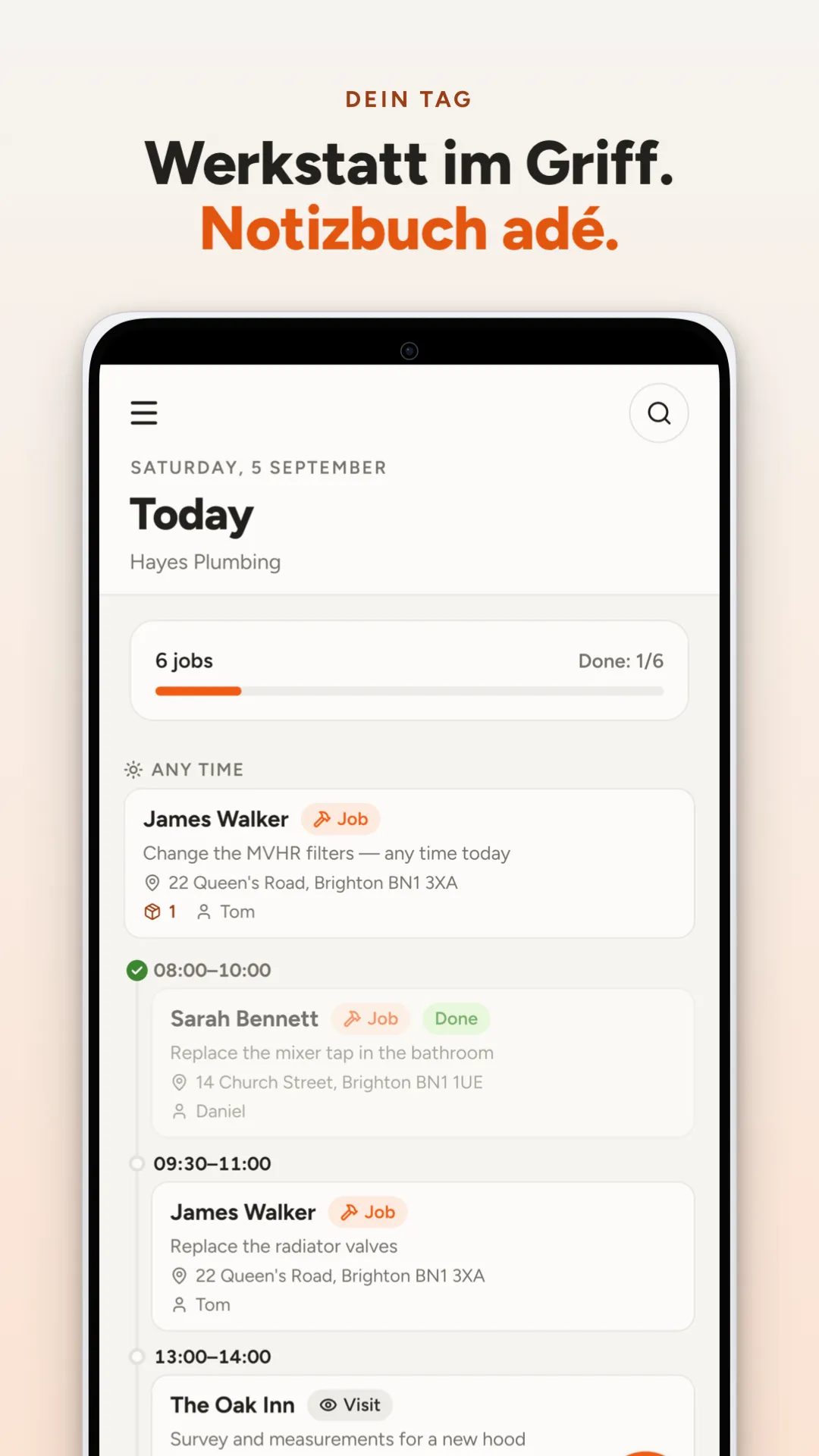
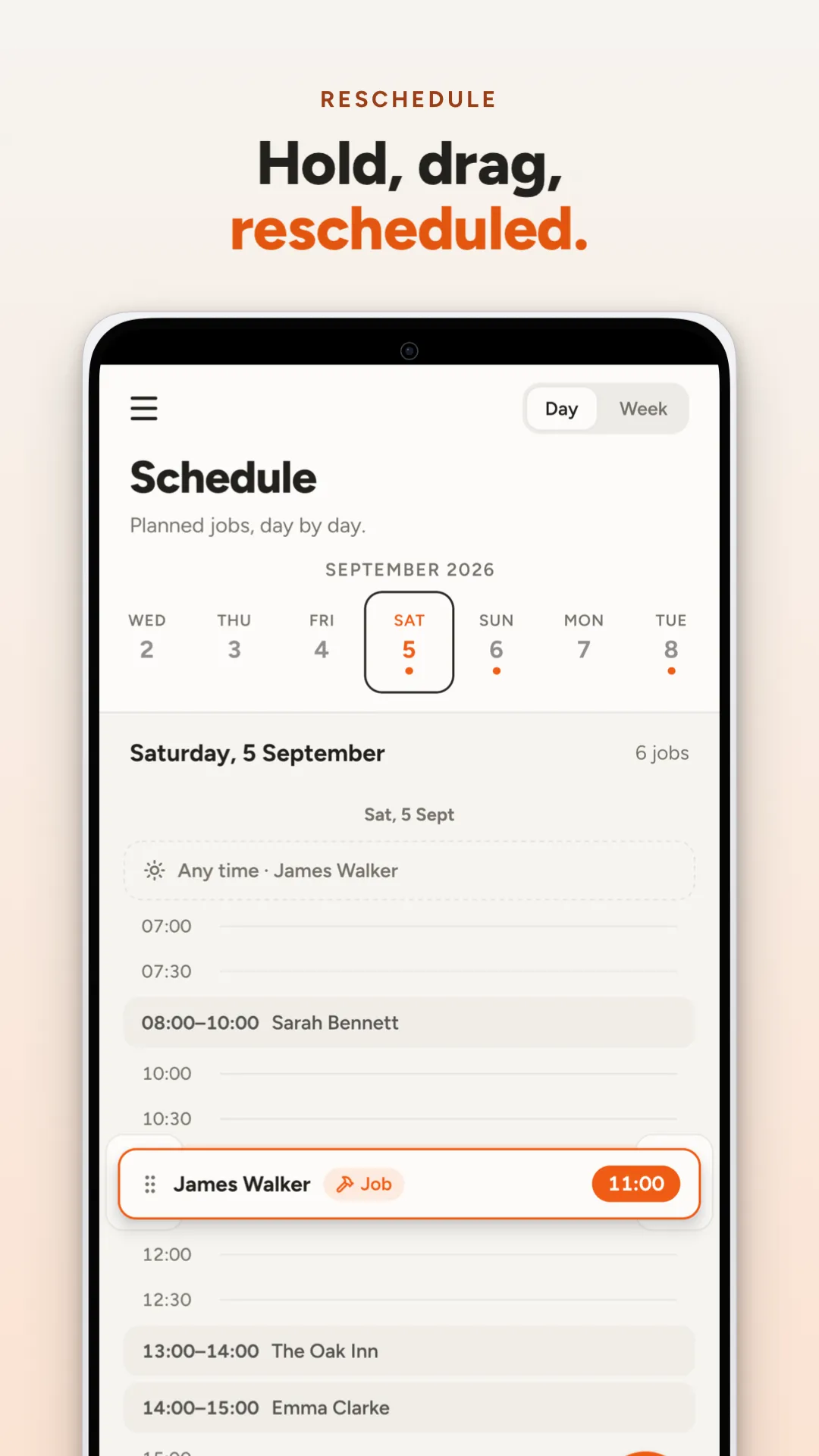
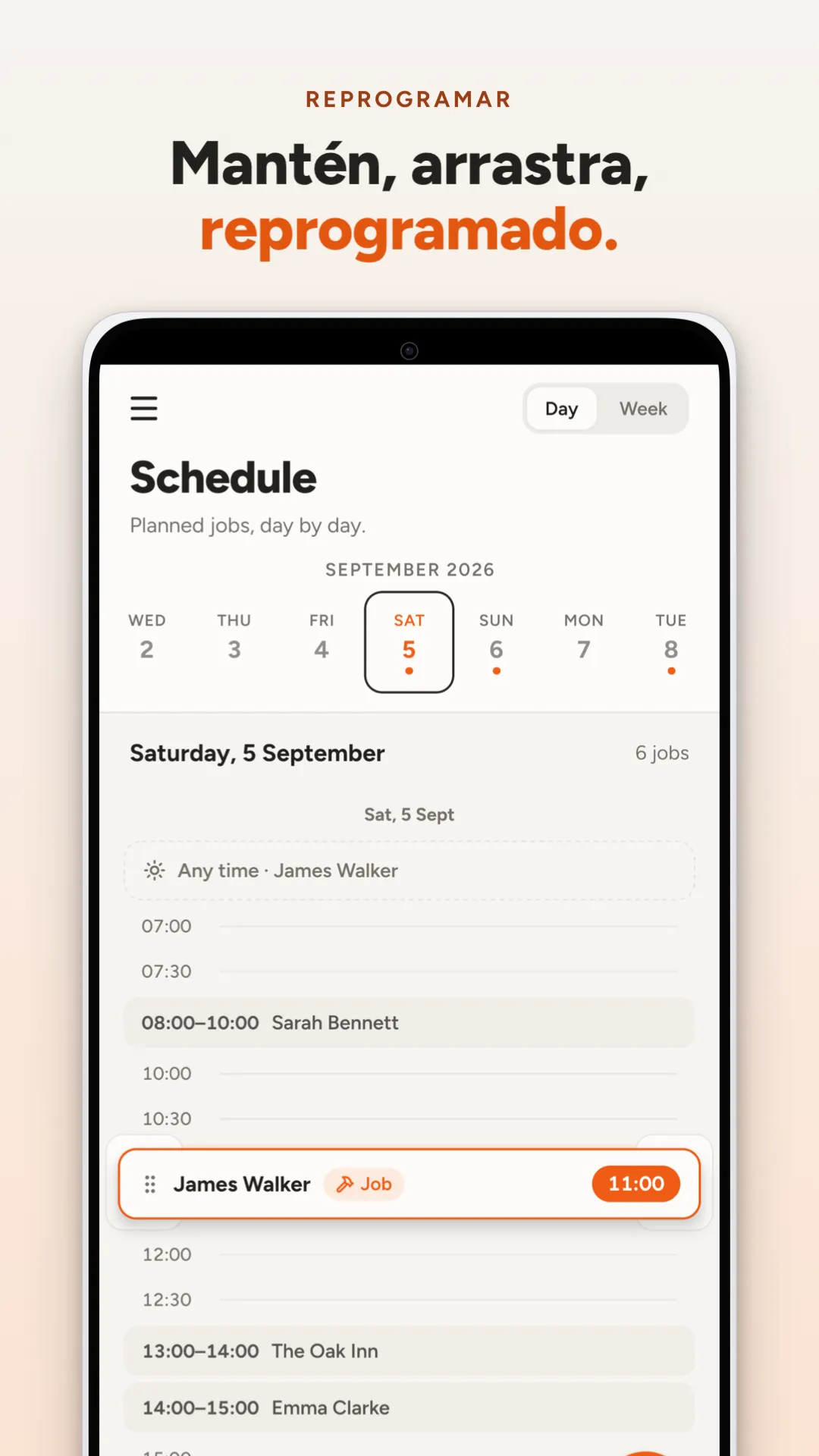
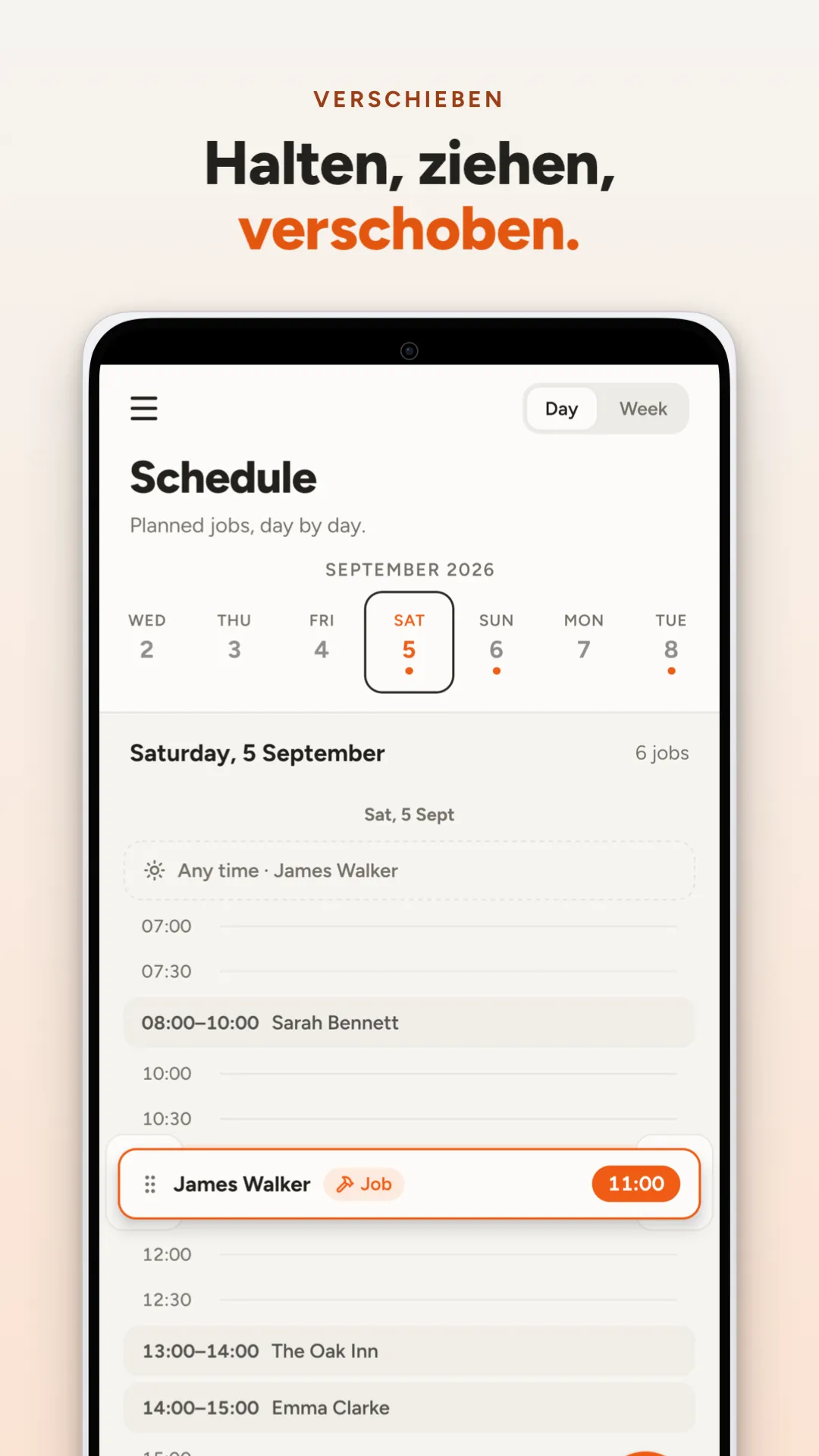
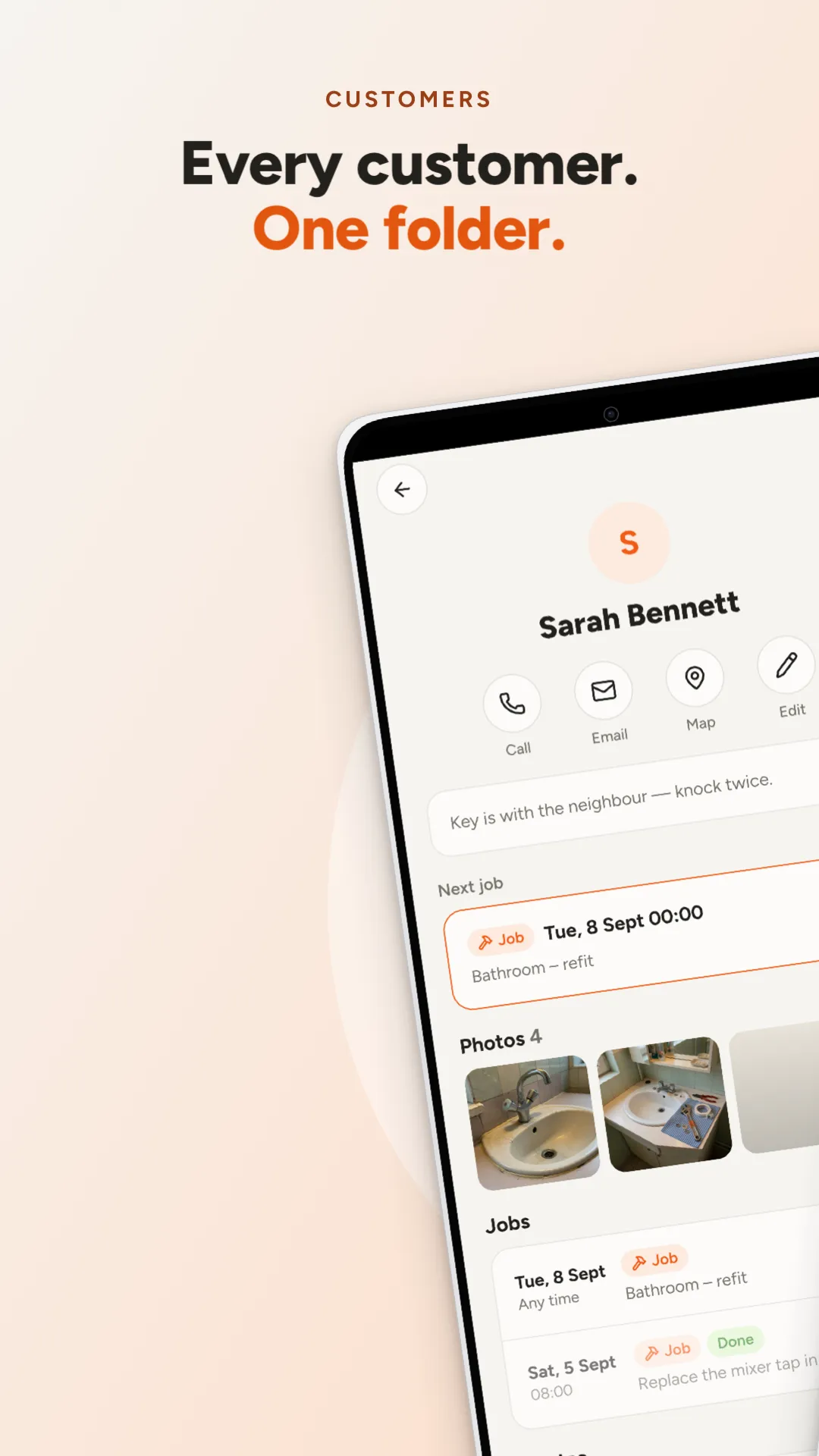
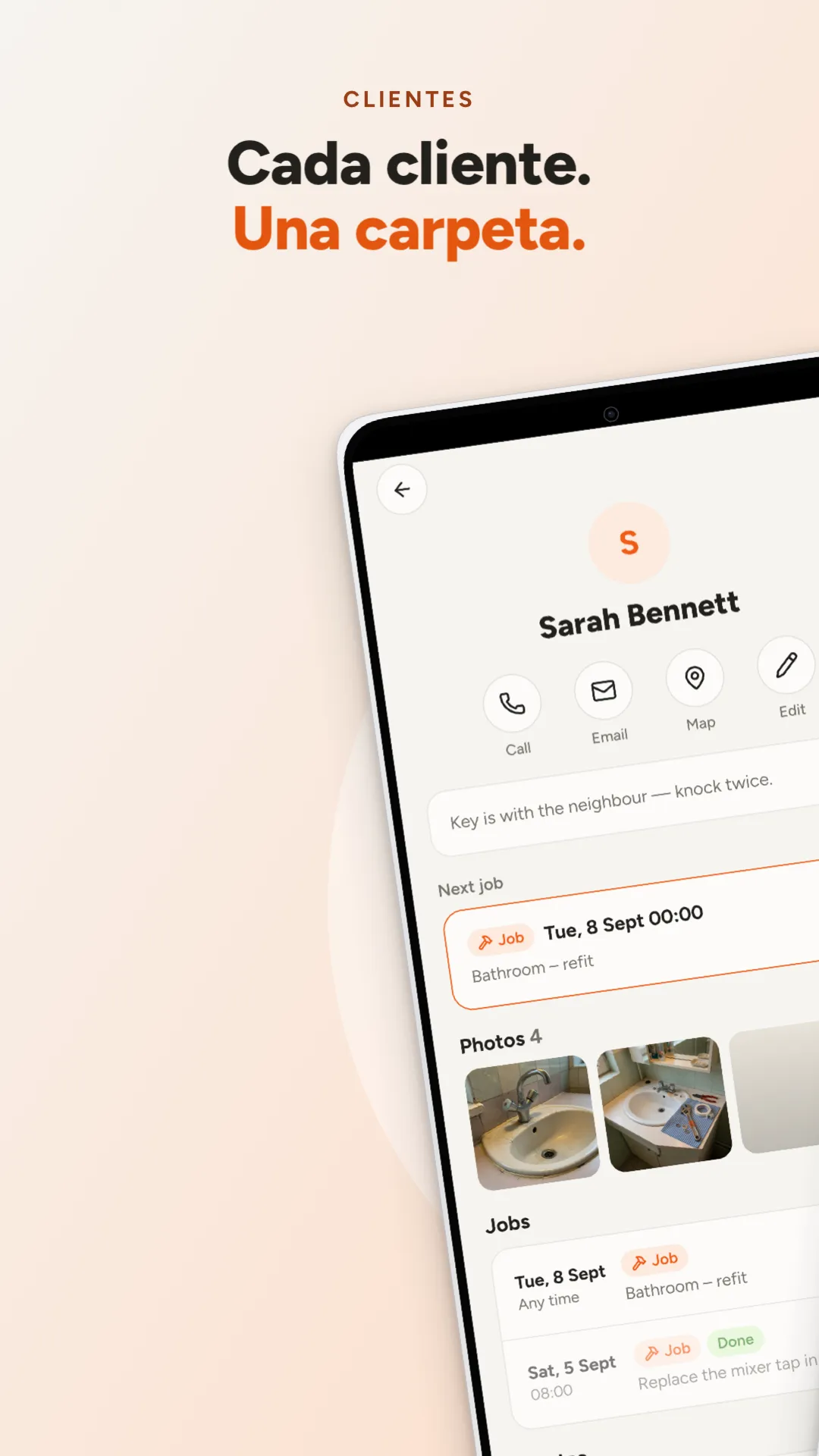
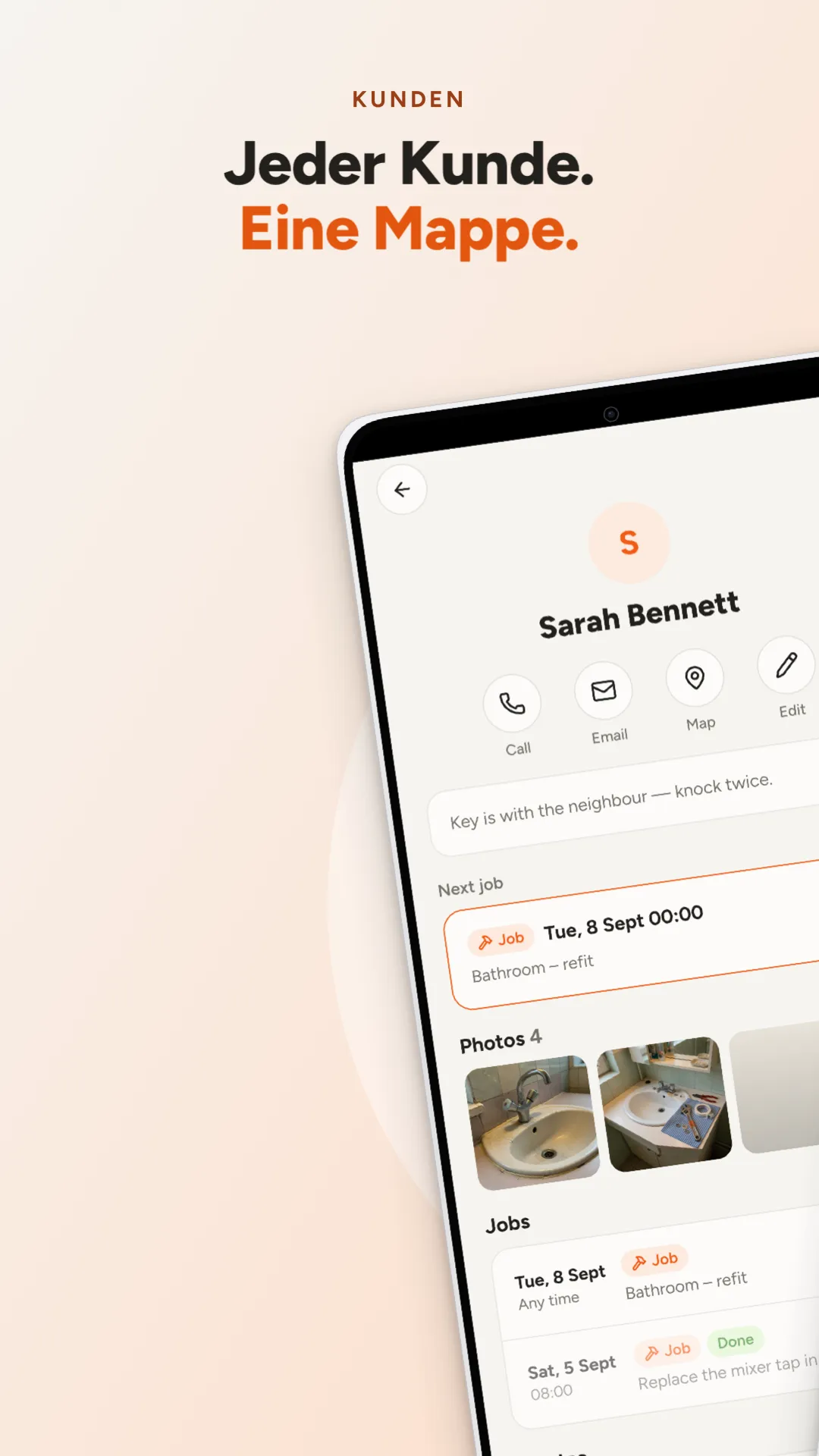
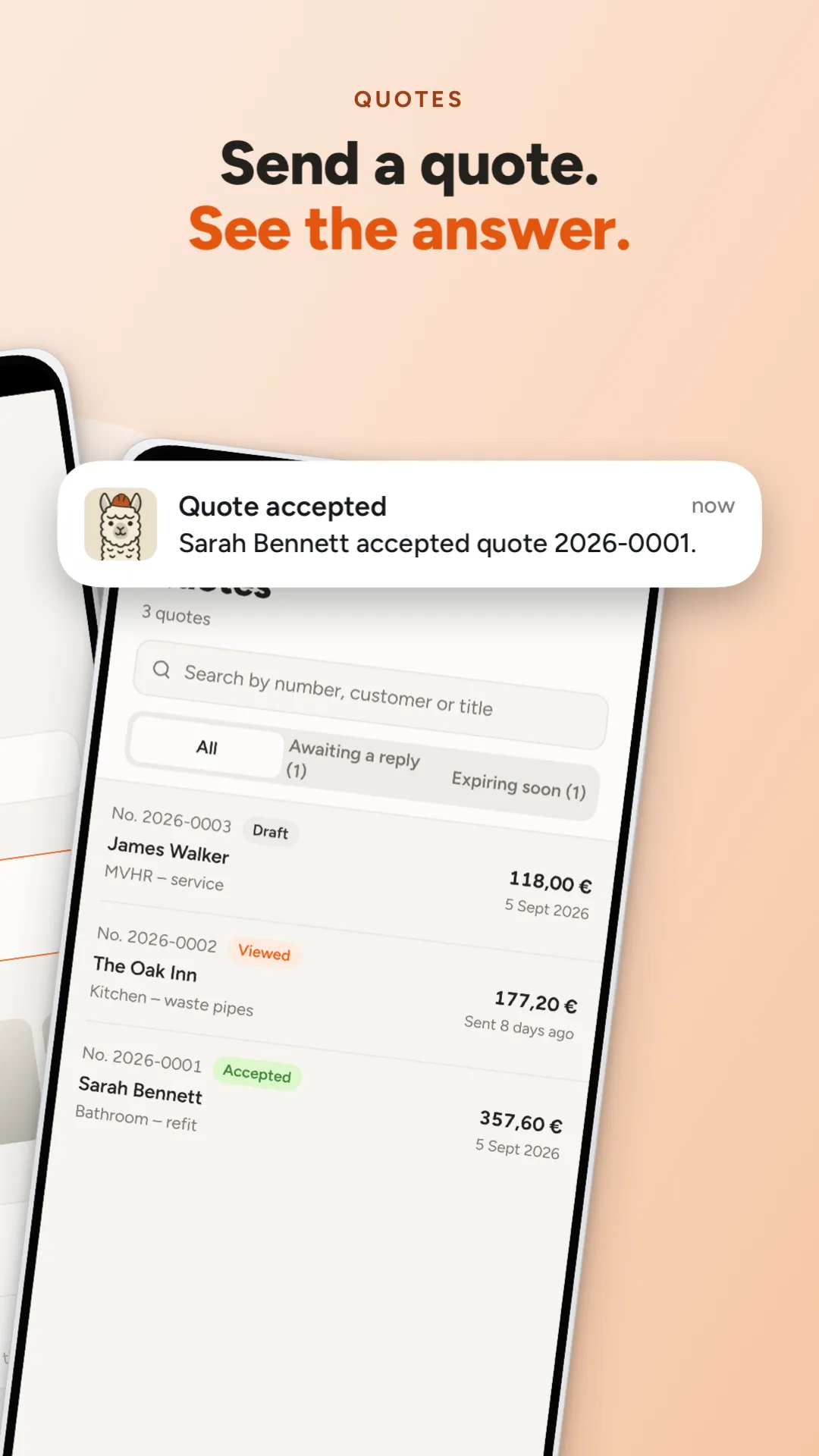
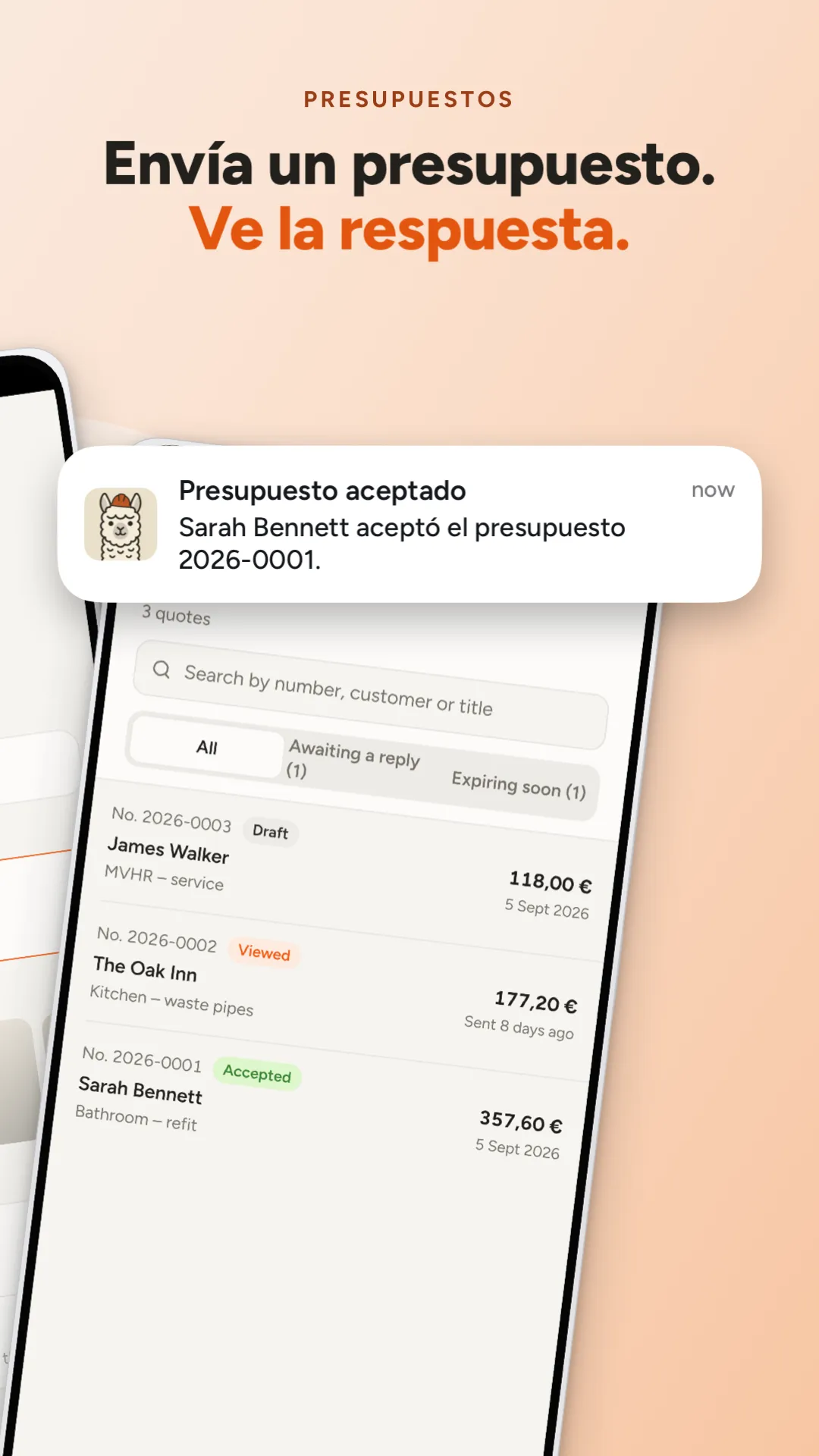
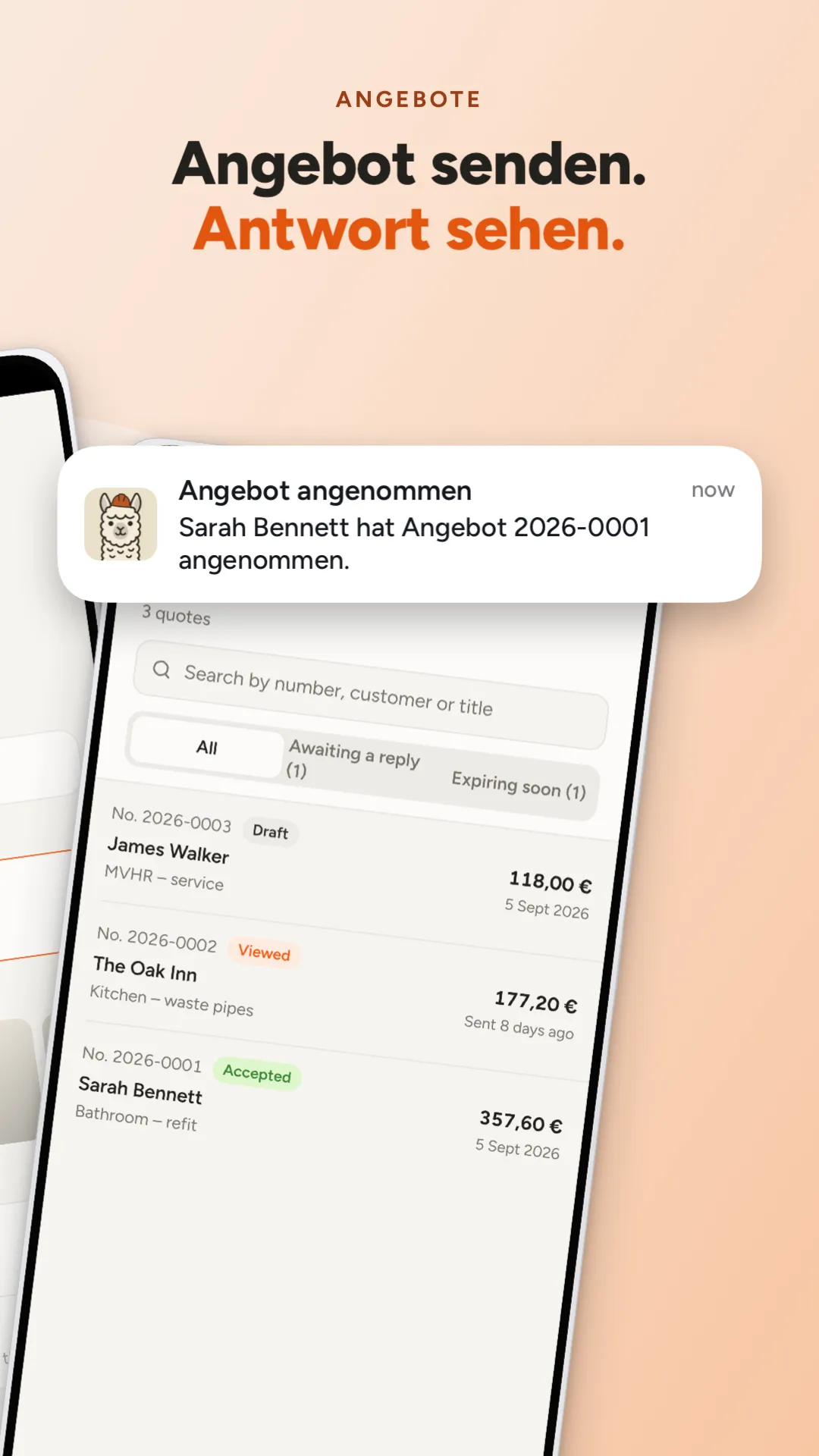
iOS simulators and Android emulators, a clean 9:41 status bar, light or dark, every locale. Never a mockup of your UI.
Screen shapes come from your installed Xcode, so captures fit pixel for pixel. Android frames fit any emulator size.
Layers, snapping guides, inline text editing, badges, your own SVG logos. Every agent edit is one undo step.
Your code, captures and projects stay on your Mac. A Stoot project is a folder in your repo, ready for git.
Plain folders or fastlane layout, so deliver and supply pick them up as is. Or drag them into the store consoles.
Claude Code gets a one-click setup. Cursor, Codex and anything else that speaks MCP can drive Stoot too.
Stoot checks every slide in every language against store rules: exact sizes, no transparency, Play's 2:1 limit, text contrast against the real background, text cut by a seam. Your agent reads the same report and fixes it before you look.
04-quotes.png has an alpha channel; stores reject transparency.
Google Play rejects images whose long side exceeds twice the short side.
Headline contrast is 1.8:1 against the background behind it; aim for 3.0:1.
Headline crosses the seam between slides 3 and 4 and will be cut.
Headline has no es-ES text.
Headline has 9 words; 5–7 reads best at thumbnail size.
Every feature works free. A license removes the “Made with Stoot” mark from exports. One price, paid once, with every 1.x update. Full pricing
First 100 buyers
$19$49one-time
0 of the first 100 sold · 100 left at $19
Try everything
$0
No. Stoot is a complete editor on its own: add your screenshots, design the slides and export, all by hand. The agent workflow is there when you want a first draft, and it works with Claude Code and any client that speaks MCP.
Every 1.x update, at no extra cost. A future 2.0 may be sold separately; the version you have keeps working either way.
The free version is the trial: everything works, and exports carry a small “Made with Stoot” mark until you buy. If a license still isn’t right for you, you get a full refund within 14 days.
iPhone 6.9″ and iPad 13″, the sizes Apple requires, plus Google Play phone, 7″ and 10″ tablets and the Play feature graphic. For iOS 27 there's header, search results and universal art too, still or as a looping video. Captures come from Xcode simulators and Android emulators on your Mac.
No. Stoot runs entirely on your Mac, with no analytics. Your license key is checked on your Mac too.
Export in fastlane layout and run fastlane deliver or supply, or drag the folders into App Store Connect and Play Console.
A Mac with macOS 15 or later, Xcode for iOS captures, and Android Studio's emulator for Android captures.