Stoot for Mac

A real editor,
not a template.

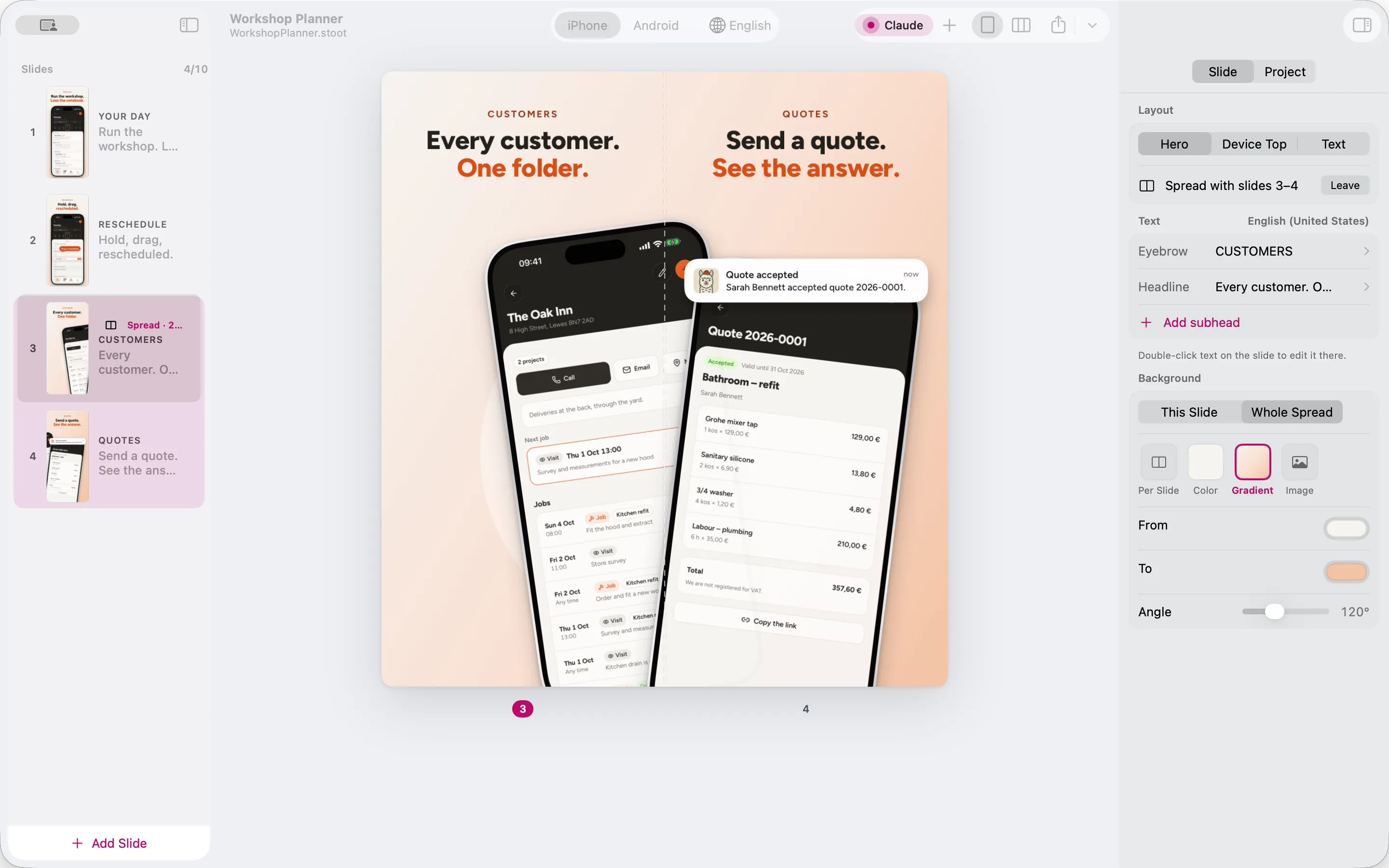
Native, fast and made for store screenshots. Your agent does the first draft in the same window you finish it in. These are stills from one real session on the Workshop Planner set.

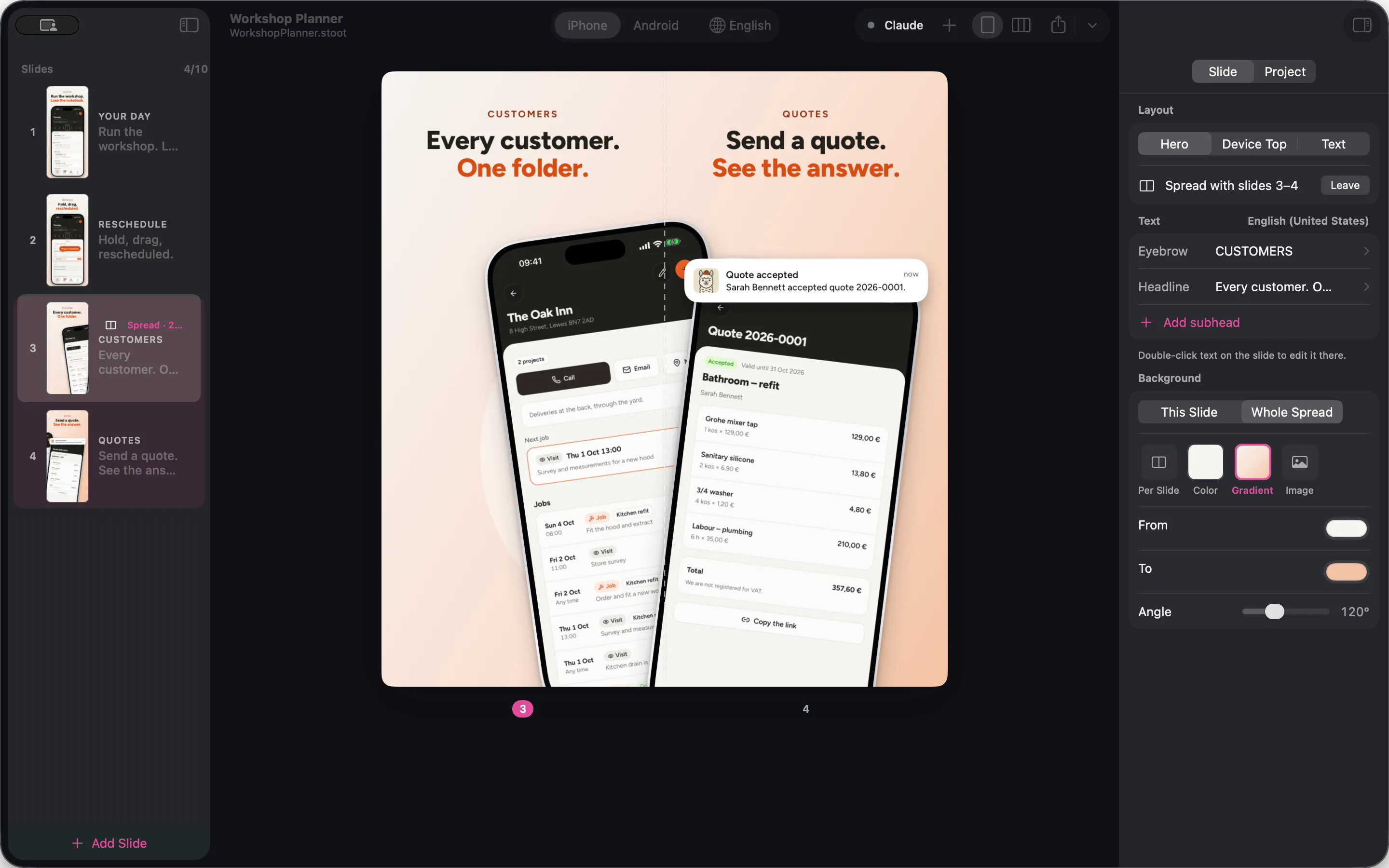
Stoot showing the Workshop Planner set: a two-slide spread with two phones crossing the seam, slides on the left, the spread's background settings on the right. Stoot showing the Workshop Planner set: a two-slide spread with two phones crossing the seam, slides on the left, the spread's background settings on the right.

The whole set in one window: slides on the left, the canvas in the middle, the inspector on the right.

Your agent works
in the window.

While Claude Code builds the set, Stoot shows which slide it's looking at and what it just changed. Store checks run on every edit, so a low-contrast headline is flagged before you'd notice it.
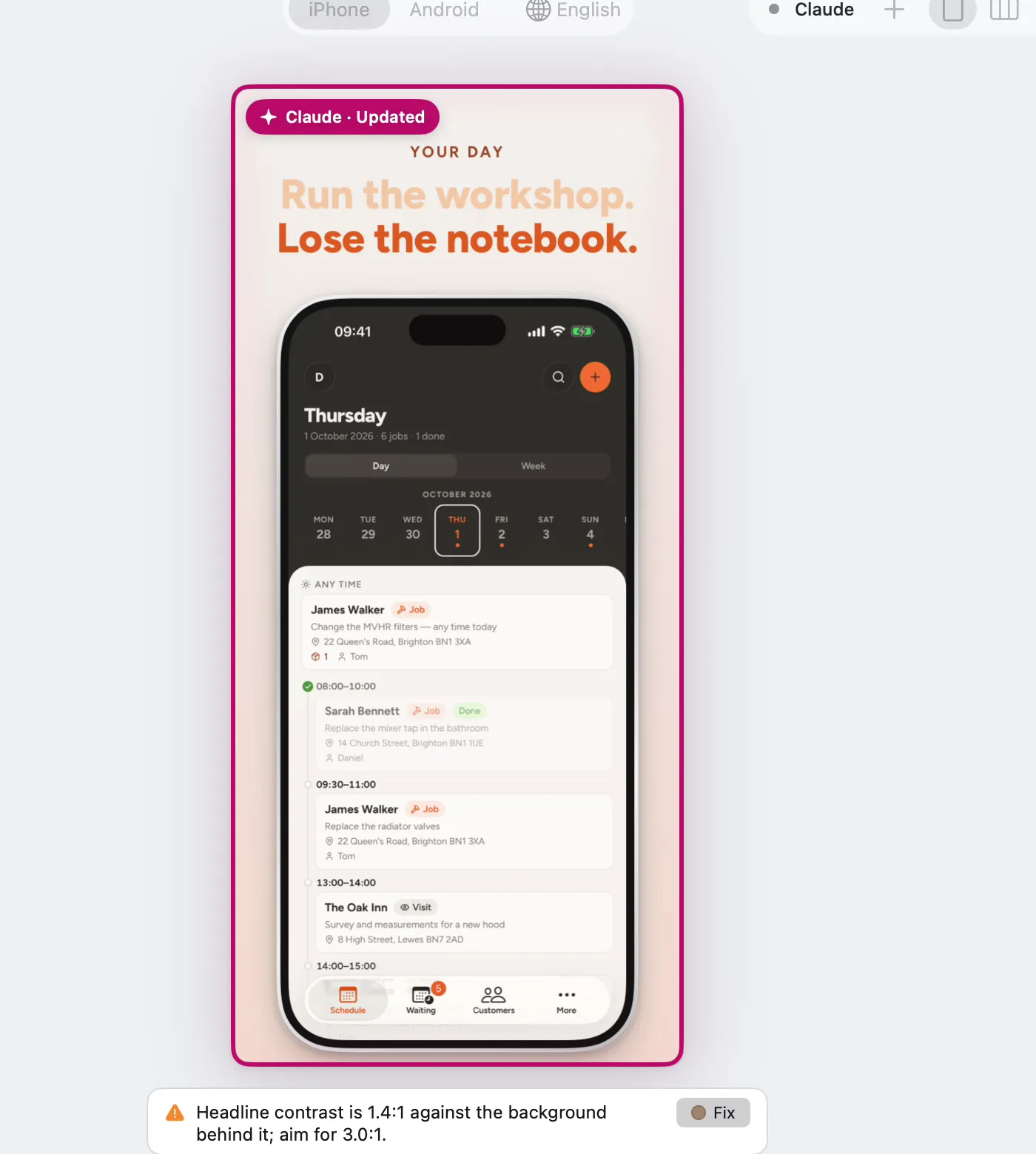
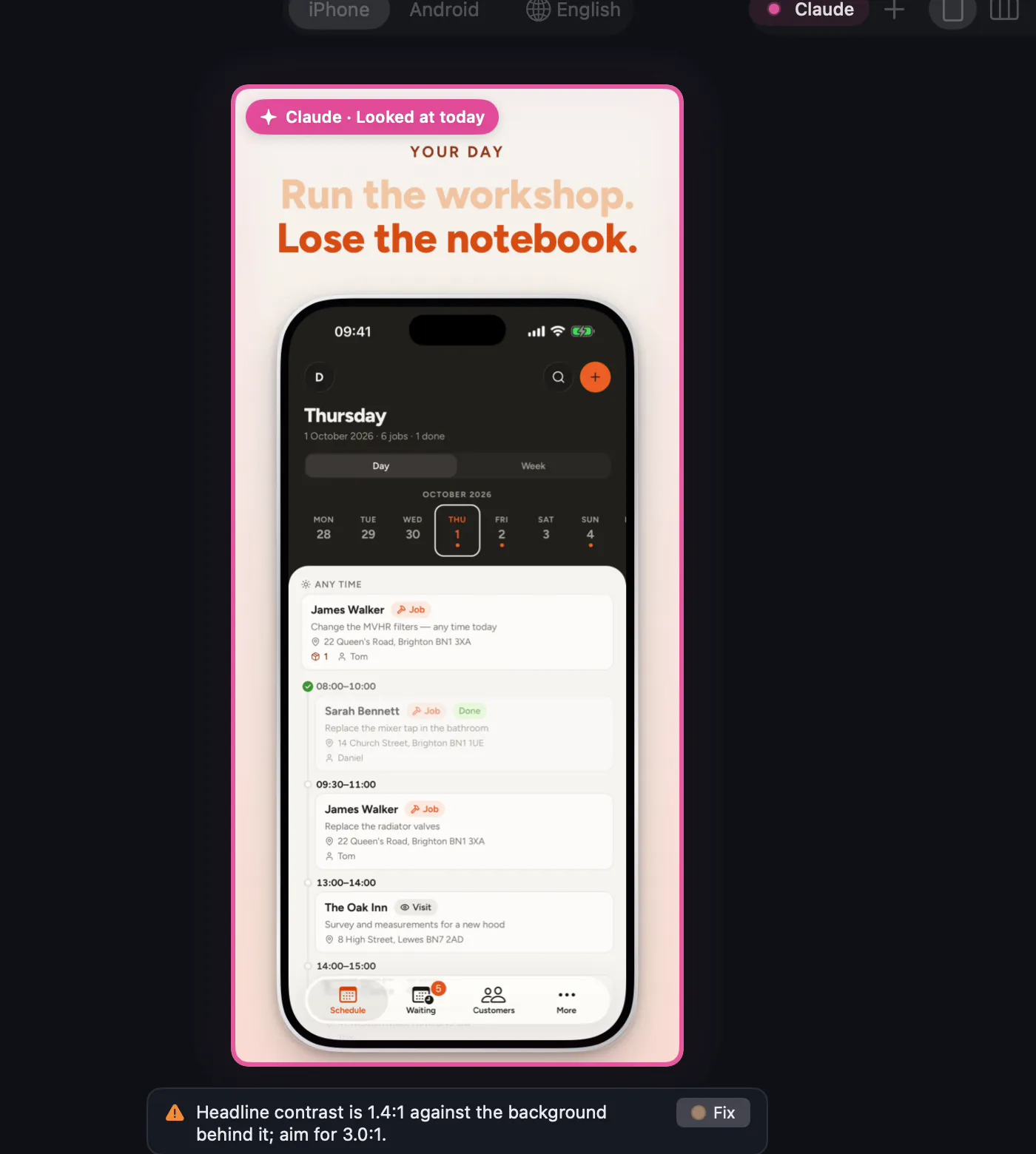
Stoot with the first slide outlined in magenta and labelled “Claude, looked at today”, and a contrast warning under it. Stoot with the first slide outlined in magenta and labelled “Claude, looked at today”, and a contrast warning under it.

Ready-made pieces,
one click away.

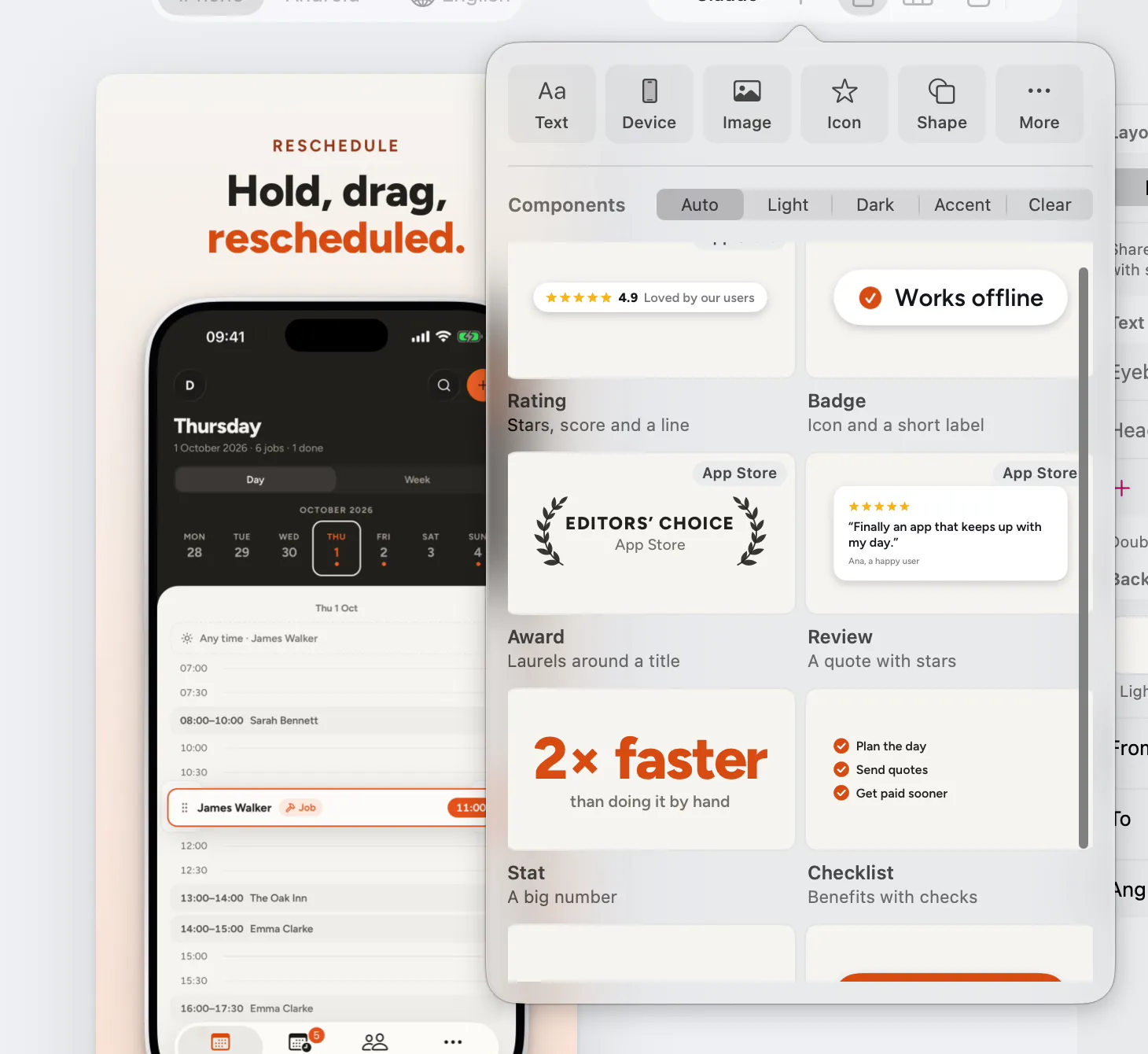
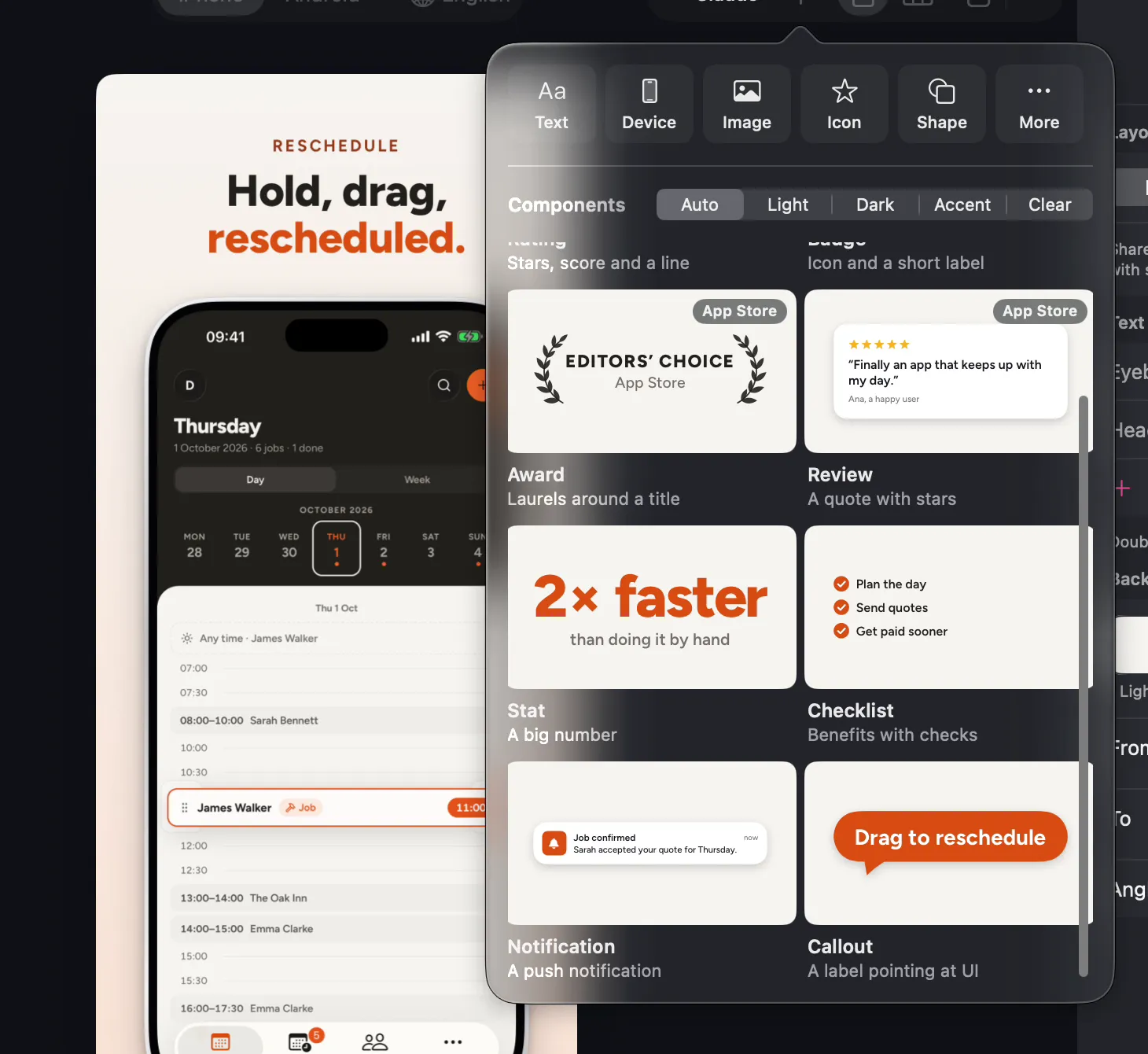
Awards, reviews, stats, checklists, notifications and callouts, styled to match the slide. Everything is a layer you can move, resize and retype.

The component library open over a slide: Editors' Choice badge, review stars, “2× faster” stat, checklist, notification and callout. The component library open over a slide: Editors' Choice badge, review stars, “2× faster” stat, checklist, notification and callout.

Place it by hand,
to the pixel.

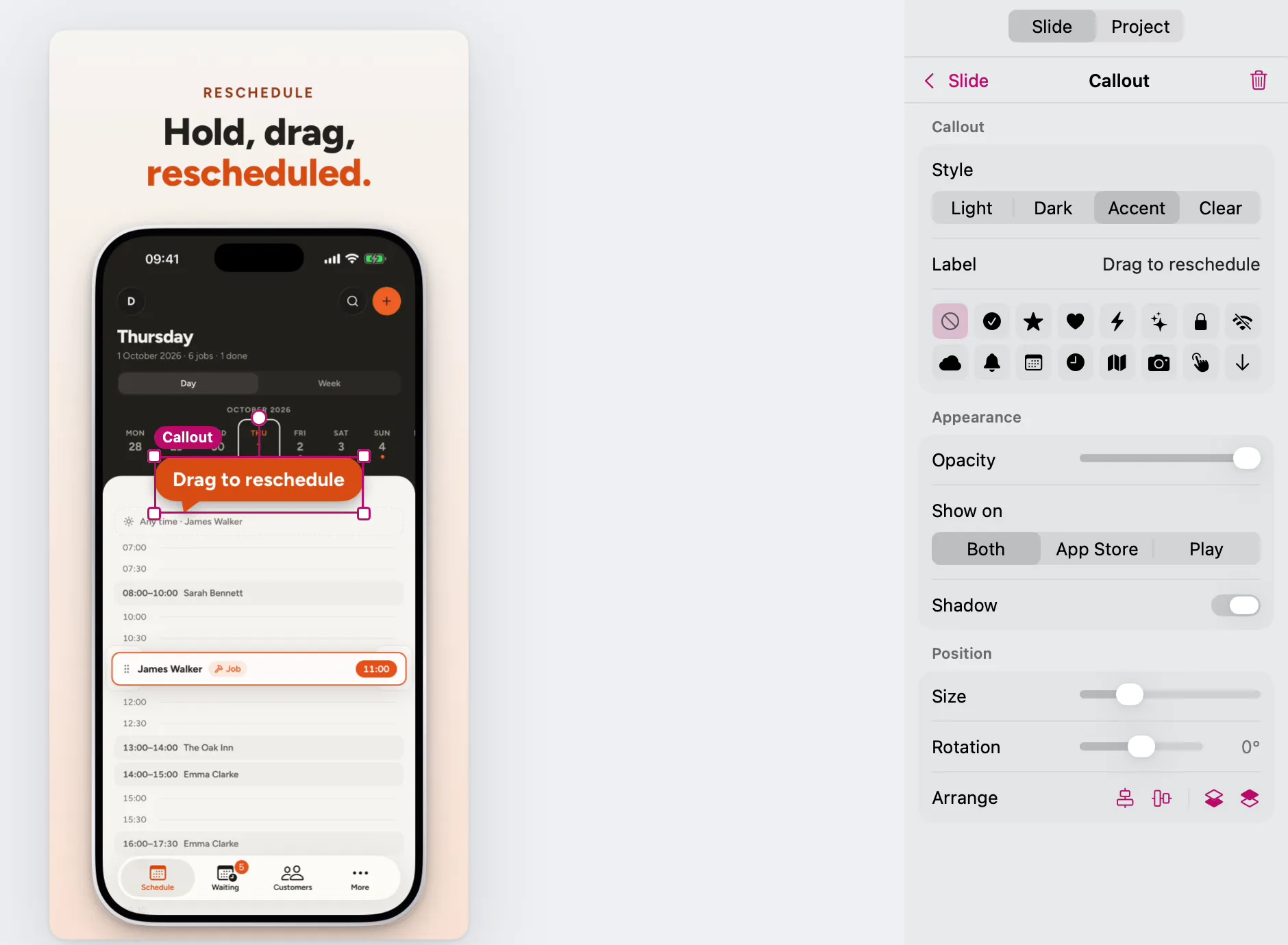
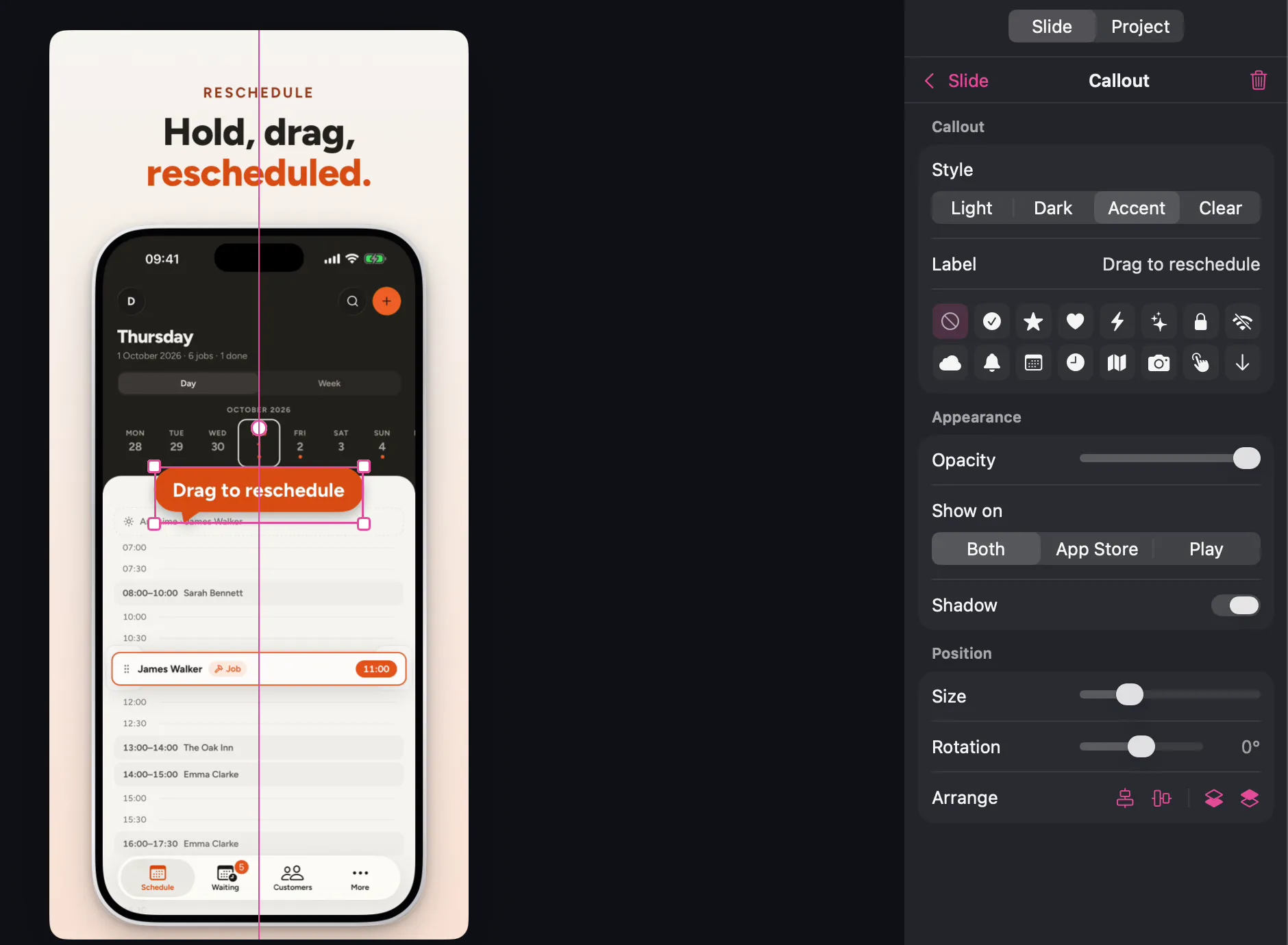
Snapping guides, an inspector for every element, and per-store visibility: show a callout on the App Store and hide it on Google Play. Every edit, yours or the agent's, is one undo step.

A “Drag to reschedule” callout being placed on a slide, with snapping guides and the callout inspector open on the right. A “Drag to reschedule” callout being placed on a slide, with snapping guides and the callout inspector open on the right.

Every language,
same design.

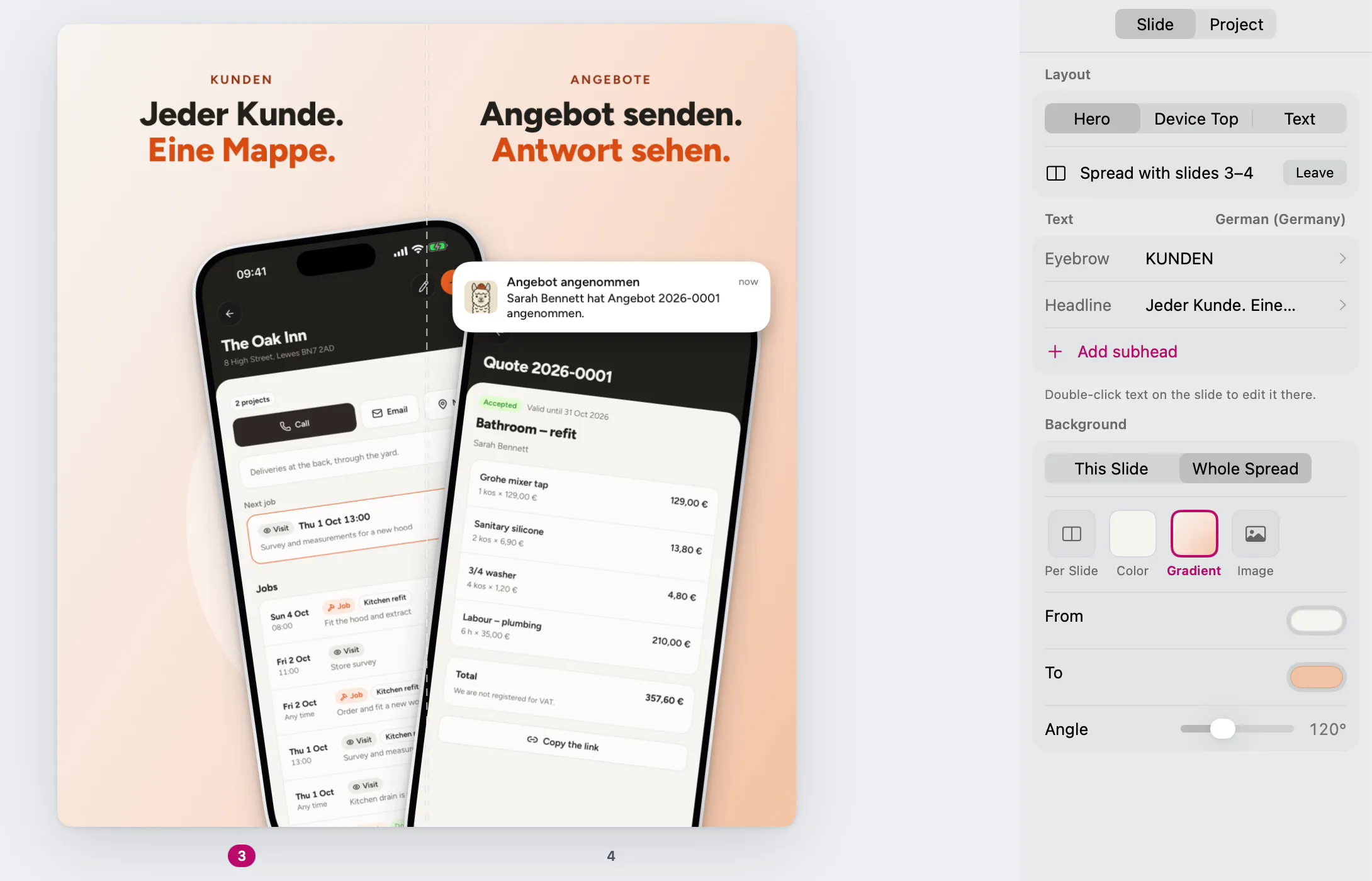
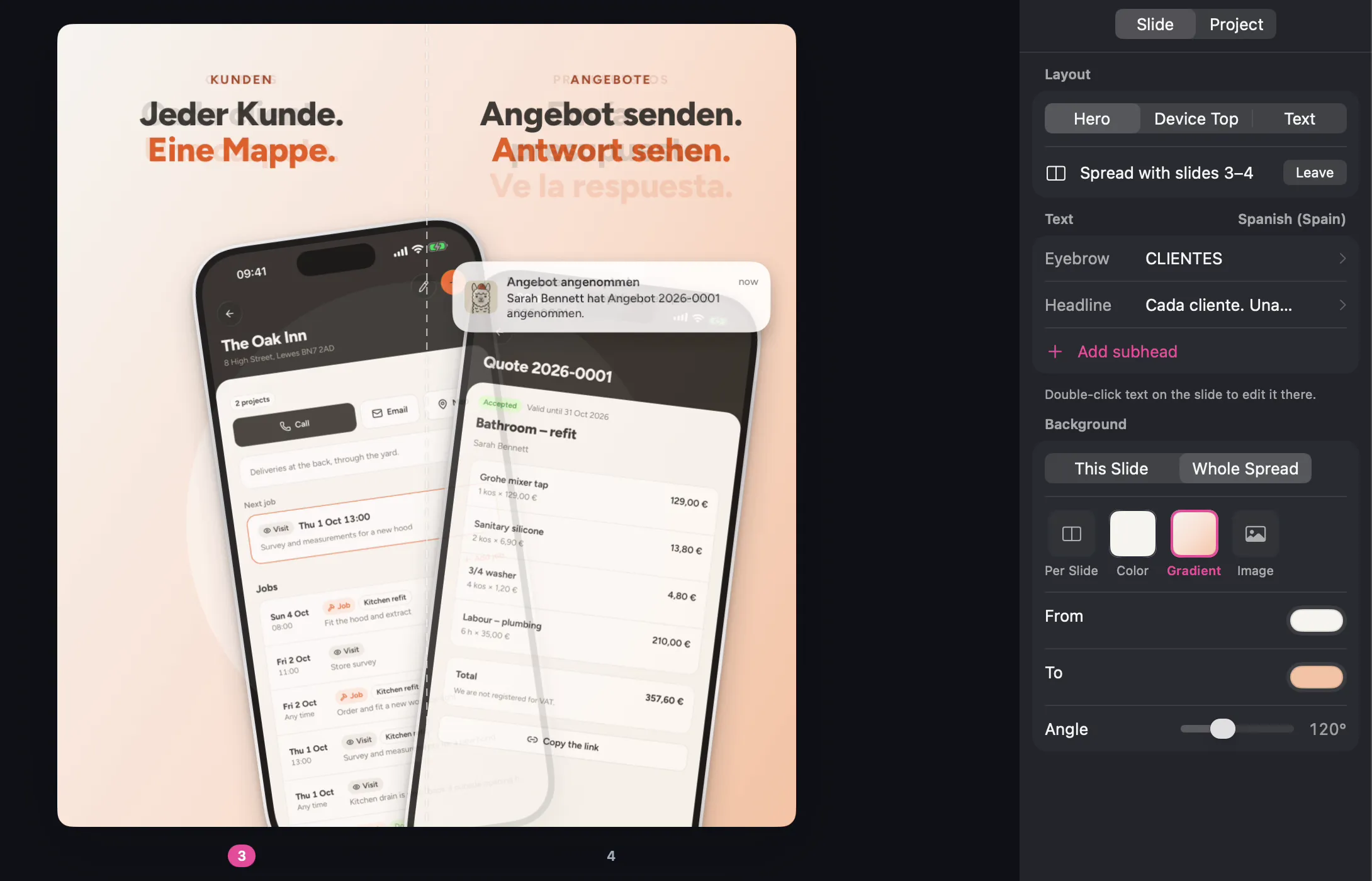
Switch the language in the toolbar and the whole set follows. Headlines fit themselves per language, and the spread keeps its phone on the seam in German as well as English.

The German version of the two-slide spread: “Jeder Kunde. Eine Mappe.” and “Angebot senden. Antwort sehen.” The German version of the two-slide spread: “Jeder Kunde. Eine Mappe.” and “Angebot senden. Antwort sehen.”

See it on your
own app.

Free to try with every feature. Exports carry a watermark until you buy a license.